.svg)
Subscribe to our newsletter and get insights on how to grow your personal brand.
Thank you! Your submission has been received!
Oops! Something went wrong while submitting the form.
.svg)


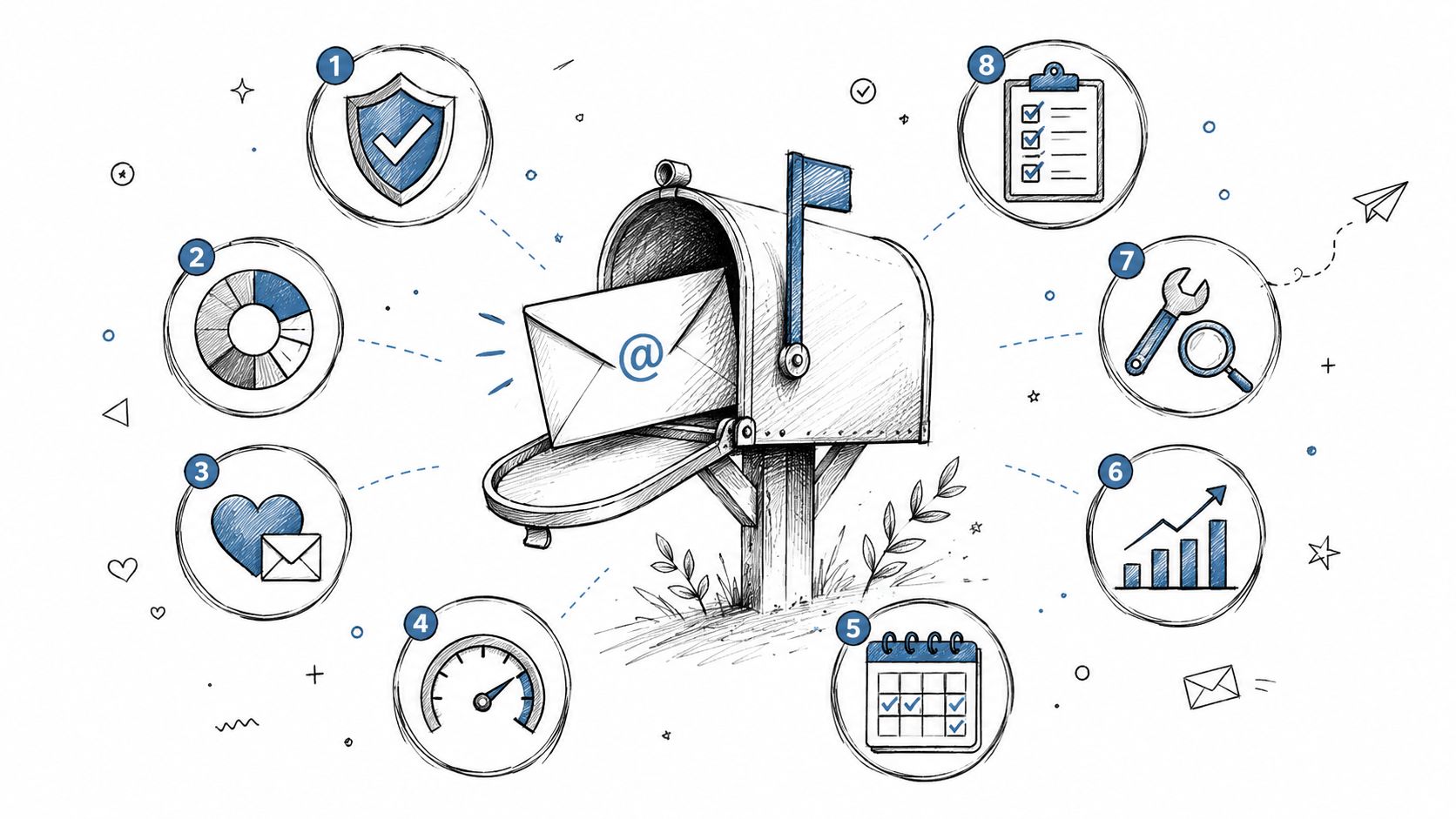
Your message can be excellent and still be worthless. The global average email deliverability rate for marketing and bulk email sits at roughly 83.1% to 85%, which means nearly 15% to 17% of sends never reach the intended inbox at all, while a good program should be at 95% or higher and healthy programs often sit between 98% and 99% according to Mailtrap's deliverability benchmarks. That gap should get your attention.
If you're a founder, operator, or personal brand builder, this isn't just an email ops problem. It's a reputation problem. Every ignored inbox rule tells Gmail, Outlook, and other providers that your messages aren't trusted, and once that pattern sticks, your audience stops hearing from you no matter how strong your ideas are.
I treat email deliverability best practices as brand protection. Your newsletter, launch emails, thought leadership, client nurture, and community updates all depend on one thing first. They have to arrive.
If you want to ensure emails reach the inbox, stop thinking about deliverability as a technical cleanup task you can postpone. Treat it like audience stewardship. Protect your sender reputation, earn attention with every send, and make sure your voice lands where it belongs.
A bloated list is not an asset. It's a liability.
Mailbox providers watch how your audience behaves. If too many people ignore your emails, mark them as spam, or if too many addresses bounce, your sender reputation drops. Customer.io makes the thresholds clear: hard bounces need to stay below 2%, spam complaints must stay below 0.1%, and Gmail and Microsoft treat subscribers who haven't opened or clicked within the last 4 months as no longer engaged in a meaningful way according to Customer.io's deliverability guidance.
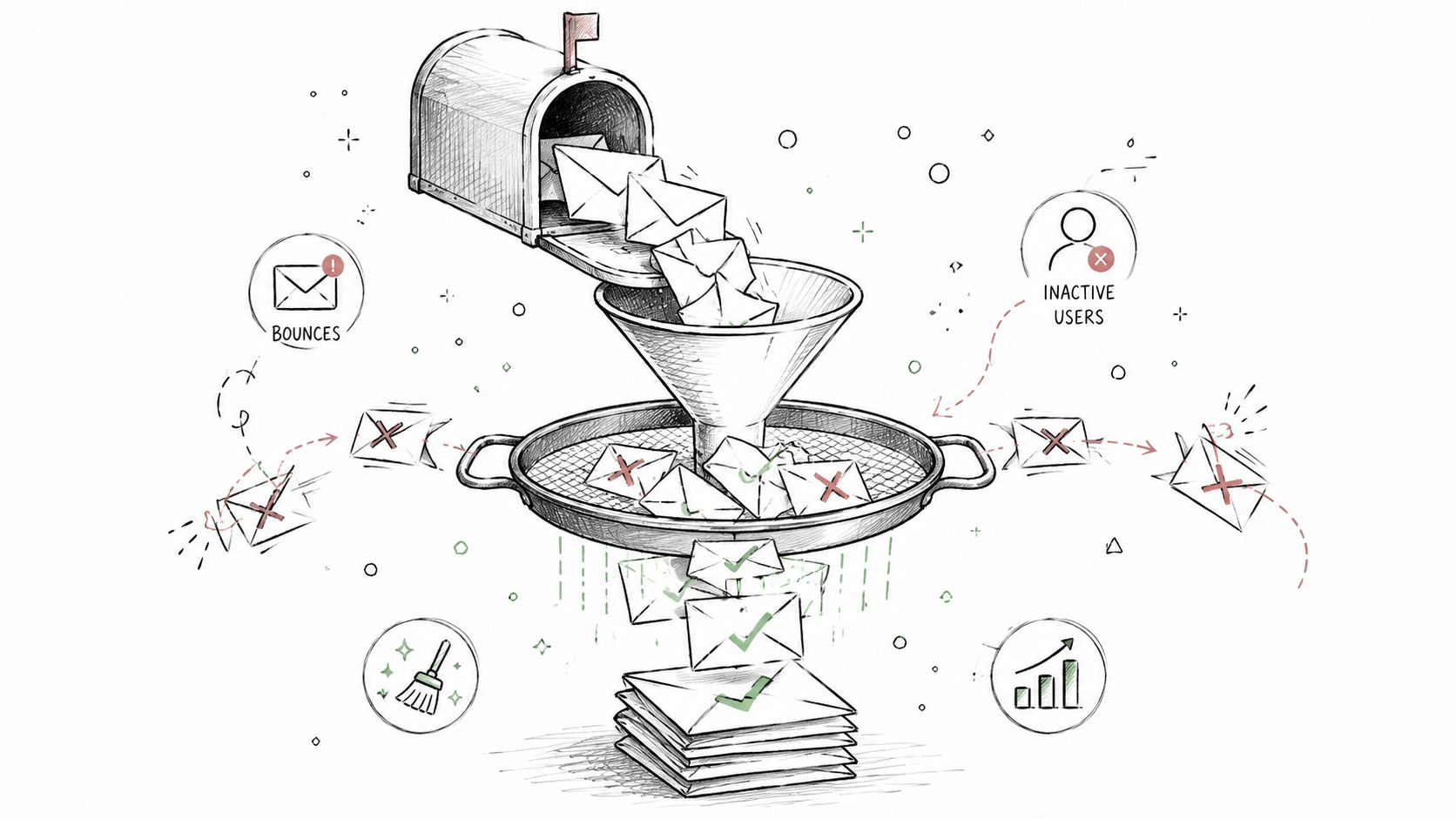
If you're building a personal brand, list hygiene does something bigger than improving metrics. It protects your authority. Sending to people who stopped caring tells inbox providers your message lacks relevance. Sending to people who never wanted your emails in the first place tells them your brand isn't disciplined.
Use tools like Mailchimp, Kit, HubSpot, or Customer.io to suppress hard bounces immediately and create segments based on recent engagement. I also recommend using an email verification tool before importing older contacts or event leads, especially if that data came from manual collection, old CRM exports, or partner lists.
A practical cleanup process looks like this:
Practical rule: A smaller list that wants your emails is worth more than a larger list that teaches inbox providers to distrust you.
If your domain isn't authenticated, you're asking inbox providers to take your word for it. They won't.
SPF, DKIM, and DMARC are foundational. Mailtrap explicitly ties strong deliverability to configuring SPF, DKIM, and DMARC correctly, and that isn't just a technical checkbox. It's how you prove that your email comes from your brand and not from someone spoofing it, as explained in this guide on setting up email authentication.
For founders, this matters beyond phishing prevention. Your name is the product in many cases. If your audience associates your domain with suspicious or unauthenticated email behavior, you've damaged trust before they even open a message.
Here's a useful explainer if your team needs a walkthrough:
Start with SPF and make sure it includes every legitimate sending service you use. Then enable DKIM signing inside your ESP. After that, add DMARC in monitoring mode first so you can see what systems are sending mail on your behalf before you tighten enforcement.
I also recommend adding newer trust signals when your setup is stable. MessageFlow points to one-click unsubscribe through list-unsubscribe headers, BIMI for brand identity verification, and AMP for Email as advanced deliverability-supporting measures in its email deliverability guide.
If your audience trusts your name, your domain should back that up technically.
Too much time is still wasted obsessing over “spam words.” That's outdated thinking.
The more useful question is whether recipients engage. The underserved reality in current deliverability guidance is that inbox providers now prioritize engagement over simplistic content filters, and Apollo explicitly states there is no shortlist of words to avoid. The bigger issue is whether your audience opens, clicks, replies, or ignores you. That means the safest copy isn't the most sanitized copy. It's the most relevant copy.
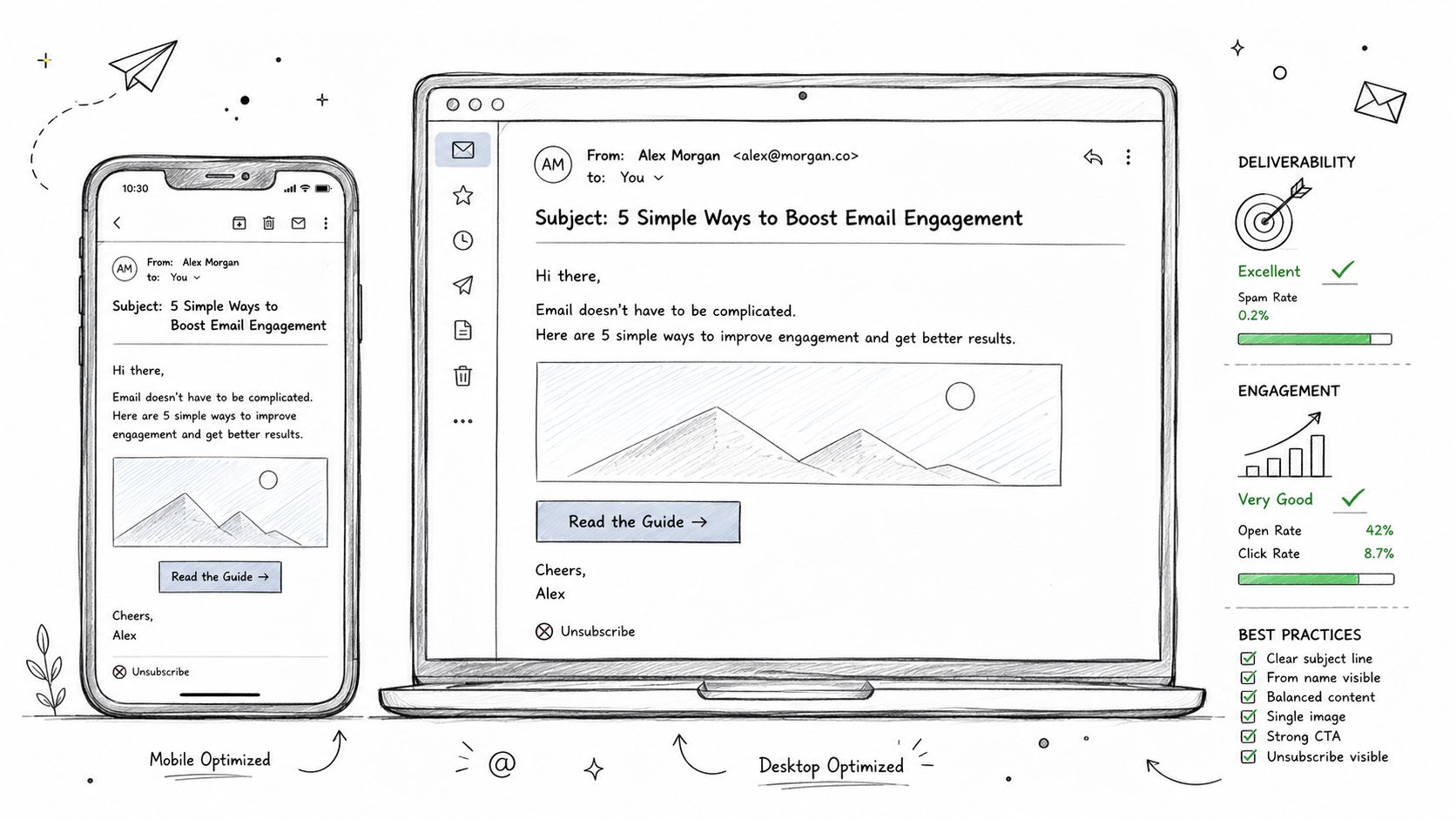
Founders often get this backward. They polish subject lines, remove harmless phrases, and tweak punctuation while continuing to send generic content to broad segments. Inbox providers care more about whether real humans consistently want what you're sending.
Use a recognizable from-name. Keep your layout clean. Make your unsubscribe option obvious. If you're sending newsletters or nurture sequences, simple formatting often performs better than overdesigned templates because it feels more personal and easier to trust.
Your design still matters. If you want a sharper creative framework, study these email design best practices for 2026 and apply them without turning every send into a visual production.
I push clients toward content habits like these:
Stop trying to outsmart filters with wording tricks. Earn positive engagement with relevance.
A new domain has no reputation. Inbox providers don't know you yet, and they don't care how legitimate you claim to be.
Customer.io recommends starting with low send volumes and increasing gradually while sending consistently to engaged segments first. That's the right approach because reputation is earned through behavior over time, not declared in your settings. If you launch a new domain and blast your entire list, you've told mailbox providers you're reckless.
This hits personal brands especially hard. Many founders launch a newsletter from a fresh domain, import old contacts, and send a big announcement. Then they wonder why opens collapse. The inbox provider sees an unfamiliar sender with uneven volume and stale engagement history. That's not a welcome signal.
Start with the people most likely to open, click, and reply. That means recent subscribers, active customers, and close community members. Use your ESP, whether that's Kit, Mailchimp, HubSpot, or Customer.io, to build a high-engagement segment and send there first.
A strong warm-up pattern includes:
Your first sends from a domain should feel like a quiet introduction, not a loud campaign launch.
Warm-up isn't only for brand-new senders. You also need it after major platform migrations, long periods of inactivity, or domain changes.
Relevance drives deliverability. Segmentation is how you operationalize relevance.
Customer.io says open rates should stay at a minimum of 33% to validate content relevance and support healthy sending. That number matters because it forces discipline. If a segment isn't responding, don't keep forcing volume into it. Fix the message or stop mailing that group until you have a better reason to contact them.
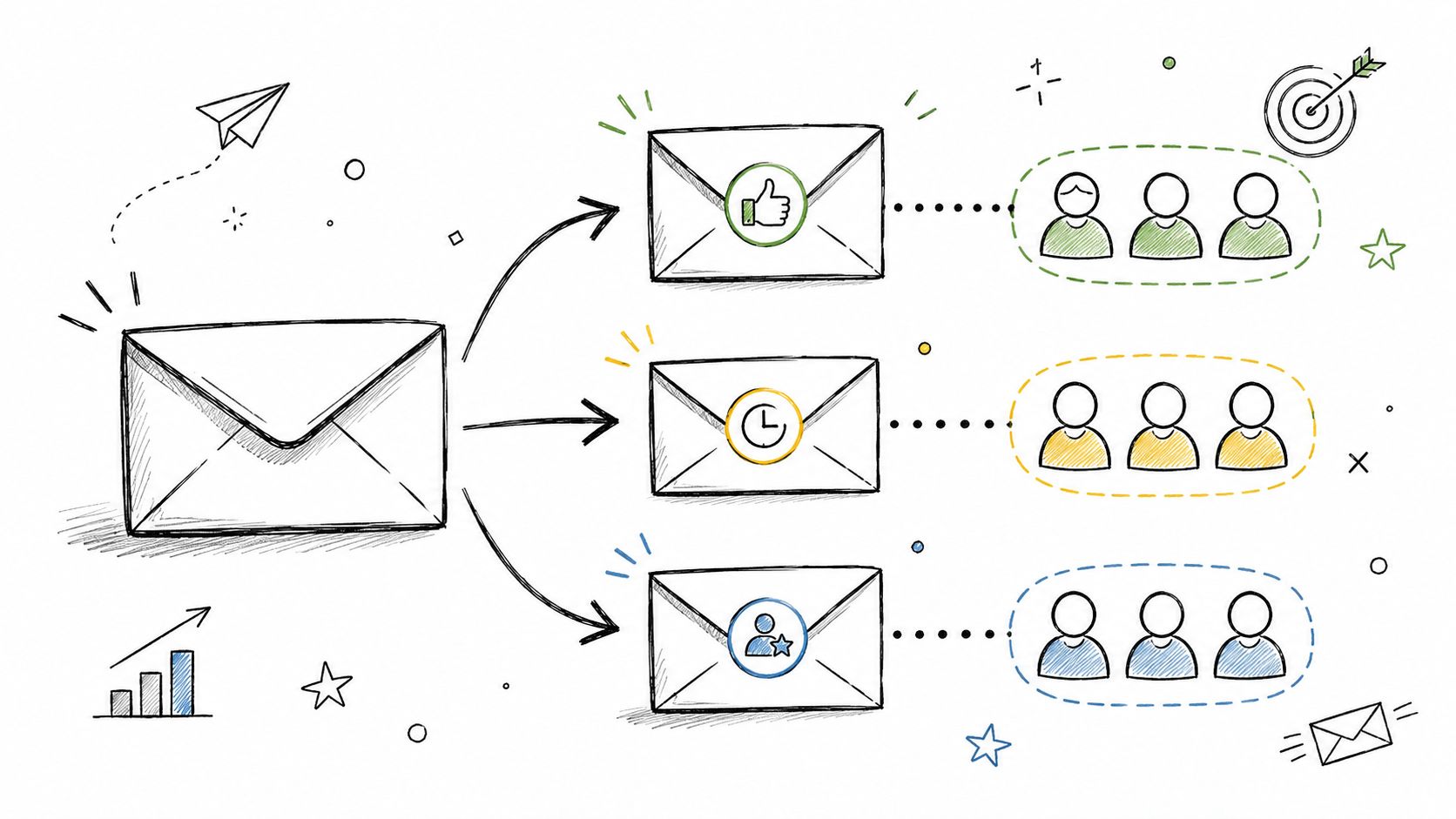
I've seen the same mistake across SaaS founders, consultants, and executives building thought leadership. They send one broad email to customers, prospects, podcast leads, event contacts, peers, and cold subscribers as if all attention is equal. It isn't. Mixed intent creates weak engagement, and weak engagement damages inbox placement.
A standard approach begins with demographics. I start with behavior.
A simple structure inside HubSpot, Klaviyo, Customer.io, or Mailchimp works well:
If you need a practical framework, use this guide on segmenting email lists for higher engagement.
Segmentation protects your brand voice because it lets you stay specific. A specific email feels personal. A generic email feels automated. Inbox providers can detect the difference through recipient behavior even if your copy sounds polished.
You can't manage sender reputation by intuition. You need to watch the numbers that inbox providers watch.
MessageFlow highlights continuous optimization through A/B testing and monitoring engagement metrics such as opens, click-throughs, and replies because those signals correlate with stronger inbox placement. I agree, but I'd add something more blunt. If your dashboard is an afterthought, your deliverability will become one too.
The minimum set I want every founder or marketing lead to review regularly is simple: bounce rate, complaint rate, opens, clicks, replies, unsubscribes, and segment-level engagement. Most modern ESPs make this easy. HubSpot, Kit, Mailchimp, ActiveCampaign, and Customer.io all surface these metrics clearly enough for weekly review.
Use reporting to identify patterns, not just campaign summaries. If one segment stops opening, that's not a creative issue alone. It may be the first sign your targeting is slipping. If unsubscribes spike after a new content format, you've learned something useful before complaint rates rise.
Your reporting discipline should include:
If your team needs a better measurement framework, use these email campaign performance metrics to master in 2026.
The dashboard isn't for reporting upward. It's for protecting your domain before inbox providers punish it.
Double opt-in filters out bad intent early. That's why I recommend it for almost every brand that cares about long-term deliverability.
MessageFlow lists double opt-in as a technical best practice for permission-based acquisition, and that's exactly how you should think about it. You're not creating friction for good subscribers. You're creating a gate that protects your list from fake signups, bots, typos, and low-intent contacts who won't engage later.
For personal brands, double opt-in also strengthens positioning. It tells subscribers you're not desperate for list size. You're serious about a trusted communication channel.
The confirmation email should be immediate, clear, and written in the same voice as your main newsletter or brand communication. Don't make it feel like a generic system notice. Make it feel like the first small promise you're keeping.
I like this structure:
A strong permission model also improves downstream engagement because every confirmed subscriber has taken an action that signals intent. That's the foundation you want before you scale.
Let's clear out one of the worst pieces of email folklore. Spam trigger words aren't the enemy.
The more important threat is sending to the wrong people, especially spam traps and stale contacts. The underserved data angle here is clear: Spamhaus identifies spamtraps as a primary reputation killer, while more recent guidance confirms negative engagement signals like bounces and complaints matter more than polishing subject line vocabulary. So yes, keep your emails compliant and professional. But don't fool yourself into thinking vocabulary cleanup will rescue bad sending habits.
A practical compliance baseline still matters. Every marketing email should include a visible unsubscribe path, honest headers, and clear brand identification. If someone wants out, let them out quickly.
The right way to think about “spam triggers” is this: deceptive behavior triggers spam filtering more than ordinary language does.
Use this standard:
If you're improving list quality at the same time, boosting engagement with opt-in becomes easier because permission and deliverability reinforce each other.
Compliance isn't about legal box-checking alone. It's how you show both users and mailbox providers that your brand can be trusted.
Inconsistent sending makes you look unstable. Too much email makes you look unwanted. Both hurt.
Customer.io explicitly recommends sending consistently to maintain domain reputation. That's one of the simplest email deliverability best practices and one of the most ignored. Founders disappear for weeks, then send three launches in five days, then vanish again. Inbox providers see volatility. Subscribers see randomness. Neither side rewards it.
Consistency matters because email is relational. If people know when to expect you, they recognize your name, remember why they subscribed, and are more likely to engage. That engagement compounds into stronger reputation.
Weekly works well for many founders. So does biweekly if the content is thoughtful and substantial. The right answer is the one your team can maintain without long silent gaps followed by urgent bursts.
I advise clients to do three things:
One overlooked detail matters here. The underserved guidance around engagement-based sunsetting suggests many brands wait too long to cut inactive subscribers, and best practice may require much tighter recency windows than older six-month habits. If your schedule is consistent but you're still sending to too many fading subscribers, frequency discipline alone won't save deliverability.
Your ESP won't fix bad habits, but the wrong platform can absolutely make good habits harder.
Choose infrastructure that supports authentication, suppression management, bounce handling, complaint processing, segmentation, and reporting without forcing workarounds. HubSpot, Mailchimp, ActiveCampaign, Kit, Klaviyo, and Customer.io all give you a workable foundation, but the right choice depends on your model. A creator newsletter has different needs from a SaaS lifecycle program or a founder-led B2B brand.
The infrastructure decision also affects brand control. If your platform makes it difficult to manage list hygiene, domain settings, unsubscribe handling, or engagement segmentation, your deliverability risks rise fast.
If you're sending modest volume and want speed, a shared sending environment inside a reputable ESP is often enough. If your program becomes more complex, you may need more control over reputation, segmentation logic, or deliverability support.
When I evaluate an ESP, I look for:
The platform is the vehicle, not the strategy. But if the vehicle is unreliable, your message won't travel well no matter how strong the writing is.
| Item | Implementation Complexity 🔄 | Resource Requirements ⚡ | Expected Outcomes 📊 (Quality ⭐) | Ideal Use Cases & Tips 💡 | Key Advantages ⭐ |
|---|---|---|---|---|---|
| Maintain a Clean Email List with Regular Verification | Medium, recurring operational work | Medium, verification tools + staff time | Fewer bounces/complaints; improved deliverability and ROI, ⭐⭐⭐⭐ | Best for established lists; tip: verify monthly/quarterly and use re‑engagement before removal | Improves sender reputation; lowers infrastructure cost |
| Implement Proper Email Authentication Protocols (SPF, DKIM, DMARC) | High, requires DNS/IT setup and monitoring | Low–Medium, technical expertise or IT support | Prevents spoofing; often +10–20% inbox placement, ⭐⭐⭐⭐⭐ | Mandatory for professional domains; tip: SPF → DKIM → DMARC (start with “none”) | Builds ISP trust; protects domain from abuse |
| Optimize Email Content for Deliverability and Engagement | Medium, ongoing testing and editorial effort | Low–Medium, copy/design time and tools | Higher opens/CTRs; fewer false positives, ⭐⭐⭐⭐ | Ideal for personal brands; tip: balance text/image, test subject lines with spam checkers | Maintains authentic voice while improving engagement |
| Build and Maintain Sender Reputation Through Warm‑Up Practices | Medium, planned incremental process | Low–Medium, time and monitoring tools | Successful inbox placement for new domains/IPs; reduced blacklist risk, ⭐⭐⭐⭐ | For new domains or launches; tip: start small, increase 10–20% daily, monitor complaints | Establishes positive sending history with ISPs |
| Segment Your Email List and Use Targeted Sending Strategies | Medium–High, data and strategy complexity | Medium–High, CRM/ESP features and data ops | Higher open/click rates (~14%+ uplift); better relevance, ⭐⭐⭐⭐ | Best for diverse audiences; tip: start with engagement segments, collect preferences at signup | Increases relevance and reduces spam complaints |
| Monitor Deliverability Metrics and Key Performance Indicators (KPIs) | Medium, requires analytics and interpretation | Medium, monitoring tools and reporting time | Early issue detection; data-driven optimizations, ⭐⭐⭐⭐ | Ongoing campaigns; tip: set alerts for bounce/complaint thresholds | Enables rapid response and performance improvements |
| Implement Effective Double Opt‑In Practices | Low–Medium, workflow and UX changes | Low, simple automation and follow‑ups | Higher list quality and engagement (often +20% opens), ⭐⭐⭐⭐ | Use when quality > growth; tip: send immediate confirmation and cleanup unconfirmed monthly | Eliminates invalid addresses and reduces complaints |
| Avoid Common Spam Triggers and Maintain Content Compliance | Low–Medium, policy adherence and review | Low, guideline enforcement and occasional tooling | Reduced spam placement and legal risk, ⭐⭐⭐⭐ | Applies to all senders; tip: include address/unsubscribe and avoid spammy language | Ensures compliance and preserves sender credibility |
| Establish Consistent Sending Patterns and Frequency Strategy | Low–Medium, scheduling and content planning | Medium, consistent content production | Better ISP trust and predictable engagement, ⭐⭐⭐ | Best for habit-building audiences; tip: allow frequency preferences and keep cadence | Trains subscribers and reduces unexpected complaints |
| Use Reliable Email Service Providers (ESPs) and Dedicated IP Infrastructure | Medium, vendor selection and setup | High, subscription and possible dedicated IP costs | Strong deliverability, support, and scalability, ⭐⭐⭐⭐⭐ | High‑volume senders/agencies; tip: use shared IPs <100K/mo, move to dedicated at scale | Robust infrastructure, deliverability expertise, and control |
Email deliverability isn't a side project for your ops team. It's part of how your market experiences your credibility.
When your emails land in spam, the damage isn't only tactical. Your ideas disappear. Your launch underperforms. Your client pipeline weakens. Your audience starts hearing from noisier, less useful voices because those senders respected the mechanics of inbox trust better than you did.
That's why I don't separate deliverability from personal brand strategy. If you're building authority online, every email is a reputation event. Your domain, list quality, engagement patterns, authentication setup, cadence, and unsubscribe flow all communicate something about how professionally you operate. Inbox providers read those signals. So do your subscribers.
The good news is that this is fixable. You don't need gimmicks. You need discipline. Clean your list. Authenticate your domain. Warm up properly. Send to engaged people first. Segment aggressively. Watch the metrics that matter. Use double opt-in. Stay compliant. Keep your cadence stable. Choose infrastructure that supports good behavior instead of fighting it.
The deeper point is this. Deliverability determines whether your voice is available to your audience at the moment it matters. When you publish a sharp insight, announce a product, share a lesson, or invite someone into your world, inbox placement decides whether that communication has a chance to work. That's not a technical detail. That's distribution. That's influence.
I also think founders need to stop treating list size as the status metric. Reach without trust isn't reach. A smaller list of subscribers who open, click, reply, and act is better for business and better for brand equity than a large list full of stale contacts and silent disengagement. Your goal isn't to send more email. Your goal is to send wanted email.
At Legacy Builder, we see deliverability as foundational to long-term brand building. You aren't creating content for content's sake. You're creating a body of work that should compound trust over time. If your emails don't arrive, that compounding breaks.
Your content is part of your legacy. Protect the channel that carries it.
If you want a team that can help turn your expertise into consistent, authentic content that reaches the right audience, work with Legacy Builder. They help founders, executives, and professionals build a credible online presence with strategy, writing, design, and distribution that supports long-term brand growth, not just more noise.


You could – but most in-house teams struggle with the nuance of growing on specific platforms.
We partner with in-house teams all the time to help them grow on X, LI, and Email.
Consider us the special forces unit you call in to get the job done without anyone knowing (for a fraction of what you would pay).
Short answer – yes.
Long answer – yes because of our process.
We start with an in-depth interview that gives us the opportunity to learn more about you, your stories, and your vision.
We take that and craft your content then we ship it to you. You are then able to give us the final sign-off (and any adjustments to nail it 100%) before we schedule for posting.
No problem.
We have helped clients for years or for just a season.
All the content we create is yours and yours alone.
If you want to take it over or work on transitioning we will help ensure you are set up for success.
We want this to be a living breathing brand. We will give you best practices for posting and make sure you are set up to win – so post away.
Subscribe to our newsletter and get insights on how to grow your personal brand.
