.svg)
Subscribe to our newsletter and get insights on how to grow your personal brand.
Thank you! Your submission has been received!
Oops! Something went wrong while submitting the form.
.svg)


Your content probably lives in too many places right now. A few posts on LinkedIn. A thread library on X. Maybe a newsletter archive, a portfolio page, and a half-finished site that never became the central hub. That setup feels productive until an algorithm shifts, a platform throttles reach, or your best thinking gets buried under a feed designed to favor recency over depth.
A free content management system gives your brand a permanent home base. It's the difference between publishing on rented land and building an owned asset that compounds over time. For founders, consultants, operators, and creators, that matters more than the software choice itself. You're not just choosing where pages live. You're choosing how your expertise gets organized, found, updated, and turned into a body of work people can trust.
This isn't a small category. More than 80 million live websites use a CMS, representing about 68.7% of all websites online, and the global CMS market was valued at $28.15 billion in 2023 with a projection to reach $54.16 billion by 2032, according to CMS market statistics from DiviFlash. If you're budgeting for the full picture, this guide on website building costs in 2026 is worth reviewing alongside your platform shortlist.
The best content management system free option depends on what you're building. A publishing engine is different from a multi-author brand hub. A headless stack is different from a client-friendly business site. Here are the platforms that deserve serious consideration.
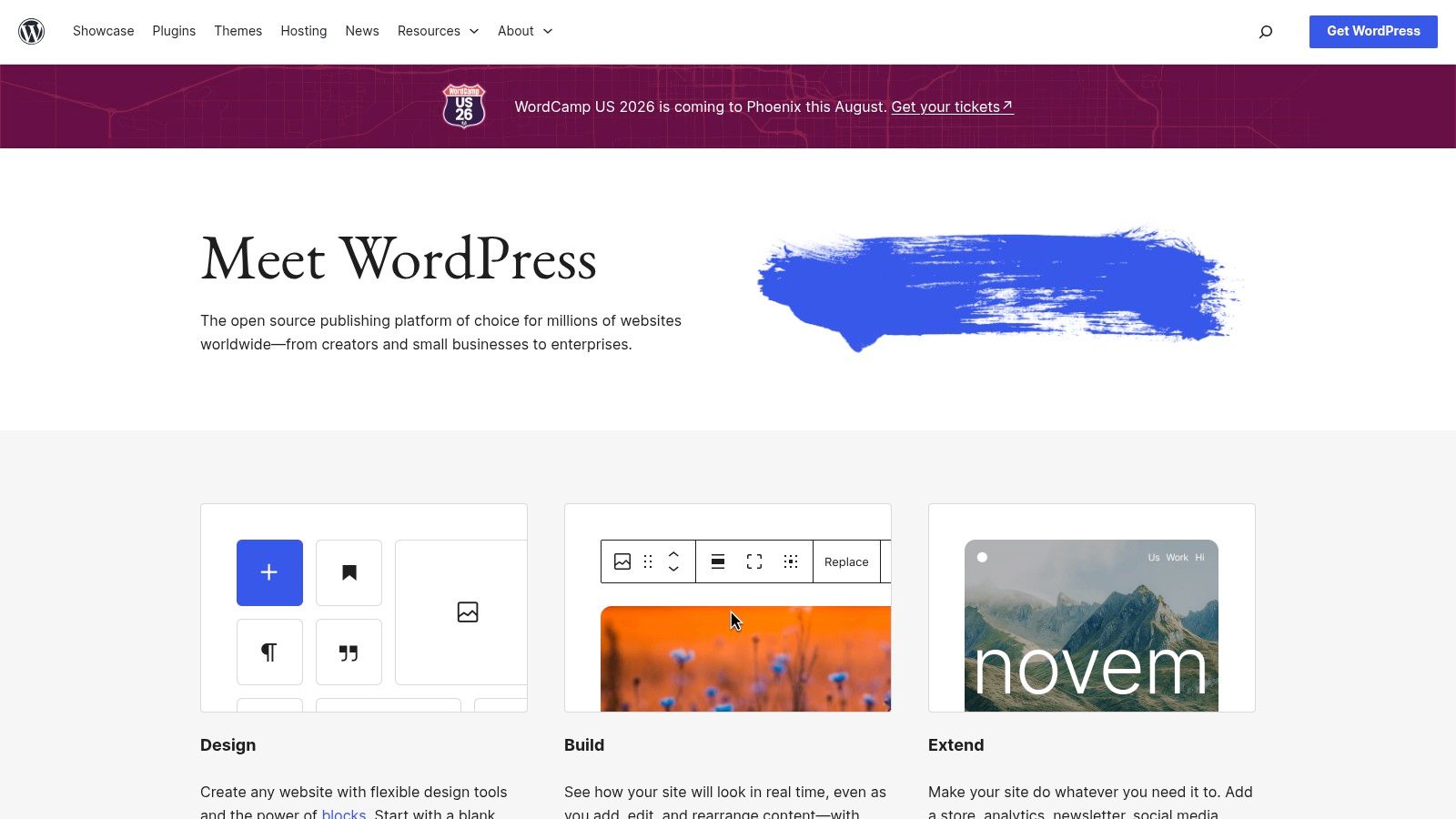
A founder publishes weekly, adds a lead magnet, hires a writer six months later, then needs landing pages, search visibility, and a site that still feels organized two years in. WordPress.org fits that path better than almost any free CMS because it handles the early simple version of the business and the more demanding version later.
Its market share matters for practical reasons, not bragging rights. According to W3Techs data on CMS usage, WordPress powers 43.6% of all websites and 61.2% of sites that use a known CMS. That scale gives owners real advantages. Good hosting is easy to find, hiring is easier, and the documentation around common problems is deep.
WordPress is the safest free choice for people building a long-term brand asset because it balances publishing strength with business flexibility. A solo consultant can start with articles and service pages. Later, that same site can support forms, email capture, ecommerce, memberships, multilingual content, and editorial workflows without a full rebuild.
For professionals who want their site to become the central record of their expertise, process matters as much as platform choice. These content management best practices for personal brands pair especially well with WordPress because the system gives you enough structure to publish consistently without boxing you in.
The trade-off is maintenance.
WordPress stays healthy when the stack stays disciplined. Too many plugins, a bloated theme, or cheap hosting can slow the site and create security headaches. I usually recommend WordPress when the goal is clear ownership and compounding content value, but I also recommend setting rules early about what gets installed, who approves changes, and how updates are handled. If you want expert help without making the setup heavier than it needs to be, WordPress services for founders can keep the foundation clean from the start.
Drupal CMS is for teams that know their content model will get complicated. If your brand site will eventually include resource centers, gated assets, contributor workflows, regional content, or multiple audience paths, Drupal is one of the strongest free foundations available.
It's not the easiest platform to learn, and that's the main trade-off. But complexity is exactly where Drupal starts to justify itself. Structured content, custom fields, permissions, and workflow controls are built for organizations that treat content as an operating system, not just a blog.
Drupal CMS, built on Drupal 11, makes the platform more approachable than older Drupal setups. The newer packaged experience helps teams move faster with templates, recipes, and builder tools while keeping Drupal's deeper architecture available underneath.
What I'd call out for entrepreneurs is this. Drupal makes more sense when your site is part of a bigger business system. If you expect legal review, stakeholder approvals, multilingual publishing, or heavy taxonomy work, Drupal often holds up better than lighter tools.
Teams that outgrow simple page builders often land on Drupal after realizing they need content structure, not just design flexibility.
What doesn't work well is using Drupal for a simple personal site when you don't have the need or patience for its depth. If your main goal is publishing articles and service pages, WordPress or Ghost will usually get you there with less friction.
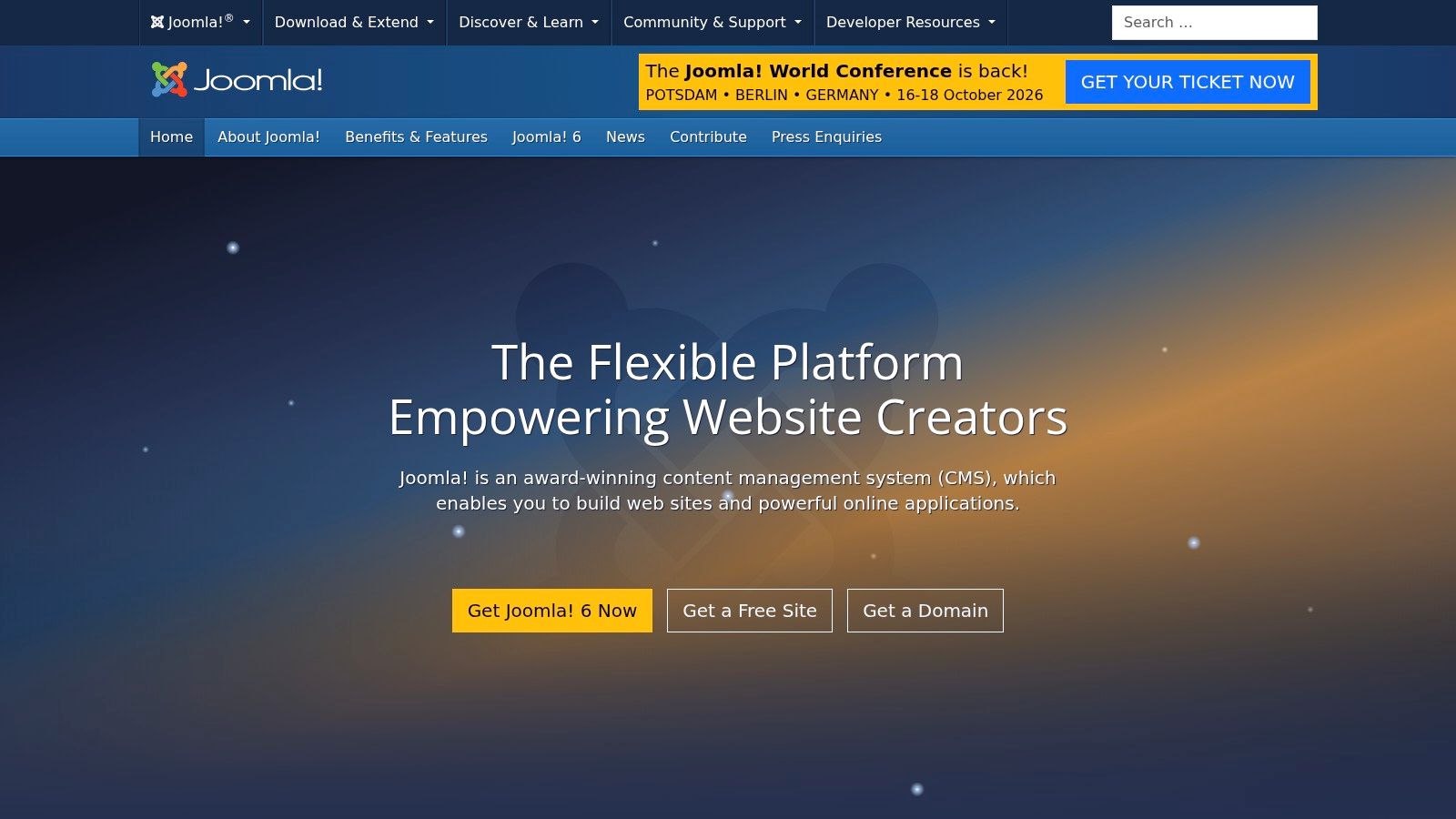
Joomla sits in the middle of the market for a reason. It offers more built-in structure than many beginner-first tools, but it doesn't ask for the same level of commitment that Drupal does. For small businesses, consultants, associations, and multilingual sites, that middle ground can be useful.
This is the platform I'd consider when WordPress feels too plugin-dependent and Drupal feels too heavy. Joomla has long handled core site-building tasks well, especially when you want solid defaults for multilingual publishing, templates, user management, and SEO settings.
Joomla won't win on sheer ecosystem size. It has a smaller extension and template universe than WordPress, and it doesn't have the same momentum in the broader market. But for the right owner, that can be an advantage. Fewer choices can lead to a cleaner build.
Its editor and administration experience work well for teams that need structure without turning every update into a developer task. That's a good fit when your content needs to convert, not just fill pages. Here, a sharper editorial strategy matters more than platform hype. The fundamentals in how to create content that converts apply directly here.
Joomla is a good content management system free option when you want control and stability more than trendiness. It's a weaker fit if your team wants modern no-code page building as the center of the workflow.
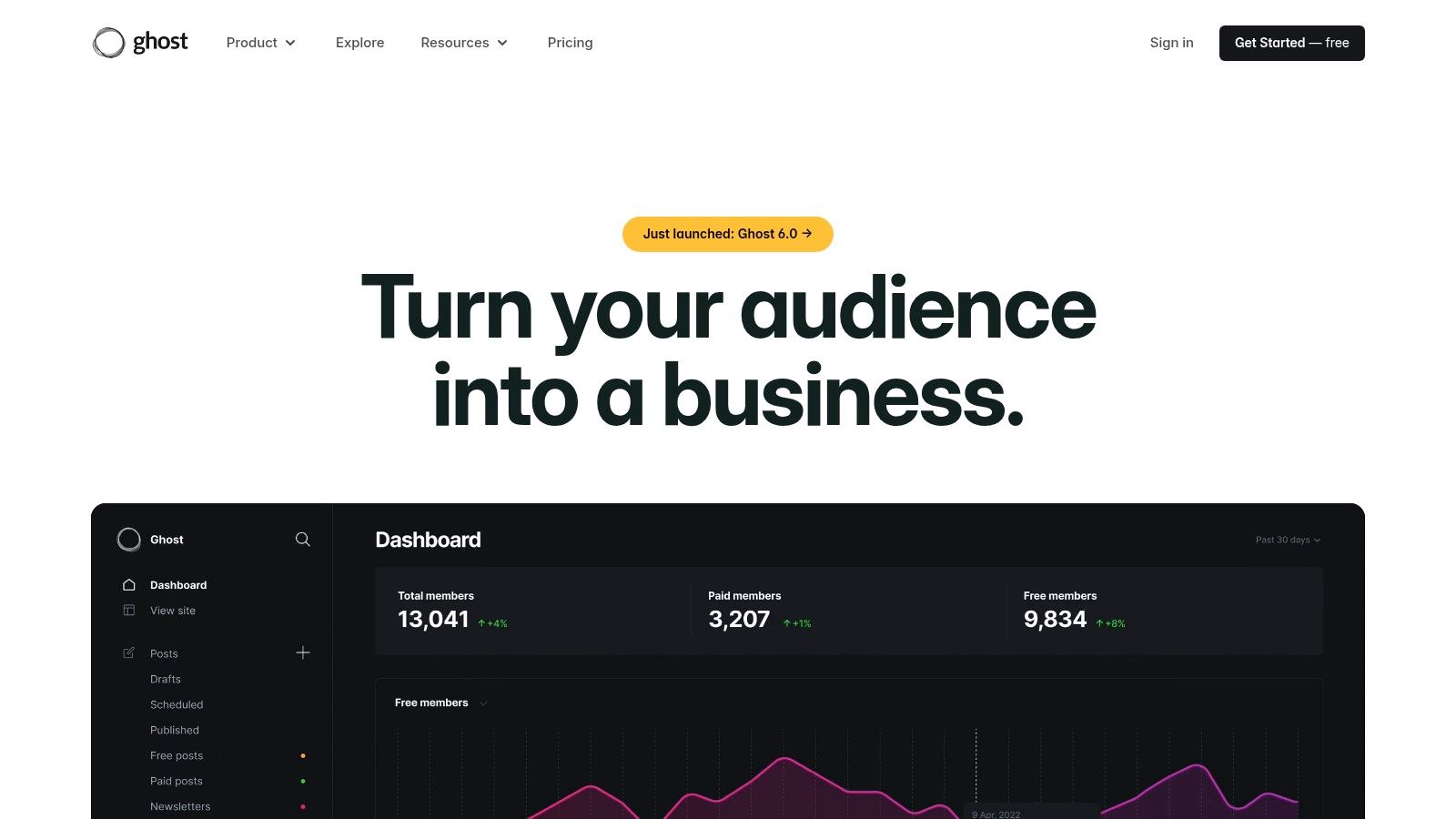
Ghost is for people who publish for a living, or want to. It's one of the cleanest writing environments in this list, and that focus shows everywhere. Fewer distractions, faster publishing, better support for newsletters and memberships, and less temptation to turn your site into a Frankenstack of plugins.
If your digital legacy is primarily built through essays, analysis, interviews, commentary, or subscriber content, Ghost is hard to ignore. Self-hosting keeps it in the free CMS conversation, while the product itself feels modern in a way many older systems don't.
Ghost shines when content is the product. Writers, niche media brands, independent researchers, coaches, and creator-led businesses can use one platform for articles, email publishing, and member access without bolting on several extra systems.
That unified setup solves a real operational problem. When your blog lives in one tool, your newsletter in another, and your paid content in a third, consistency usually breaks first. Ghost keeps the publishing loop tighter.
If your main asset is your thinking, choose the CMS that makes writing and publishing feel frictionless.
The trade-off is breadth. Ghost is narrower than WordPress. You can customize it, run it headless, and build on its theme system, but the ecosystem isn't as broad. If you expect unusual functionality, custom app behavior, or a heavily modular website, you may run into limits faster.
For a focused publication, though, those limits are often a strength. Ghost helps you publish instead of endlessly configure.
Strapi is a developer-friendly headless CMS for teams that want complete control over the front end. It's not the right choice for someone who just wants to launch a website this week. It is the right choice when your content needs to feed a website, app, dashboard, or several digital touchpoints at once.
The free Community Edition is strong enough for serious self-hosted projects. Content types, relationships, role-based permissions, and automatically generated REST and GraphQL APIs make Strapi appealing for modern product and marketing teams.
Strapi works best when design and delivery are custom by default. If you're building with React, Next.js, Vue, or another frontend framework, it gives you a clean editorial back end without forcing presentation decisions on the engineering team.
That separation is the point. Editors manage content in Strapi. Developers decide how and where it appears. For brands building across channels, that's often smarter than squeezing everything into a traditional monolithic CMS.
For professionals comparing traditional and headless options, this CMS comparison guide is a useful companion.
Strapi's weakness is obvious. You still need a front end. That means more setup, more technical ownership, and more chances to overengineer something that could've been handled by WordPress or Ghost. Use it when custom delivery is central to the business, not when it just sounds modern.
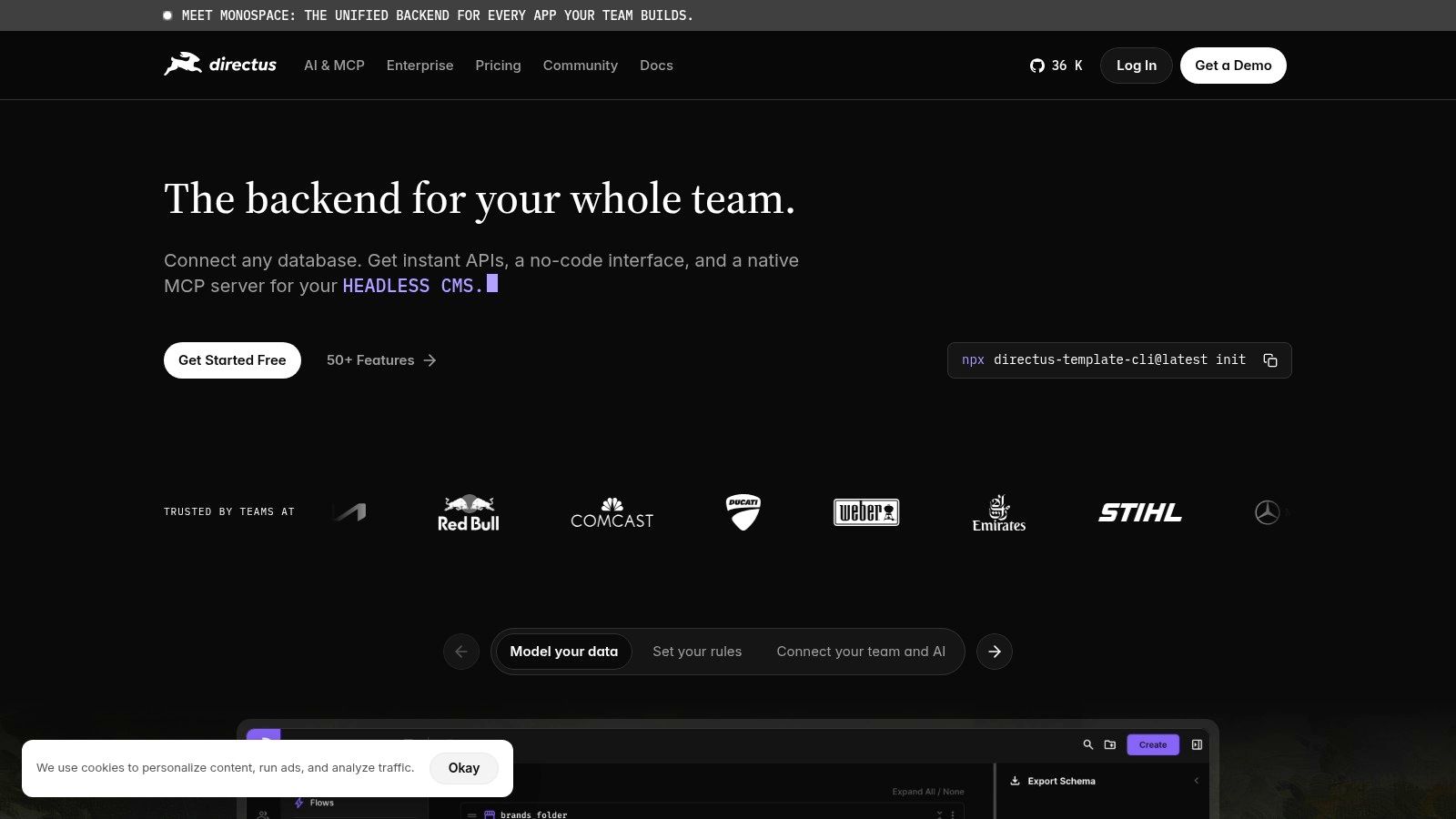
Directus is one of the most interesting free CMS options for data-heavy projects. Instead of asking you to adopt a rigid content system first, it layers an admin app and API on top of your existing SQL database. That's a different philosophy from most CMS tools, and for the right build, it's powerful.
This is the platform I'd look at when content and business data overlap. Think directories, internal portals, resource libraries, product content systems, or operations-heavy sites where editors and non-technical staff need to work with structured data.
Directus gives teams visual data modeling, permissions, media handling, webhooks, and generated REST or GraphQL APIs. The value isn't just publishing. It's making a database usable for humans without losing technical control.
That's why Directus often appeals to teams that already have a backend system in place. You don't always need to migrate into a CMS. Sometimes you need to CMS-enable the infrastructure you already trust.
What doesn't work well is treating Directus like a plug-and-play website builder. It isn't one. The headless model still requires frontend development, and teams without technical support usually struggle if they choose it too early.
Sanity is one of the strongest choices for structured content with a modern editorial experience. Its Studio is customizable, collaboration feels fluid, and the schema-first approach makes it especially strong for brands that care about reusable content across pages, channels, and campaigns.
A lot of CMS tools give editors a place to input content. Sanity gives teams a system for designing how content should exist. That distinction matters once your brand expands beyond blog posts into case pages, landing pages, podcast entries, bios, product content, and media components that repeat across the site.
Sanity is a practical content management system free option for prototypes, smaller projects, and teams that want a future-ready stack without locking into a traditional CMS. Real-time editing, image tooling, portable text, and flexible APIs make it attractive to both developers and content teams.
It's especially good when consistency matters across a growing brand presence. If your team wants one source of truth for people, services, testimonials, resources, and editorial content, Sanity handles that elegantly.
A strong schema saves more time than a beautiful homepage. Teams feel that difference six months later, not on launch day.
The trade-off is the same one that applies to most headless tools. You must build the front end. Sanity is excellent when your team wants that freedom. It's a poor fit if you need a ready-made website platform with minimal technical involvement.
Contentful is one of the safest enterprise-leaning headless CMS choices for teams that need strong documentation, reliable APIs, and room to scale. It has a usable free entry point, but its real appeal is long-term operational maturity.
If you're building a content system that might eventually require governance, environments, app integrations, and broader organizational adoption, Contentful deserves attention. It's less about flashy publishing and more about dependable infrastructure.
This platform is a good fit for SaaS companies, product marketing teams, and organizations that expect multiple contributors, localization workflows, and integration with the rest of the stack. REST and GraphQL APIs, SDKs, webhooks, and marketplace apps all support that model.
Contentful also benefits from the broader shift toward free and open architectures in larger organizations. Enterprise adoption of free CMS architectures is increasing 16.3% annually, according to CMS market share reporting from SQ Magazine. That trend reflects a real change in how teams think about ownership, flexibility, and total cost.
The limitation is cost progression and complexity at scale. Advanced governance and larger operational needs often move teams into paid tiers. For a small founder-led site, that's usually overkill. For a growing content operation, it can be the right kind of overkill.

TYPO3 is rarely the first CMS solo creators consider, but it's a serious option for organizations that value governance, long-term support, and multi-site control. Public sector teams, institutions, and larger editorial organizations often appreciate exactly the things smaller teams find intimidating.
That's the pattern with TYPO3. It rewards planning. If your website ecosystem includes multiple brands, regional properties, formal permissions, and workflow requirements, TYPO3 can be a stable foundation.
The strength here is institutional durability. TYPO3 supports robust workflows, multilingual publishing, permission structures, extensibility, and a strong long-term support culture. Those qualities matter when a site has to outlast staff changes, agency changes, and shifting campaign priorities.
Where people go wrong is choosing TYPO3 because it sounds enterprise-grade, then discovering they don't need that much system. It has a steeper learning curve and a smaller talent pool in some markets than WordPress or Drupal.
For a digital legacy built by one person, TYPO3 is usually too much. For an organization building a long-lived institutional knowledge base, it can be exactly right.

Umbraco is one of the best free CMS choices for teams that live in the Microsoft ecosystem. Built on .NET, it offers a friendly editor experience and strong developer flexibility without feeling as heavy as some enterprise platforms.
This is often the right fit when an internal tech stack already centers on ASP.NET Core, Windows infrastructure, or Microsoft-oriented development teams. In that environment, Umbraco feels natural rather than niche.
The back office is approachable for editors, which is a big deal. Many technically strong CMS tools fail because the people publishing content dislike using them. Umbraco usually avoids that problem by making authoring more intuitive.
Its package ecosystem isn't as broad as WordPress, and you'll get the best experience when your team already understands the Microsoft stack. But that's not really a weakness if it matches your environment.
One caution matters across all free open-source systems, including Umbraco. The software may be free, but the operating burden isn't. The hidden cost often shows up in the time required to learn features and the resources needed to administer the site, as discussed in WP Poland's review of free CMS systems. That issue matters most for solo operators who underestimate maintenance.
The smartest CMS choice is the one your team can maintain consistently, not the one with the longest feature list.
| Platform | ✨ Key strengths | ★ UX / Quality | 👥 Best for | 💰 Value / Price | 🏆 When to choose |
|---|---|---|---|---|---|
| WordPress.org | ✨ Massive plugin/theme ecosystem; SEO & blogging focus | ★★★★☆ | 👥 Creators, SMBs, bloggers wanting full control | 💰 Free OSS; hosting & premium plugins add cost | 🏆 Unlimited customization and community support |
| Drupal CMS | ✨ Advanced content modeling, security, multilingual | ★★★★☆ | 👥 Enterprises, gov, teams with complex content | 💰 Free OSS; higher dev/maintenance cost | 🏆 Complex architectures & strict security needs |
| Joomla | ✨ Balanced extensibility, built‑in multilingual & SEO | ★★★☆ | 👥 Small–mid businesses needing flexibility | 💰 Free OSS; moderate extension costs | 🏆 Multilingual mid‑size sites without heavy coding |
| Ghost | ✨ Writer‑first UI, built‑in memberships & newsletters | ★★★★☆ | 👥 Independent writers, newsletters, paid pubs | 💰 Free self‑host; Ghost(Pro) managed paid | 🏆 Fast, focused publishing + subscription workflows |
| Strapi | ✨ Headless APIs (REST/GraphQL); dev‑friendly content modeling | ★★★★☆ | 👥 Dev teams building Jamstack & custom frontends | 💰 Free CE; paid hosting/enterprise tiers | 🏆 Omnichannel headless projects with strong dev DX |
| Directus | ✨ Auto REST/GraphQL over SQL; visual data modeling | ★★★★☆ | 👥 Data‑heavy teams, projects using existing SQL DBs | 💰 Free OSS; managed cloud custom pricing | 🏆 'CMS‑ify' existing databases with admin UX |
| Sanity | ✨ Real‑time Studio, GROQ, portable text & collaboration | ★★★★☆ | 👥 Structured content teams, collaborative editors | 💰 Free tier; usage/overage pricing | 🏆 Real‑time collaboration & structured content delivery |
| Contentful | ✨ Enterprise headless, strong APIs & marketplace | ★★★★☆ | 👥 Large teams & enterprises needing scale | 💰 Free dev plan; paid tiers for governance | 🏆 Reliable enterprise headless with ecosystem |
| TYPO3 | ✨ Multi‑site, editorial workflows, LTS & governance | ★★★★☆ | 👥 Public sector & large organizations | 💰 Free OSS; higher implementation costs | 🏆 Complex multi‑site governance and security needs |
| Umbraco CMS | ✨ .NET ecosystem, friendly editor, Umbraco Cloud option | ★★★★☆ | 👥 Microsoft‑centric teams (ASP.NET) | 💰 Free OSS; Cloud/enterprise paid plans | 🏆 Best fit for .NET shops wanting smooth authoring |
A free content management system is a starting point, not the finished strategy. The platform gives you ownership. It gives you structure. It gives you a place where your ideas can live beyond the short shelf life of social posts. But it doesn't automatically create authority, trust, or momentum.
That part comes from consistency. It comes from publishing the right ideas in the right format, organizing them clearly, and building a body of work that reflects what you want to be known for. The CMS is the home. Your content is what turns it into an asset.
That's why the best choice isn't always the most powerful tool. It's the platform that matches your real operating model. If you need fast publishing and broad flexibility, WordPress is hard to beat. If you need deep structure and governance, Drupal or TYPO3 may be stronger. If your brand runs on editorial output, Ghost is a smart bet. If your business needs custom front-end delivery across channels, Strapi, Directus, Sanity, or Contentful can make more sense.
There's also a practical business reality behind all of this. Free software reduces the barrier to entry, but it doesn't remove responsibility. As noted earlier, free CMS use has become standard across a large share of the web and small to midsize organizations. That popularity doesn't mean every platform is easy. It means the strategic choice matters more. A CMS affects how your team publishes, how your brand scales, how easy your site is to maintain, and how much technical debt you accumulate while growing.
For professionals, founders, and emerging brand builders, this is really a legacy decision. You're deciding where your insights will live, how your expertise will be discovered, and whether your content system supports long-term compounding or constant rebuilding. That's why I'd choose simplicity over novelty unless your business model clearly demands more complexity.
If you already know your expertise deserves a stronger digital home but you're stuck between strategy and execution, get the foundation right first. Then build a publishing system you can sustain. A clean CMS paired with disciplined content production will outperform a complex stack that never ships consistently.
If you want help turning your expertise into a consistent content engine, Legacy Builder can help you do the hard part after the CMS is chosen. The platform is the foundation. Legacy Builder helps shape the voice, strategy, and publishing rhythm that turn that foundation into a real personal brand asset.


You could – but most in-house teams struggle with the nuance of growing on specific platforms.
We partner with in-house teams all the time to help them grow on X, LI, and Email.
Consider us the special forces unit you call in to get the job done without anyone knowing (for a fraction of what you would pay).
Short answer – yes.
Long answer – yes because of our process.
We start with an in-depth interview that gives us the opportunity to learn more about you, your stories, and your vision.
We take that and craft your content then we ship it to you. You are then able to give us the final sign-off (and any adjustments to nail it 100%) before we schedule for posting.
No problem.
We have helped clients for years or for just a season.
All the content we create is yours and yours alone.
If you want to take it over or work on transitioning we will help ensure you are set up for success.
We want this to be a living breathing brand. We will give you best practices for posting and make sure you are set up to win – so post away.
Subscribe to our newsletter and get insights on how to grow your personal brand.
