.svg)
Subscribe to our newsletter and get insights on how to grow your personal brand.
Thank you! Your submission has been received!
Oops! Something went wrong while submitting the form.
.svg)


Content volume keeps rising. More posts should strengthen a brand. Usually, they just create more noise because the system behind them is weak.
The fundamental mistake is choosing software for speed instead of clarity.
A content calendar should do more than queue posts. It should hold your ideas, approvals, assets, publishing rhythm, and message discipline in one place so your audience hears a consistent point of view. That matters even more for a personal brand. If your content feels disconnected, people do not see leadership. They see activity without direction.
If you need a better process before you pick a tool, start with this guide to create a content calendar that actually works. Then choose software based on the workflow you run, not the feature grid a vendor puts in front of you. If you also need help with organizing your newsletter and social distribution, keep the same rule. Match the tool to the operating model.
Here is the split that matters.
Purpose-Built Schedulers fit solopreneurs and lean teams whose main job is publishing consistently across social channels. They are quicker to adopt, easier to maintain, and better when speed and cadence are the priority.
Flexible Work Hubs fit small teams building a long-term brand system. They handle briefs, research, approvals, repurposing, and collaboration across channels. They take more setup, but they give you a stronger foundation for work that compounds over time.
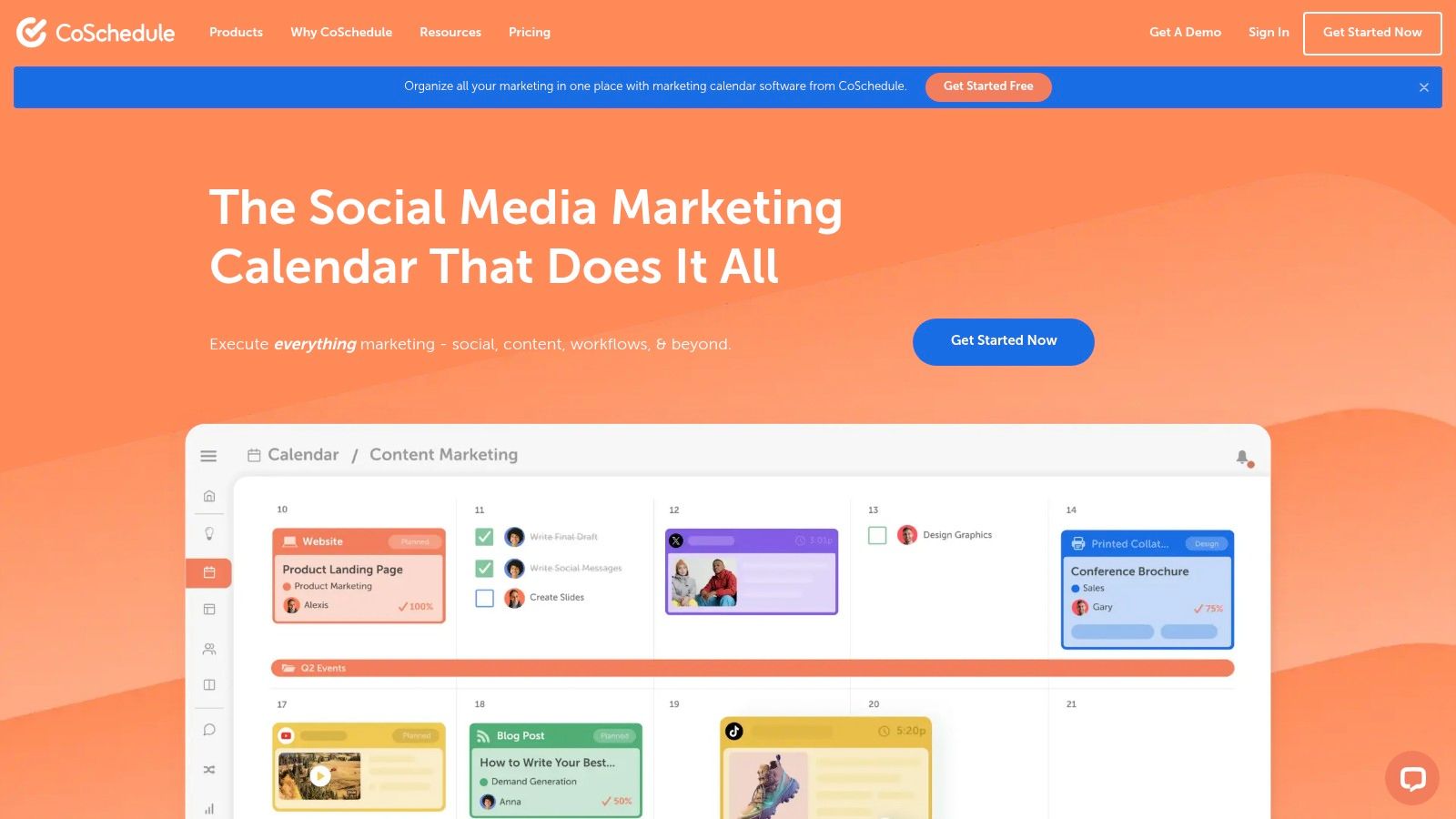
CoSchedule is a purpose-built scheduler for people who want a real marketing calendar, not a flexible workspace they have to configure for basic publishing. If your personal brand runs on campaigns, deadlines, approvals, and social promotion, CoSchedule gives you structure fast.
That is its core appeal. Less setup. More operating discipline.
CoSchedule fits founder-led brands that have outgrown spreadsheets but do not need a full work management system. You get a central calendar, campaign planning, and social scheduling in one place. For a solopreneur, that means fewer moving parts to maintain. For a small team, it means everyone can see what is publishing, what is blocked, and what needs approval.
It is strongest when your problem is execution. You already know what to say. You need a system that keeps newsletters, thought leadership posts, launch content, and social clips tied to the same campaign instead of scattered across docs and chat threads.
Recommendation: Choose CoSchedule if you want a scheduler that enforces consistency. Skip it if you want to build a custom operating system for your whole business.
This is the dividing line between purpose-built schedulers and flexible work hubs. CoSchedule is the better choice if publishing is the main job and speed to execution matters more than customization. If you need a stronger process for distribution after planning, use a proven system for how to schedule social media posts for massive growth alongside the platform.
It also pairs well with a stronger planning foundation. If you are still building that, start with how to create a content calendar that actually works.
Hootsuite is for brands that treat social publishing like an operating function, not a side task.
It earns its place in the purpose-built scheduler category because it does more than queue posts. You can plan content, manage replies, track performance, and keep approvals under control from one social-first system. That matters once your personal brand stops being a solo effort and starts involving an assistant, designer, or agency partner.
Hootsuite fits best when volume and coordination are the primary problems. You need a clear publishing calendar. You need one place to catch comments and messages. You need to know who approved what before it goes live.
That makes it a strong pick for small teams building a founder-led brand across several channels. It gives you structure without forcing you into a general workspace built for unrelated tasks. If your main goal is to publish consistently and protect brand quality, Hootsuite is easier to justify than trying to force a flexible work hub into a scheduling job.
If social drives brand growth, your scheduler should reduce mistakes, approval delays, and missed posting windows.
The tradeoff is obvious. Hootsuite can feel heavy for a solo creator with a simple posting cadence. If you mostly need a lightweight planner, Buffer or Later will feel faster. If you need stronger control, shared visibility, and room to add process as your team grows, Hootsuite is the better buy.
If your bottleneck is consistency, pair the platform with a clear system for scheduling social media posts for massive growth.
Sprout Social is the pick for teams that need proof, not just posting.
This is still a purpose-built scheduler, but it serves a different buyer than Buffer or Later. Sprout fits a founder-led brand that has already outgrown basic scheduling and now needs clear reporting, stronger governance, and a better handle on what content drives reach, engagement, and response.
If your brand publishes across several social channels and leadership wants answers, Sprout stands out. The calendar is solid, but its main strength is visibility. You can plan content, manage approvals, monitor conversations, and review performance in one system without stitching together separate tools.
That changes the job for a small team. Instead of asking whether posts went out, you can focus on better questions:
That is the value of Sprout. It gives structure to a social program that is becoming part of the business, not just the founder's habit.
For personal brands, that matters once reputation and reach start compounding. A legacy brand needs consistency, but it also needs feedback loops. Sprout is one of the stronger options for teams that want to publish with intent and measure what the market is rewarding.
The tradeoff is price. Sprout is harder to justify for a solo creator or an early-stage operator with a light posting rhythm. It makes sense for a small team that treats social as a serious growth channel and wants a purpose-built scheduler with stronger analytics than the lighter tools in this category.
Choose Sprout Social if you want your content calendar to do more than organize posts. It should help you defend strategy.
Buffer is the default pick for a solo founder building a personal brand. If you publish your own ideas, write your own posts, and need a tool you will keep using, Buffer makes the most sense.
Its advantage is restraint. Buffer focuses on the job a purpose-built scheduler should do well: plan posts, queue them, publish them across channels, and keep the workflow light enough that consistency does not break.
You get a visual calendar, queue-based scheduling, multi-platform publishing, and light AI support for captions and ideas. That is enough for a founder who wants a reliable system without spending a week setting one up.
That matters more than extra features.
Personal brands usually fail on consistency, not software depth. Buffer keeps the loop short. Draft the post, schedule it, move on to the next idea. For one person managing content alongside client work, sales, or delivery, that is the right trade.
Buffer also fits the logic of this category. It is a purpose-built scheduler, not a flexible work hub. Use it when your main problem is staying visible and publishing on time. If you need a tool to manage a broader editorial operation, document strategy, or run a team workflow, you have outgrown it.
The limitations are clear. Buffer is not built for layered approvals, complex campaign planning, or detailed governance across departments. Small teams with heavier coordination needs will hit that ceiling fast.
For a solopreneur, that ceiling is often irrelevant. The primary goal is to build a body of work people recognize and remember. Buffer helps you keep showing up long enough for that reputation to compound.
Later is the visual planner in this list. If your brand depends on image-led storytelling, short-form video, product visuals, or creator-style publishing, Later gives you a cleaner environment than most general social tools.
It's especially useful when aesthetics matter as much as timing. Coaches, creators, ecommerce founders, and visually driven personal brands tend to work well in Later.
Later's drag-and-drop planning, visual layout, and profile-by-profile scheduling make it easy to see what your audience will experience. That's important if your content isn't just informational but identity-driven. Personal brands often win because the feed feels coherent, not because any single post is brilliant.
Its best-time-to-post tooling also helps people who don't want to manually test publishing windows. That keeps momentum up without adding operational overhead.
A few points stand out:
Later is not the best choice if your content process includes deep internal approvals, multi-department coordination, or non-social editorial workflows. It's a visual social planner first.
If your brand growth depends on showing a polished presence across image and video channels, Later is a smart specialist tool. It helps you see the feed before your audience does, which prevents a lot of avoidable brand sloppiness.
Loomly sits in a useful middle ground. It's more structured than a bare-bones scheduler, but it's not as heavy as a full enterprise social suite.
That makes it a good fit for small teams who want approvals, recurring posts, collaboration, and clear calendar management without overcomplicating the stack.
Loomly works well when several people touch content before it goes live. Maybe you write the draft, a designer adds assets, and a manager approves the final post. Loomly keeps that process visible.
Its calendar-first approach is the main appeal. You can plan posts, manage recurring content, and keep collaboration tied to the schedule instead of scattered across chat threads and docs.
For teams that need clarity, Loomly offers:
The drawbacks are manageable. Higher tiers can get expensive, and if you want extensive listening capabilities, Loomly won't replace a more advanced social intelligence platform.
Still, if your content machine is small but real, Loomly is one of the better purpose-built schedulers available. It keeps a team aligned without forcing them into enterprise software habits.
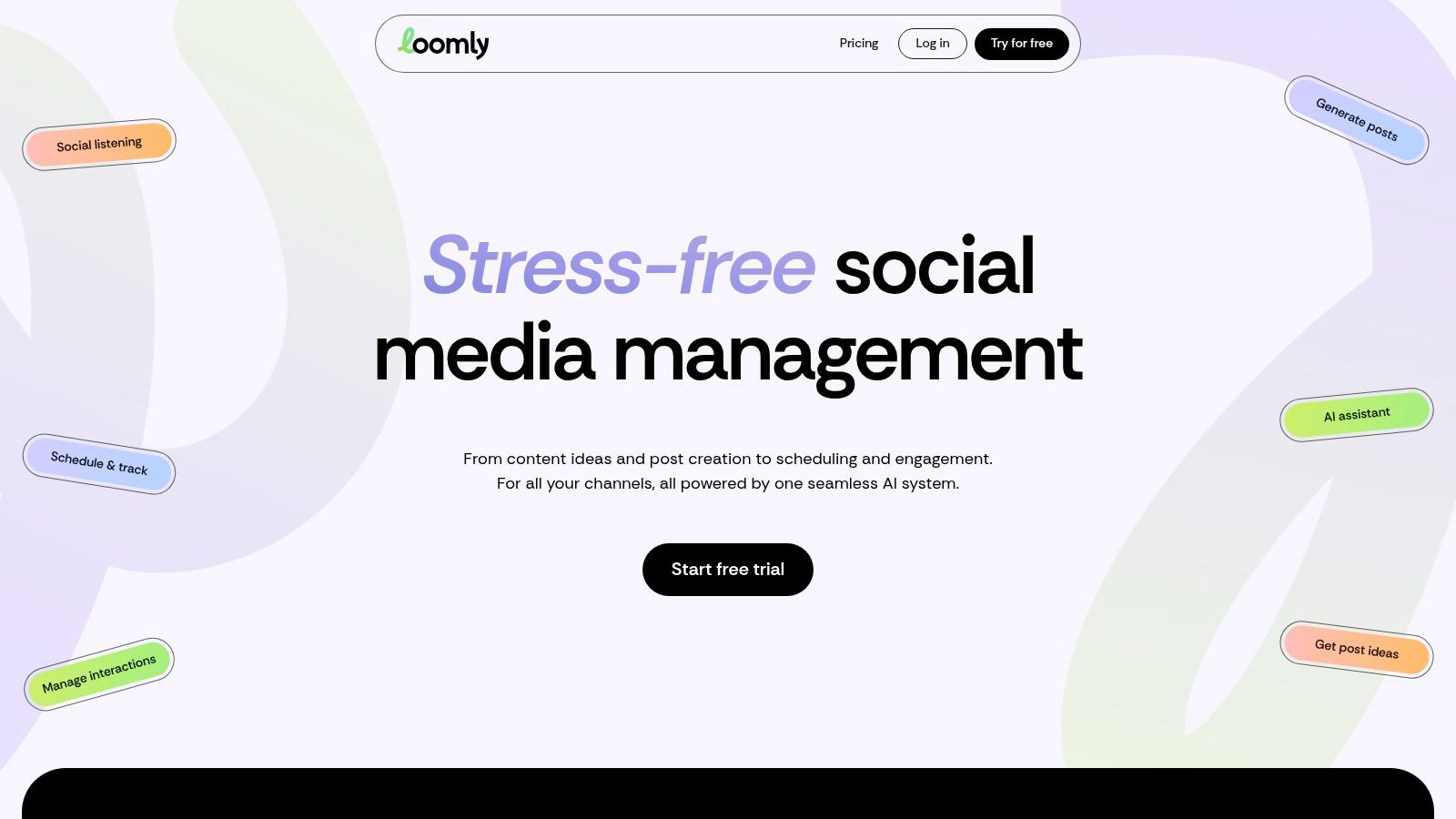
Planable is for teams that lose time in review, not in scheduling.
If your posts keep stalling because a founder, client, legal contact, or brand lead needs to approve every draft, Planable fixes the bottleneck. It gives everyone a clear place to review, comment, and sign off before anything goes live. That makes it one of the stronger purpose-built schedulers for small teams with layered approvals.
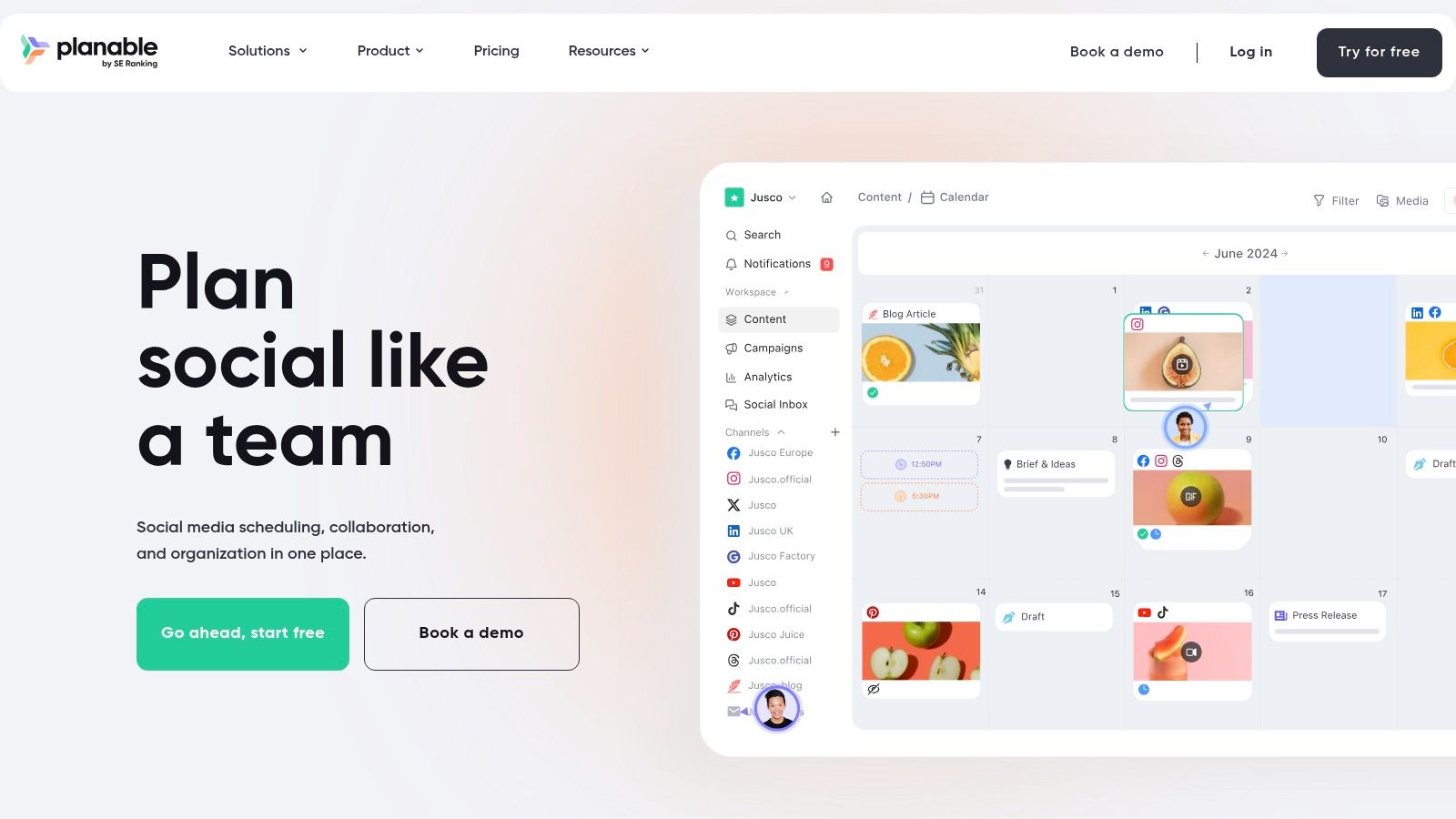
Planable stands out because it treats approval as the core workflow, not a side feature. You can route content through multiple reviewers, track revisions, and keep feedback attached to the post instead of buried in email or Slack. If you run a personal brand with a small support team, this matters. Fast publishing is useless if every post turns into a messy review chain.
Its workspace-based pricing also makes sense for teams that need occasional input from several stakeholders. You are not forced into paying for a bloated seat count just to collect feedback.
Here's where Planable earns its place:
Advisor's take: If your content is strong but publishing keeps getting delayed by review chaos, choose Planable over a more advanced all-in-one platform.
It also pairs well with a documented workflow. Start with a content calendar template for social media that actually works, then use Planable to enforce the review process around it. That combination is strong for founders and small teams building a brand meant to last, not just fill next week's feed.
Use Planable if your publishing problem is approval friction. Skip it if you need a broader work hub for strategy, docs, and project management in one place.
Airtable is the right pick for builders who want a content calendar that runs the whole machine, not just the publishing dates.
It works best as a flexible work hub for small teams with repeatable workflows. You can connect briefs, assets, owners, approvals, campaign tags, content pillars, and deadlines in one system. That matters when your personal brand starts turning into a real media operation.
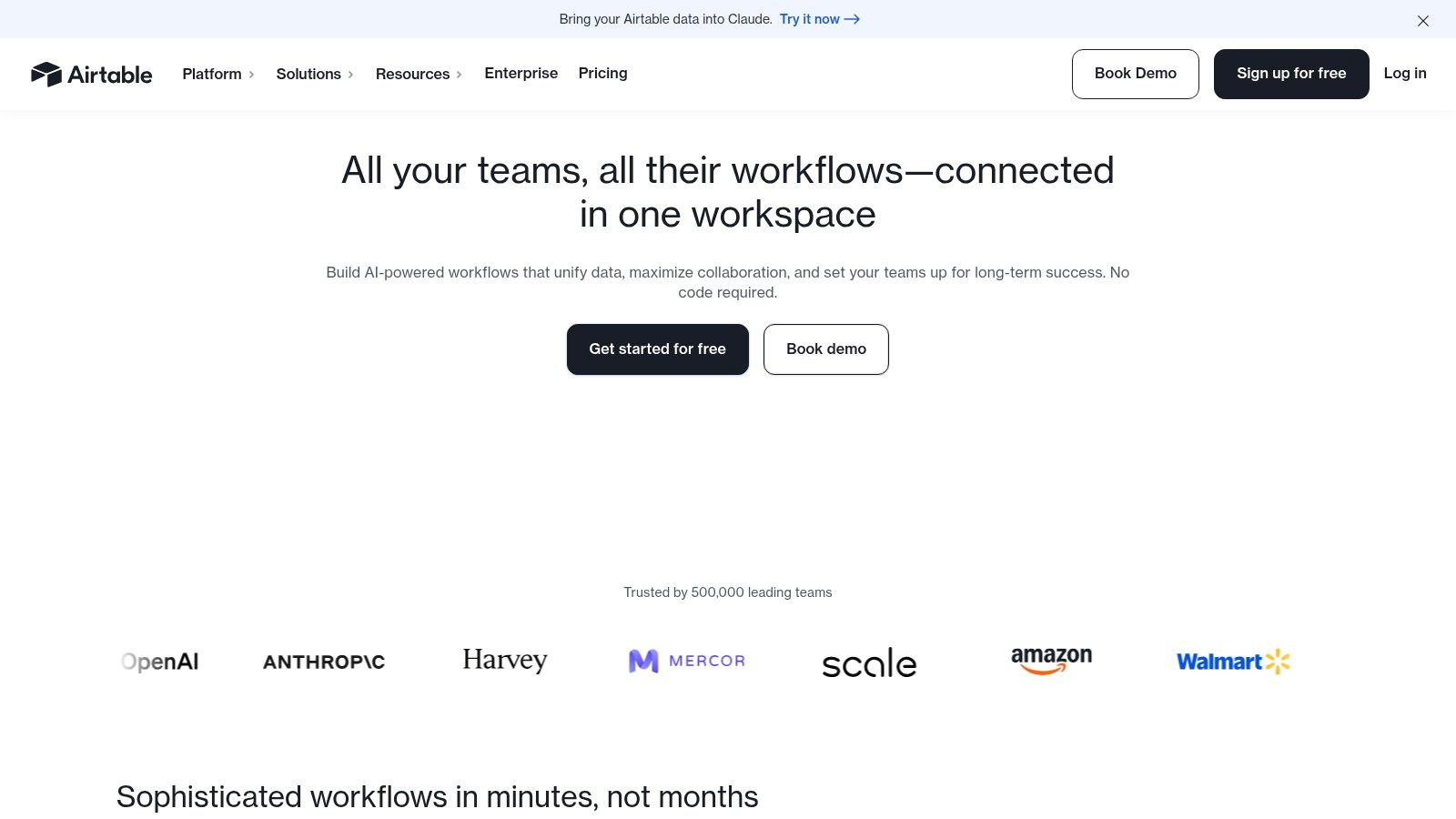
Airtable stands out because relationships are built into the structure. One post can connect to a campaign, a source asset, a CTA, a designer, and a review stage. Change the source record once, and the update carries through the system without manual cleanup.
That makes Airtable a strong fit for multi-format publishing. If you turn one founder insight into a LinkedIn post, email, short video, carousel, and podcast talking point, Airtable keeps those pieces tied together instead of scattered across tabs and tools.
Airtable itself makes this case well in its content calendar software analysis. The core point is simple. A calendar becomes more useful when it connects planning, production, and context, not just dates.
Choose Airtable if you need structure first.
For a solopreneur, Airtable can feel heavier than necessary. For a founder with a VA, editor, designer, or content lead, it starts to make a lot more sense. It gives you a system you can keep using as the brand grows, which is the real test for any flexible work hub.
Notion is the right pick if your content calendar needs to live inside your brain, not beside it.
That matters for personal brands. A posting schedule alone does not build a legacy. A system that keeps your ideas, stories, positioning, drafts, and publishing plan in one place does.
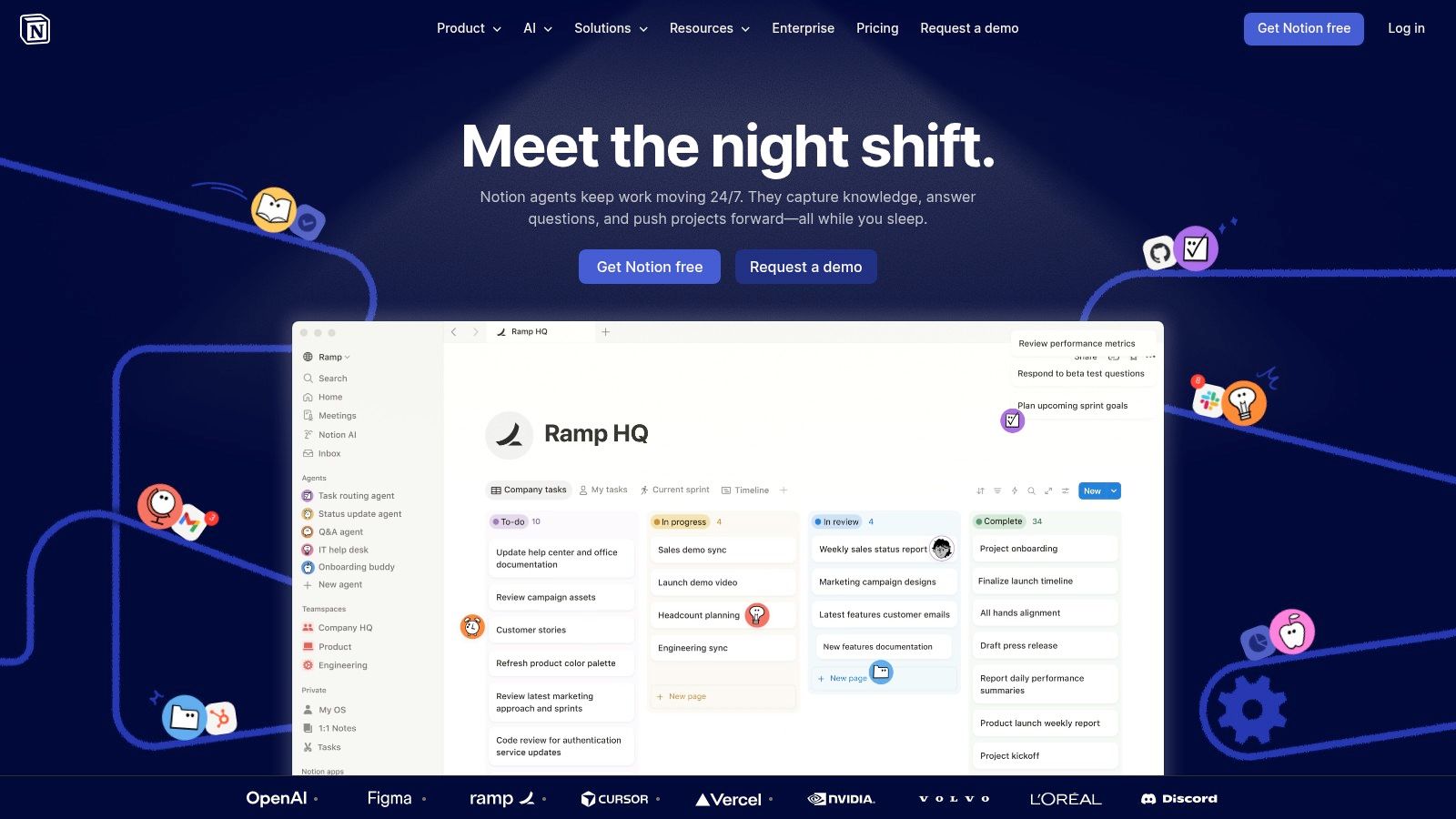
Notion fits the Flexible Work Hubs category better than almost any tool here. It combines pages and databases well, which means your calendar can sit next to your messaging framework, founder stories, audience objections, research notes, and draft copy. For a solopreneur building a personal brand, that setup is often more useful than a scheduler with stronger posting features.
The primary advantage is continuity. One content idea can start as a note, turn into a rough outline, move into a brief, and end up on the calendar without getting lost across five tools. Your thinking stays attached to the asset. That makes your content sharper and easier to repurpose.
Notion is especially strong for:
The tradeoff is simple. Notion gives you flexibility, not a finished machine. You need to set up the database, views, templates, and workflow yourself. If you want a tool that tells you exactly how to schedule posts, choose a purpose-built scheduler. If you want a content operating system for a personal brand, choose Notion.
ClickUp is the right choice when content needs to drive execution, not just fill a posting calendar.
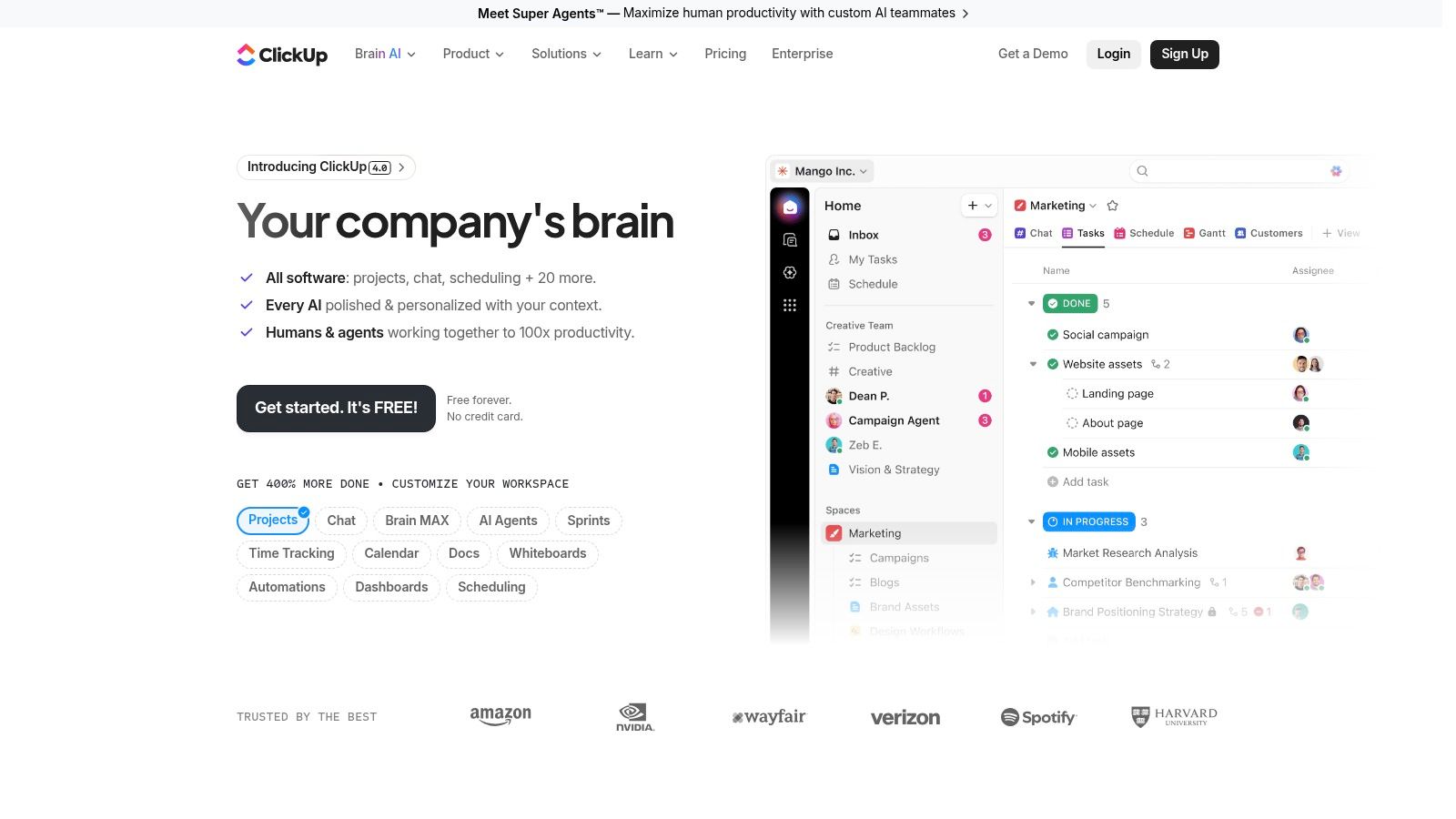
ClickUp belongs in the Flexible Work Hubs camp. It works best for small teams and founder-led brands that need content tied to launches, customer feedback, sales conversations, partnerships, and internal deadlines. If your brand runs on ideas pulled from the business itself, this setup makes sense.
That is the value here. Your content calendar does not sit in a corner. It connects to the work that gives your brand substance.
ClickUp is especially useful for:
This is not a polished social scheduler. It is a work hub with a content layer. That distinction matters.
For a personal brand with a small team, ClickUp helps when your goal is bigger than staying consistent on social. It helps you build a repeatable system where content supports the company and the company feeds the content. That creates stronger source material and a brand that compounds over time.
The downside is setup. ClickUp needs structure, naming rules, and someone to keep the workspace clean. Without that discipline, it turns into clutter fast. With it, ClickUp can run an editorial engine inside the broader business.
| Tool | Core Features ✨ | Quality ★ | Pricing / Value 💰 | Target Audience 👥 | Top Strength 🏆 |
|---|---|---|---|---|---|
| CoSchedule | ✨ Unified calendar, Kanban, publishing & approvals | ★★★★ | 💰 Sales-led; scalable suites | 👥 Agencies & marketing ops | 🏆 Workflow rigor & client/brand separation |
| Hootsuite | ✨ Scheduler, calendar, inbox, listening, AI tools | ★★★★★ | 💰 Per-user; premium enterprise pricing | 👥 Large teams & enterprises | 🏆 Ecosystem, governance & integrations |
| Sprout Social | ✨ Multi-network calendar, workflows, deep analytics | ★★★★★ | 💰 Seat-based; add-on modules | 👥 Larger teams needing governance | 🏆 Reporting depth & support |
| Buffer | ✨ Visual calendar, queue, AI captions, mobile apps | ★★★★ | 💰 Free tier; per-channel pricing | 👥 Creators & lean teams | 🏆 Simplicity & fast onboarding |
| Later | ✨ Drag‑and‑drop visual planner, best-times, creator tools | ★★★★ | 💰 Tiered post limits; creator-focused | 👥 Instagram/TikTok creators & brands | 🏆 Visual-first planning for short-form |
| Loomly | ✨ Calendar-first, approvals, bulk posting, Slack/Teams | ★★★★ | 💰 Clear plan caps; pricier higher tiers | 👥 Teams wanting predictable seats | 🏆 Collaboration + unlimited calendars |
| Planable | ✨ Feed/grid/calendar, multi-level approvals, versioning | ★★★★ | 💰 Per-workspace pricing; add-ons | 👥 Agencies with many reviewers | 🏆 Unlimited users per workspace & approvals |
| Airtable | ✨ Relational DB, calendar/timeline/Gantt, automations | ★★★★★ | 💰 Per-seat; automation/record limits | 👥 Ops-heavy content & cross-functional teams | 🏆 Extreme customization & automations |
| Notion | ✨ Databases, docs/wiki, calendar, templates | ★★★★ | 💰 Guest-friendly; AI credits for advanced features | 👥 Teams wanting a single knowledge + content hub | 🏆 Combined docs + editorial workflows |
| ClickUp | ✨ Calendar, tasks, docs, time tracking, automations | ★★★★ | 💰 Competitive tiers; AI add-ons | 👥 Cross-functional teams & project-driven squads | 🏆 High feature density & templating value |
The tool is not the bottleneck. Your publishing discipline is.
People lose weeks comparing software, then stall after building a pretty calendar with no repeatable process behind it. A calendar only helps if it turns ideas into finished posts, assigns ownership, and protects message consistency. If it does not do those three jobs, it is storage, not a system.
That distinction matters even more if you are building a personal brand. Posting often is easy. Posting often without sounding generic is hard. Founders and executives do not need more content for the sake of volume. They need a workflow that keeps their point of view intact while making output consistent enough to build authority over time.
Start by choosing the right category.
Purpose-Built Schedulers are the right call if your main job is getting content published across social channels with as little friction as possible. Solopreneurs, creators, and lean teams should usually start here. Buffer, Later, and Loomly are the practical picks for simple scheduling. Hootsuite, Sprout Social, and Planable make more sense once reporting, approvals, or stakeholder review become part of the job.
Flexible Work Hubs are better if your calendar sits inside a larger content operation. If you manage briefs, messaging, assets, repurposing, collaboration, and editorial planning in one place, Airtable, Notion, and ClickUp give you more control. They support the operating model behind the content, not just the posting step.
Your calendar should answer two questions. What are we publishing next? What body of work are we building over the next year?
That second question is the one too many software comparisons ignore. A personal brand is not a stream of disconnected posts. It is a compounding asset. Purpose-Built Schedulers help you stay visible. Flexible Work Hubs help you turn that visibility into an organized body of ideas, proof, and IP that lasts.
AI features will keep improving scheduling, captioning, and repurposing. The bigger gap is still strategic execution for personal brands. Tools can queue content. They cannot extract your best ideas, shape them into a clear narrative, and keep that narrative consistent across months of publishing. Asana's content calendar use case page reflects that broader planning need, but software still stops short of doing the thinking for you.
If your ideas are organized but your publishing still slips, stop shopping for another app. Fix the system. Define your content pillars, assign a realistic cadence, build a review workflow, and decide who owns draft creation, editing, approvals, and publishing. If you do not have the time or team to run that machine, bring in a partner that can. Teams like Legacy Builder plug into your chosen calendar and turn strategy into consistent output, while you stay focused on leadership and growth. If you're also exploring adjacent creator workflows, this overview of leveraging SparkPod and other creator apps is a useful complement.
Software creates order. Execution builds authority. Repeated authority becomes legacy.
If you want your content calendar to do more than hold ideas, Legacy Builder can help you turn it into a real publishing system. They work with founders, CEOs, and professionals who need authentic daily content without building an internal media team from scratch.


You could – but most in-house teams struggle with the nuance of growing on specific platforms.
We partner with in-house teams all the time to help them grow on X, LI, and Email.
Consider us the special forces unit you call in to get the job done without anyone knowing (for a fraction of what you would pay).
Short answer – yes.
Long answer – yes because of our process.
We start with an in-depth interview that gives us the opportunity to learn more about you, your stories, and your vision.
We take that and craft your content then we ship it to you. You are then able to give us the final sign-off (and any adjustments to nail it 100%) before we schedule for posting.
No problem.
We have helped clients for years or for just a season.
All the content we create is yours and yours alone.
If you want to take it over or work on transitioning we will help ensure you are set up for success.
We want this to be a living breathing brand. We will give you best practices for posting and make sure you are set up to win – so post away.
Subscribe to our newsletter and get insights on how to grow your personal brand.
