.svg)
Subscribe to our newsletter and get insights on how to grow your personal brand.
Thank you! Your submission has been received!
Oops! Something went wrong while submitting the form.
.svg)


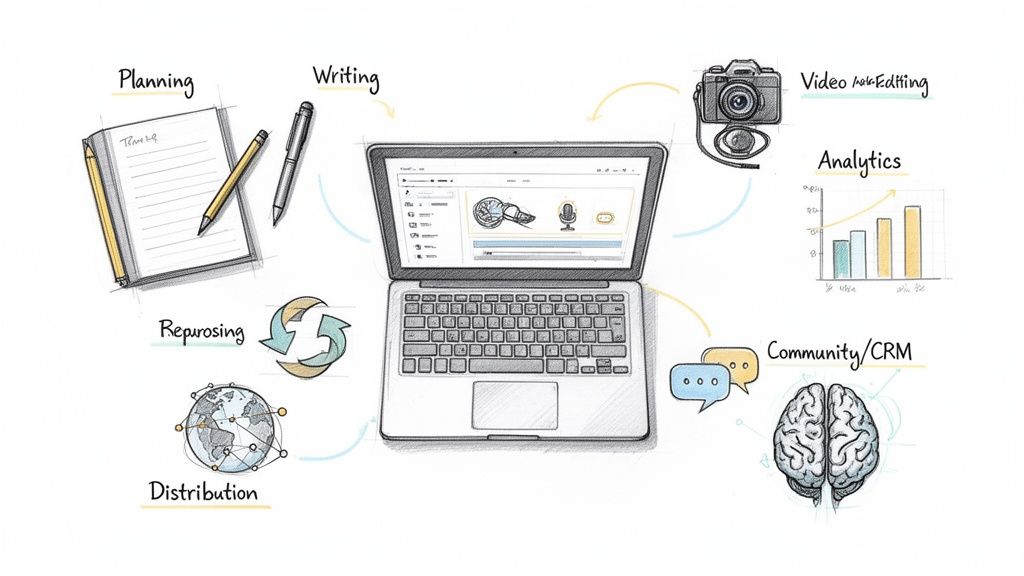
The creator economy is booming, but the sheer number of apps, platforms, and gadgets can feel overwhelming. The secret to building an influential personal brand isn't just about having tools; it's about having the right tools integrated into a seamless workflow. This guide cuts through the noise to showcase a curated list of the best tools for content creators who are serious about consistency, quality, and audience engagement. We'll move beyond generic feature lists to give you practical use cases, honest limitations, and strategic advice on how to build a powerful, efficient content engine that lets your unique voice shine.
Our focus is on creating a cohesive system, not just a collection of software. From initial planning and scripting to high-quality video production, audio editing, and strategic content repurposing, each tool in this list serves a specific purpose in a professional creator's toolkit. We’ll cover everything from essential hardware available through B&H Photo Video and Elgato to powerful editing suites like Adobe Creative Cloud and Descript. You will learn how to select platforms that align with your specific goals, whether you're a CEO building a thought leadership platform or an entrepreneur scaling your digital presence.
As technology rapidly evolves, integrating artificial intelligence can supercharge various aspects of your content creation workflow. For a deeper dive into modern solutions, consider exploring the best AI tools for content creators. This guide, however, concentrates on the foundational stack. Each recommendation includes direct links, screenshots, and concise analyses of pros, cons, and pricing to help you make informed decisions quickly. The goal is to help you stop endlessly researching and start building a content creation process that actually works for you.
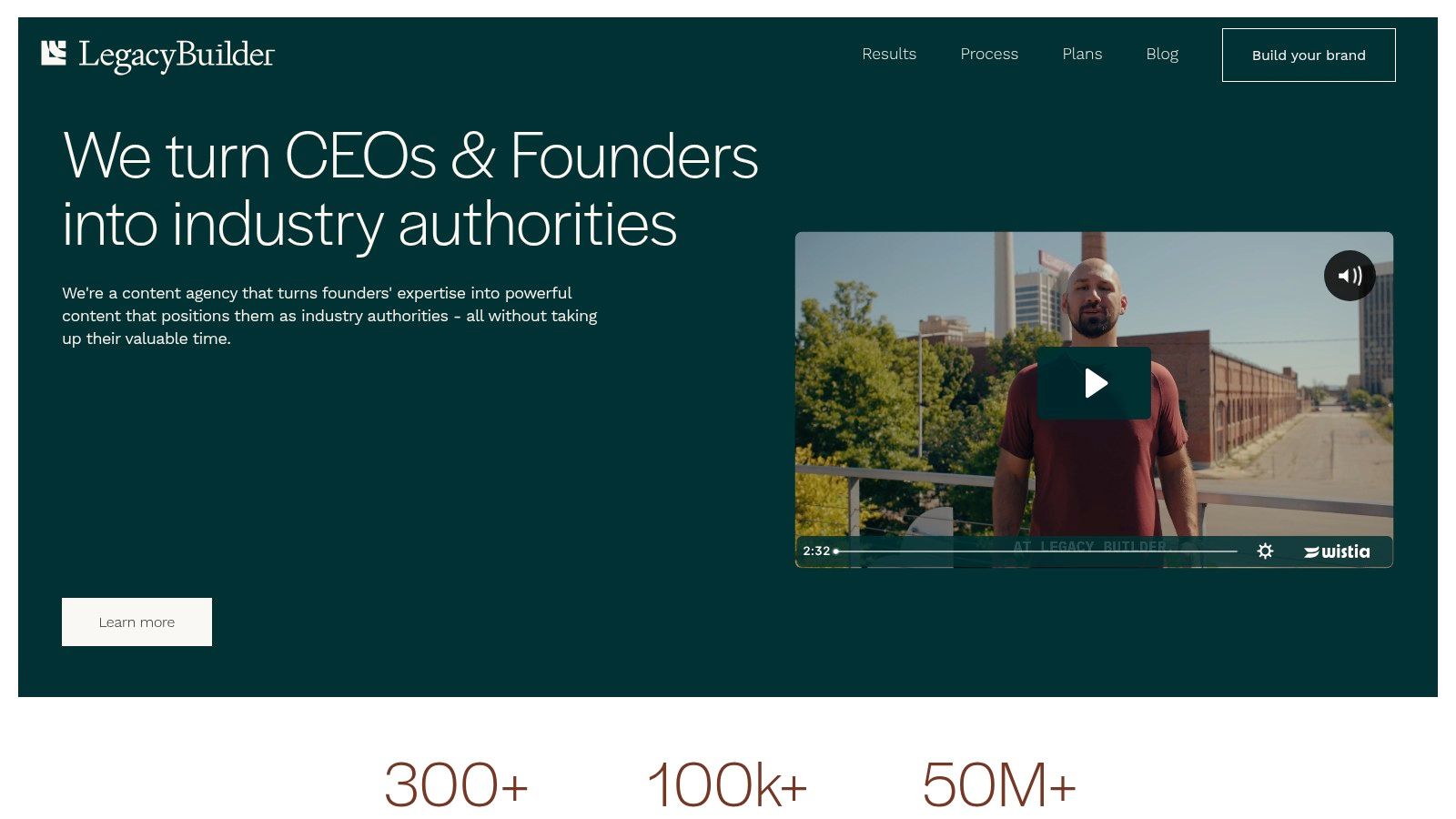
Legacy Builder is not a tool in the traditional sense; it is a full-service authority-building platform designed for busy founders, CEOs, and senior professionals. It stands out by functioning as an outsourced, in-house content team dedicated to transforming your expertise into a consistent, high-impact personal brand on platforms like LinkedIn and X. This service is a premier choice among the best tools for content creators who value authenticity and lead generation but lack the time for hands-on execution.
The core of its offering is a meticulously crafted process (Meet → Build → Grow) that begins with an in-depth onboarding interview. This allows a dedicated team-a strategist, writer, designer, and video editor-to deeply understand your unique voice, industry insights, and professional stories. They then handle the entire content lifecycle, from ideation and creation to daily posting and strategic distribution.
ProsConsA complete, dedicated team learns and replicates your authentic voice.The premium price point and three-month minimum commitment may be a barrier for early-stage founders or solo creators.Delivers consistent daily content and automated outreach for reliable growth.Primarily focuses on LinkedIn and X; less suitable for brands centered on platforms like Instagram, TikTok, or YouTube.Strong social proof and documented results in lead generation and audience growth.It is a "done-for-you" service, which might not fit creators who prefer hands-on control over every post.Scalable packages that grow with you, from social media presence to owned-audience channels like newsletters and podcasts.
Legacy Builder is the definitive solution for established professionals aiming to build an industry-leading personal brand with minimal time investment.
Website: https://www.legacybuilder.co
ReachSocial is a purpose-built LinkedIn workflow tool for founders, operators, and consultants who need to show up consistently on the platform without turning content into a second job. Rather than patching together ChatGPT, Google Docs, a scheduling tool, and a separate engagement network, ReachSocial collapses the entire process — from idea generation to publishing to promotion — into a single, linear workflow. For founder-led brands where LinkedIn is a primary growth channel, it functions as a quiet operational backbone.
The tool's core strength is that it removes the friction between having something to say and actually getting it posted. You answer a few onboarding questions about your focus and expertise, and ReachSocial generates a weekly content roadmap. From there, each idea moves through a built-in AI writing assistant that takes it to a finished draft — no copy-pasting between tabs, no half-finished notes in a doc. Once a post is ready, you schedule and publish it directly inside the platform. There's also a built-in network that promotes posts to boost early engagement, which matters for LinkedIn's algorithm.
The platform is clearly focused: it does LinkedIn, and only LinkedIn. That's a trade-off worth understanding before you sign up. But for founders who want one clean system they'll actually use every week, that focus is precisely the point.

Key Use Cases & Features
Website: https://www.reachsocial.ai
For creators who need specialized, pro-grade equipment, B&H Photo Video is an indispensable resource. While general marketplaces offer variety, B&H provides deep expertise and a curated selection of high-end cameras, professional audio gear, studio lighting, and niche accessories. It serves as a professional outfitter, making it one of the best tools for content creators serious about elevating their production quality with reliable, industry-standard equipment.
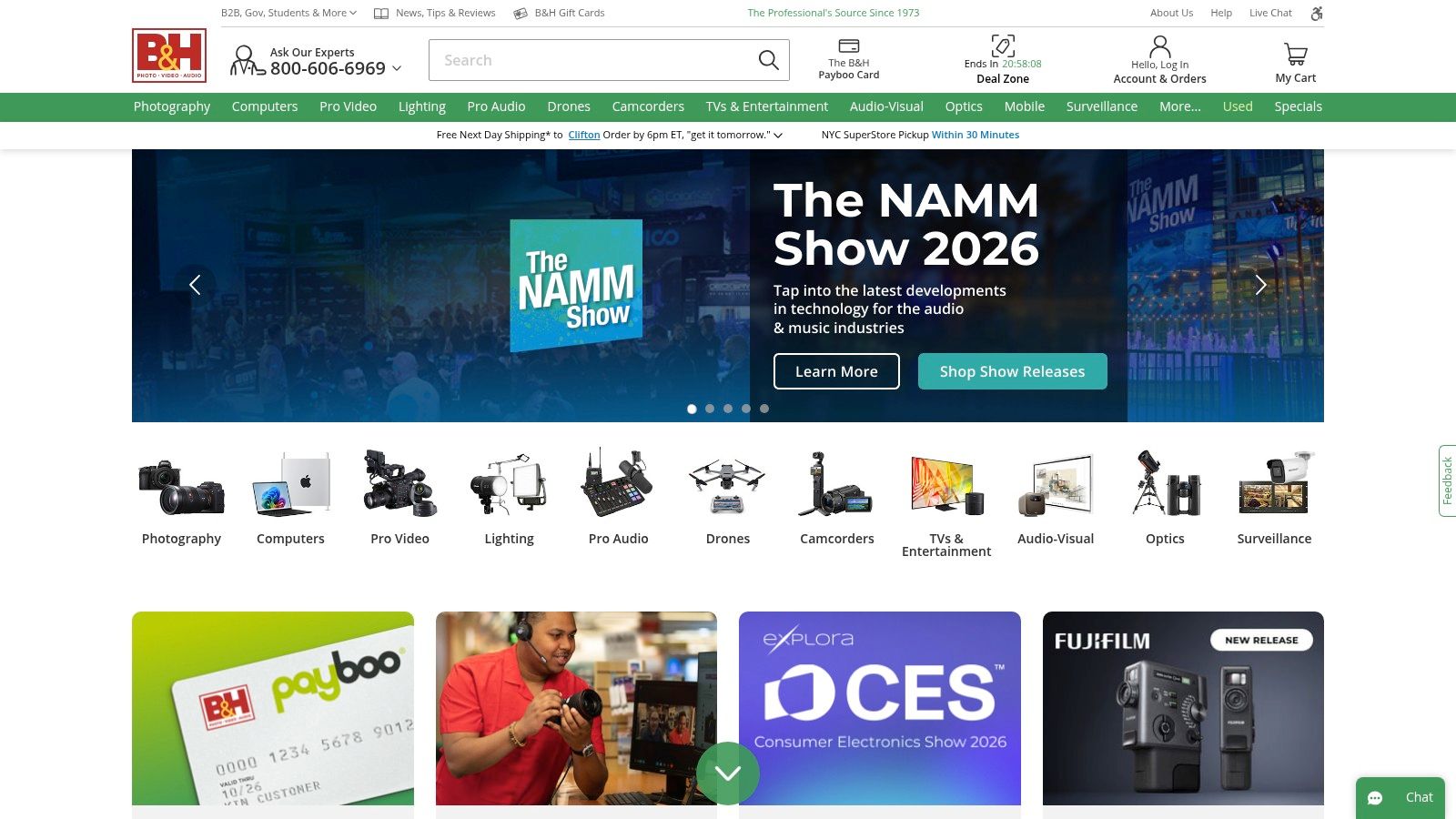
The primary advantage of B&H is its expert focus. Unlike massive retailers, its product listings are supported by highly detailed technical specifications, educational articles, and knowledgeable U.S.-based customer support that can guide purchasing decisions. This expertise extends to their curated creator kits and buying guides, which simplify the process of assembling a functional setup for podcasting, streaming, or filmmaking.
FeatureAssessmentProduct SelectionExcellent. Specialized and curated for photo, video, and audio professionals. Carries brands and items not found on broader sites.Pricing & ShippingCompetitive. Offers frequent bundle deals and promotions. Shipping is fast and reliable, with a strong warranty and return policy.User ExperienceExcellent. The website is well-organized with powerful filters, detailed specs, and helpful educational content integrated throughout.Creator IntegrationStrong. Heavily focused on the creator community through its Explora blog, workshops, and product guides tailored to their workflows.
Website: https://www.bhphotovideo.com
Elgato is the go-to brand and official store for professional-grade streaming hardware that bridges the gap between physical control and digital creation. It offers a specialized ecosystem of tools designed to streamline workflows for streamers, YouTubers, and podcasters. While many brands sell creator gear, Elgato stands out for its deep software integration and plug-and-play simplicity, making complex production tasks accessible to everyone. From its iconic Stream Deck macro pads to its studio-quality lighting and capture cards, the platform is one of the best tools for content creators focused on high-quality live production.
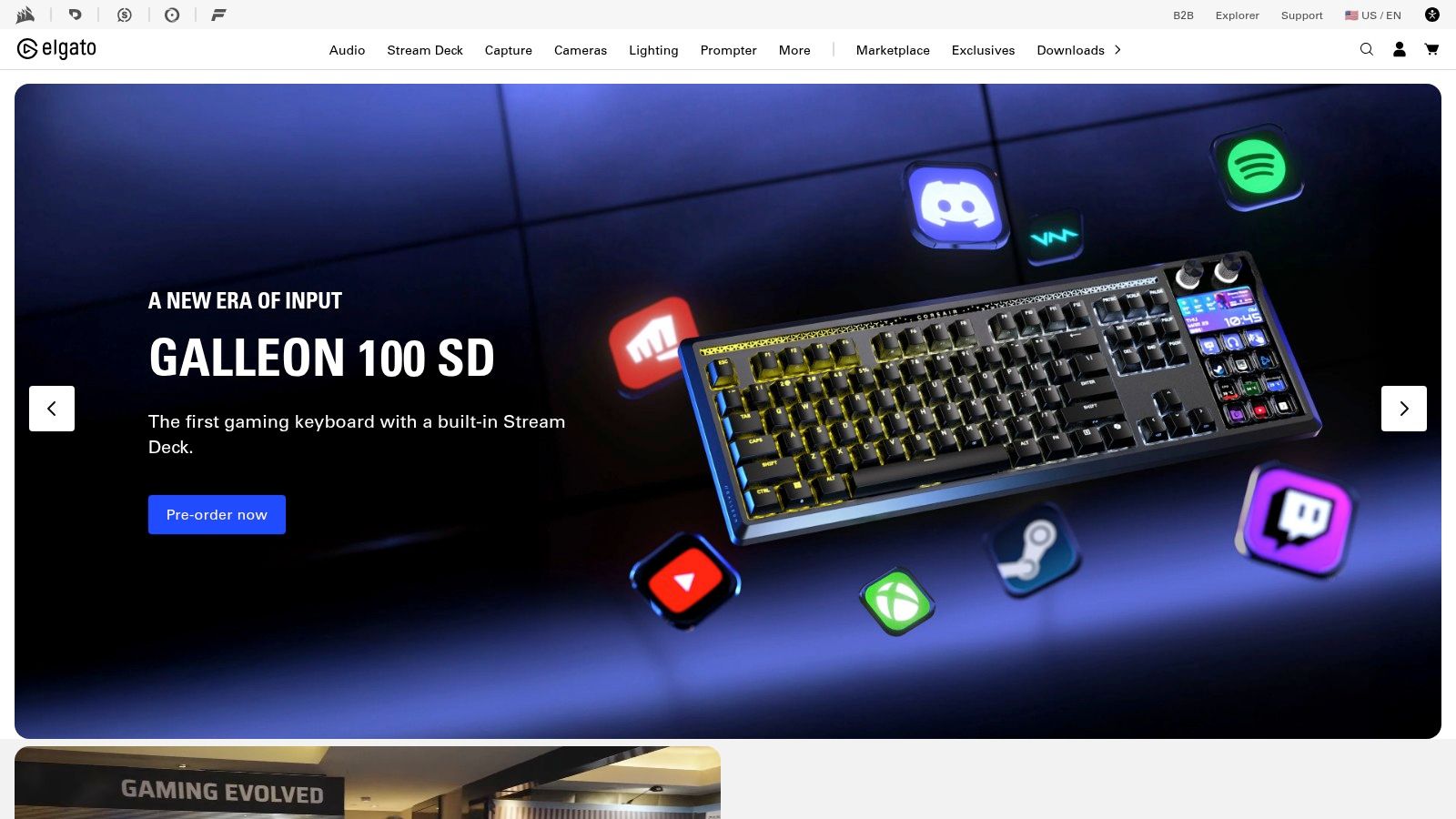
The core benefit of the Elgato ecosystem is workflow automation. The Stream Deck, for instance, allows creators to trigger multi-step actions with a single button press, like switching scenes in OBS, playing sound effects, posting a tweet, and dimming lights simultaneously. This level of control, combined with hardware that is purpose-built for creator needs (like low-profile mics and space-saving key lights), empowers users to produce polished content with minimal effort during a live session.
FeatureAssessmentProduct SelectionExcellent. A focused but comprehensive range of hardware covering all key aspects of a modern streaming and recording setup.Pricing & AvailabilityPremium. Products are priced higher than generic alternatives but justify it with quality and software. Stock can be limited.User ExperienceExcellent. The website is clean and easy to navigate. The hardware is designed for simple, plug-and-play setup.Creator IntegrationIndustry-Leading. The entire product ecosystem is built from the ground up to integrate with the software and platforms creators use daily.
Website: https://www.elgato.com
Adobe Creative Cloud is the undisputed industry-standard software suite, providing an end-to-end ecosystem for virtually every creative discipline. It's an indispensable collection for serious creators, bundling powerful applications like Photoshop for image editing, Premiere Pro for video, Audition for audio, and Illustrator for graphics. This interconnectedness makes it one of the best tools for content creators who need a seamless, professional-grade workflow.
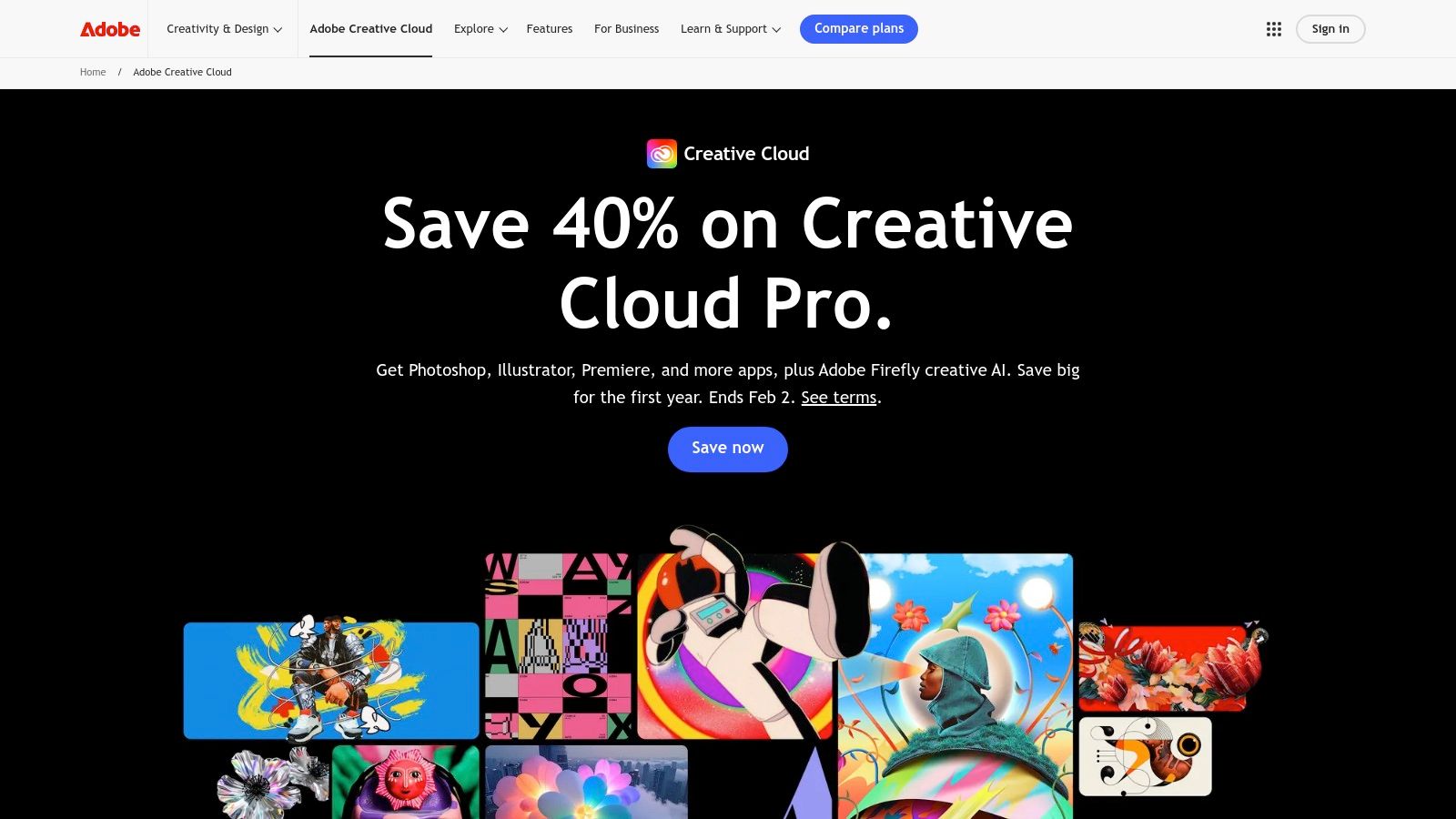
The primary advantage is its tight integration. Assets created in Illustrator can be animated in After Effects and then edited into a timeline in Premiere Pro, all while maintaining quality and editability. The recent infusion of Adobe Firefly AI tools across the suite automates complex tasks like object removal, text-to-image generation, and audio cleanup, drastically speeding up production. Cloud storage and Frame.io integration streamline collaboration, allowing for remote reviews and feedback directly within the editing timeline.
FeatureAssessmentProduct SelectionExcellent. The suite covers every conceivable professional creative need, from print and web design to advanced video and audio engineering.Pricing & ShippingFair. The subscription model can be costly long-term but provides constant updates and access to the entire suite, which is valuable.User ExperienceGood. The apps have a steep learning curve but are incredibly powerful. Cross-app integration is a major workflow benefit.Creator IntegrationExcellent. Built from the ground up for creative professionals, with extensive resources, community support, and collaboration tools.
Website: https://www.adobe.com/creativecloud.html
Poised to be a game-changer for creators within the Apple ecosystem, the Apple Creator Studio is a subscription bundle packaging the company's powerful pro apps. Launching in early 2026, this suite combines industry-standard software like Final Cut Pro and Logic Pro with creative tools like Pixelmator Pro, offering a comprehensive production toolkit at a competitive price point, solidifying its place among the best tools for content creators on Mac and iPad.
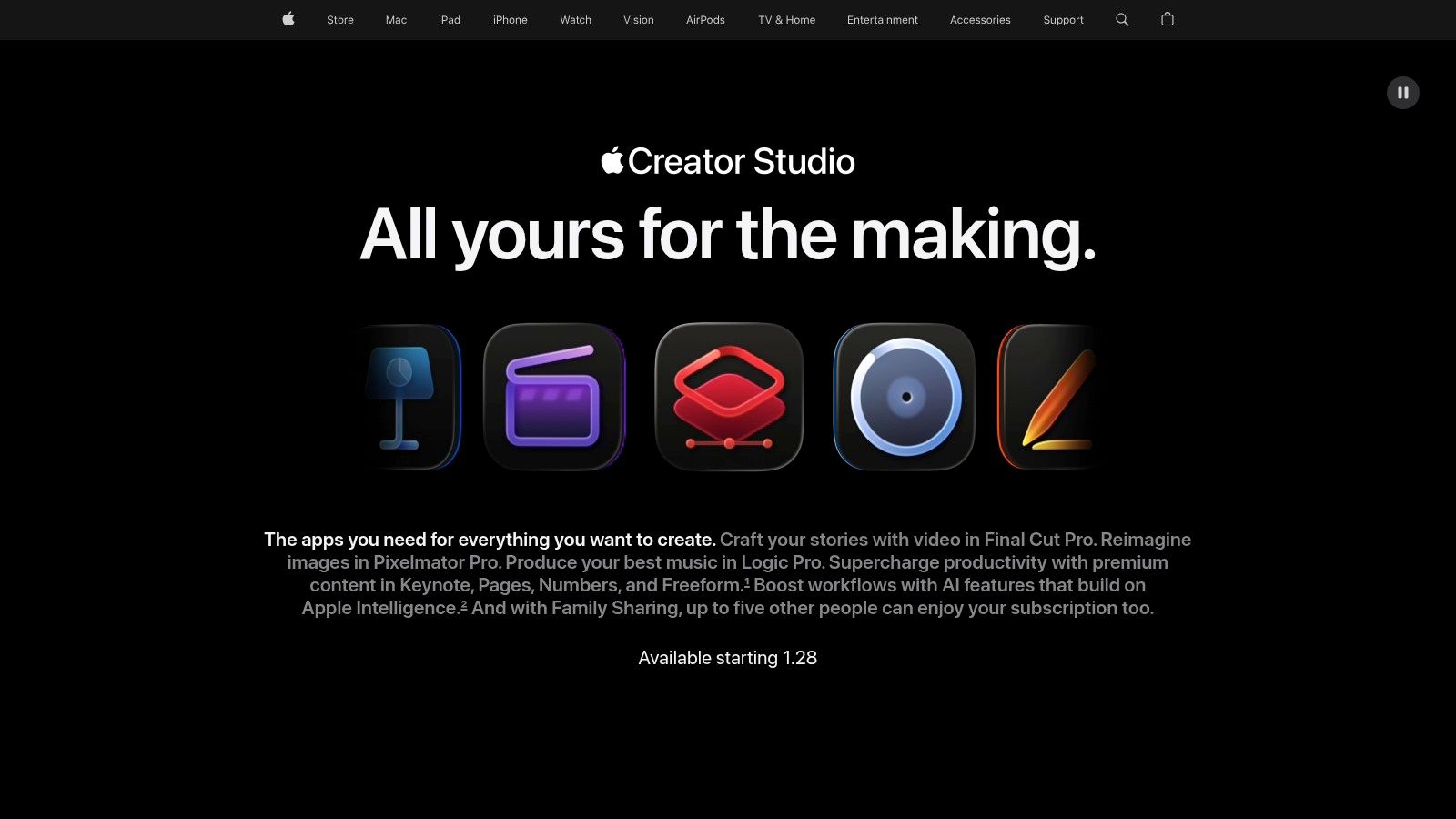
Its primary advantage is the seamless integration and performance that comes from native Apple software. The bundle provides cross-device access, allowing a creator to start an edit on an iPad and finish it on a Mac without friction. The inclusion of new AI-assisted features, such as transcript-based video search and automatic beat detection in audio, is designed to significantly accelerate common editing workflows, saving valuable time.
FeatureAssessmentSoftware SelectionExcellent. A curated bundle of professional-grade applications covering video, audio, motion graphics, and image manipulation.Pricing & ValueCompetitive. Offers substantial savings compared to purchasing individual pro apps or subscribing to competing third-party suites.User ExperienceExcellent. Deep OS integration ensures optimized performance, stability, and a consistent user interface across all applications.Ecosystem IntegrationLimited. Designed exclusively for the Apple ecosystem. Its main drawback is the lack of cross-platform support for Windows or Android.
Website: https://www.apple.com/apple-creator-studio/
Canva has become the indispensable design tool for creators who need to produce high-quality visuals quickly, without a steep learning curve. It democratizes design by offering a template-driven platform perfect for social media graphics, presentations, short-form video, and marketing collateral. For creators focused on speed and brand consistency, Canva is one of the best tools for content creators, bridging the gap between basic editing apps and complex professional software like Adobe Creative Suite.
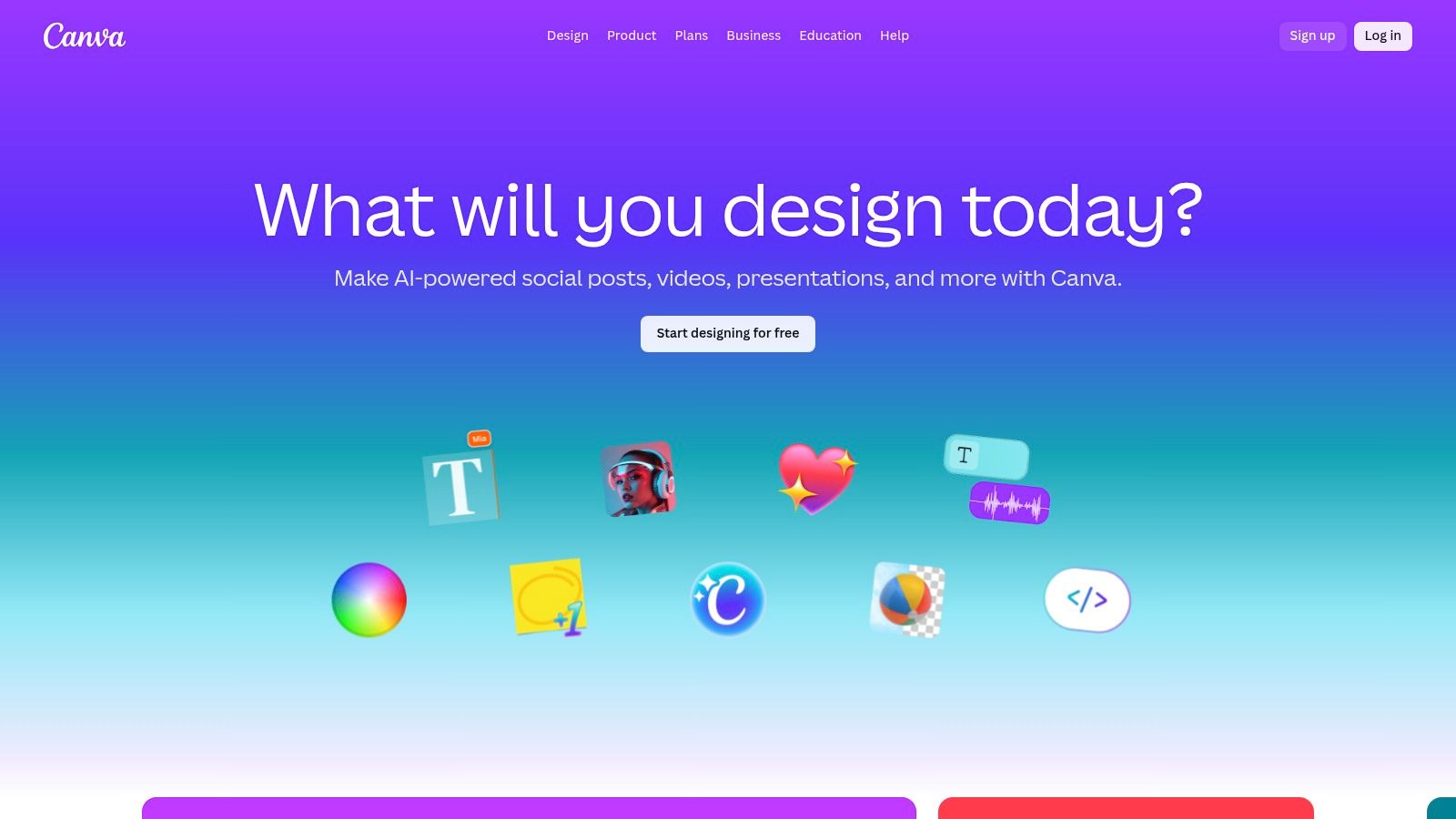
Its primary advantage is its vast library of templates and media, combined with an intuitive drag-and-drop interface. This allows for rapid content creation that remains on-brand, thanks to its Brand Kit feature. The recent introduction of its Magic Studio suite of AI tools, including background removers and text-to-image generators, further accelerates the design process, making it a powerhouse for daily content production.
FeatureAssessmentEase of UseExcellent. Its intuitive interface makes it accessible to non-designers, with a very low learning curve.Template & Asset LibraryExcellent. A massive, constantly updated library of templates, stock photos, videos, and audio is its core strength.AI & AutomationVery Good. The Magic Studio tools are powerful and well-integrated, significantly speeding up common editing and creation tasks.Collaboration & Pro FeaturesGood. Team collaboration is robust, though advanced control and export options are more limited compared to professional design suites.
Website: https://www.canva.com
Descript revolutionizes video and audio editing by transforming it into a process as simple as editing a text document. Instead of manipulating complex timelines, users edit the auto-generated transcript, and the corresponding media is cut, rearranged, or deleted automatically. This text-based workflow makes it one of the best tools for content creators focused on dialogue-heavy content like podcasts, interviews, and educational videos, dramatically speeding up the editing process.
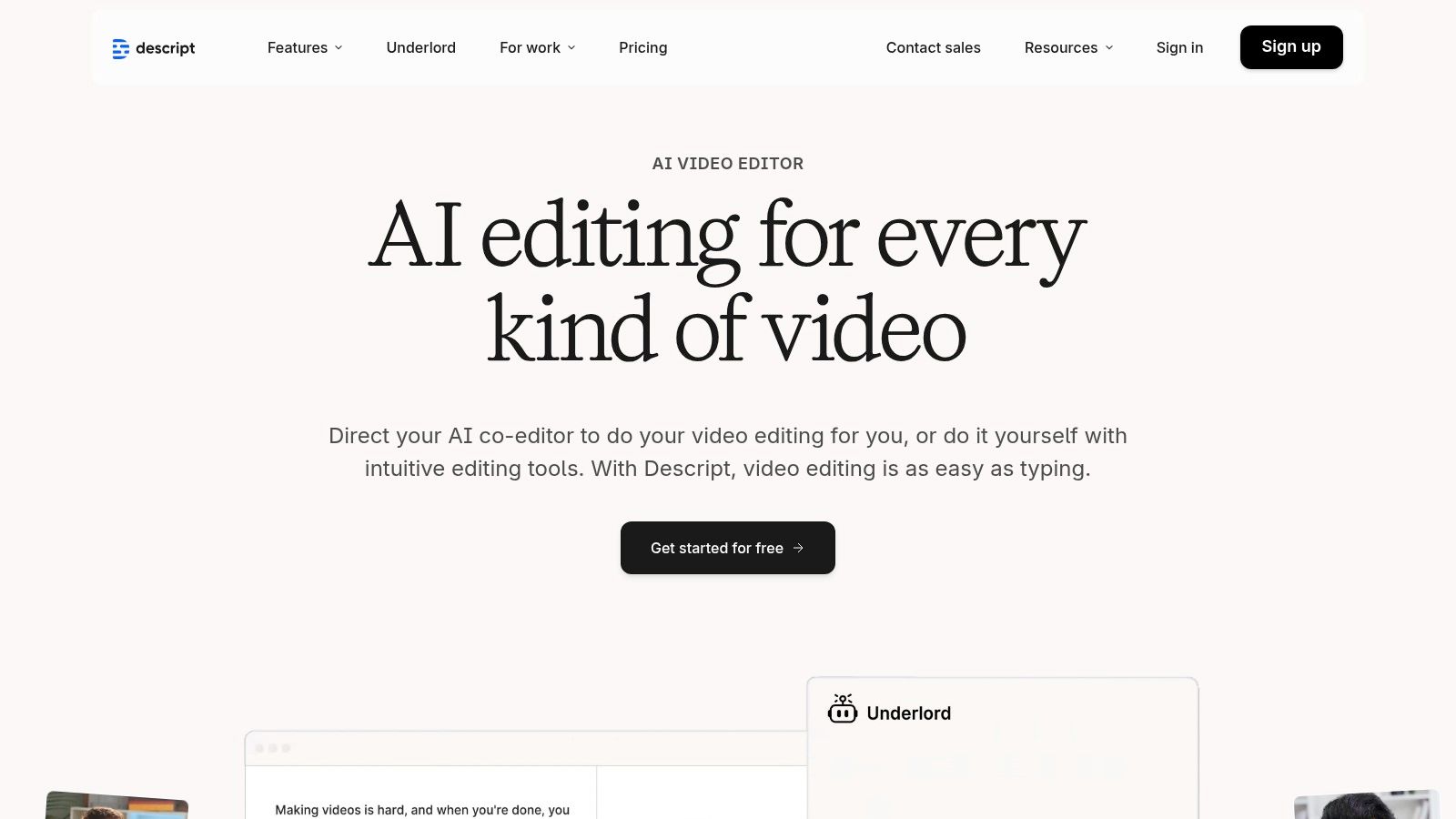
The platform is packed with powerful AI features that streamline post-production. Studio Sound enhances audio quality with a single click, removing background noise and echo to produce professional-grade sound. Its filler word removal tool can instantly eliminate every "um" and "uh" from a recording, while Overdub allows creators to clone their voice to correct misspoken words without re-recording. This makes it an incredibly efficient tool for repurposing content, a key strategy for extending your reach. To dive deeper into this topic, you can learn more about how to repurpose content on legacybuilder.co.
FeatureAssessmentEase of UseExcellent. The text-based interface is highly intuitive for anyone familiar with a word processor, drastically lowering the editing learning curve.AI CapabilitiesExcellent. Features like Studio Sound, Overdub, and filler word removal are industry-leading and save immense amounts of time.CollaborationGood. Web-based projects allow for easy sharing, commenting, and collaborative editing, similar to Google Docs.Value & PricingGood. Offers a free plan with limited features. Paid plans are competitively priced based on transcription hours and feature access.
Website: https://www.descript.com
DaVinci Resolve has become an industry powerhouse, evolving from a color grading suite into an all-in-one post-production solution. It uniquely combines professional video editing, color correction, visual effects (Fusion), and audio post-production (Fairlight) into a single application. This integration makes it one of the best tools for content creators who want a seamless workflow without switching between different software for editing, color, and sound.
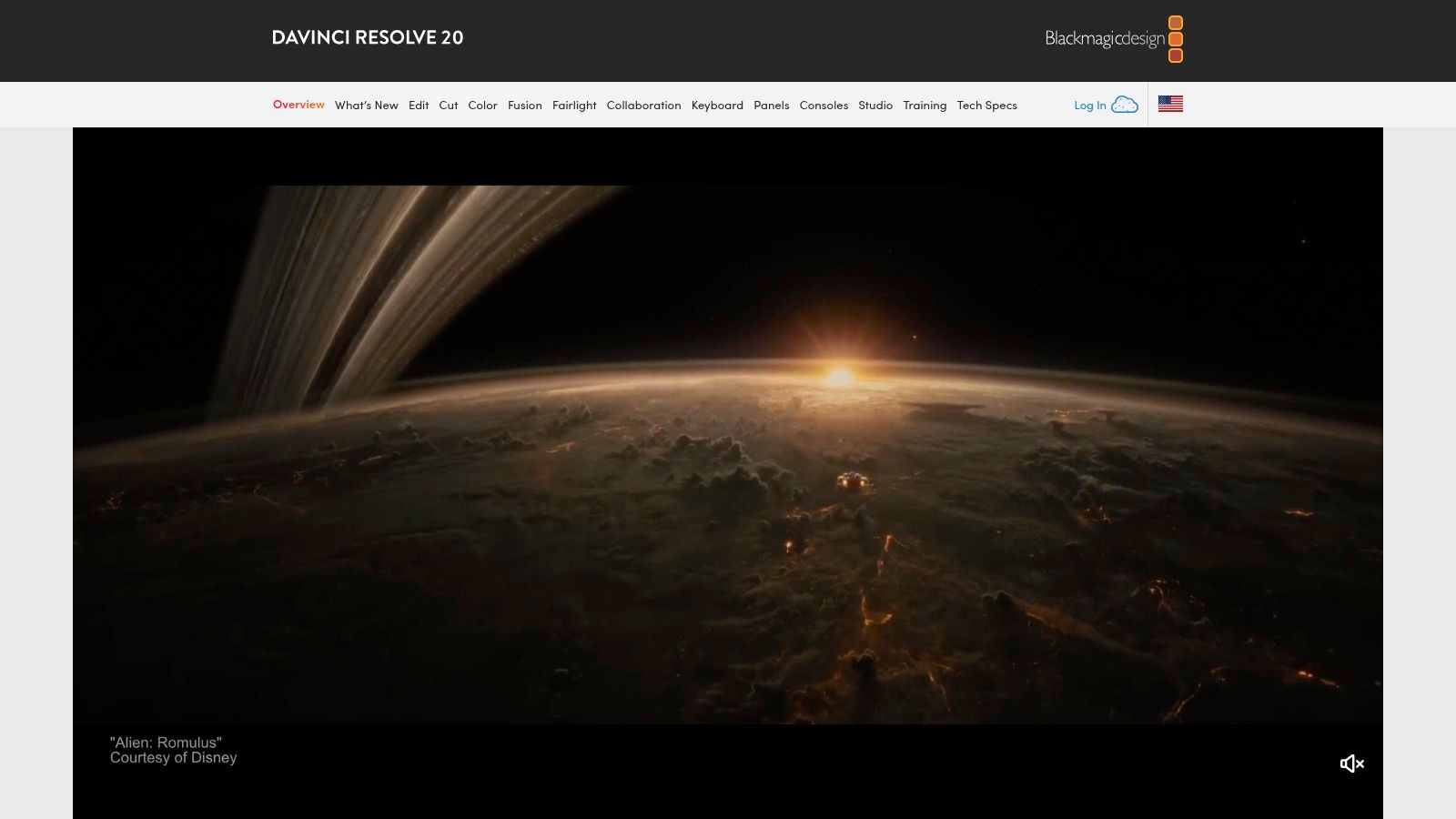
Its biggest draw is its business model. The free version is astonishingly powerful and sufficient for a vast majority of content creation needs, handling up to 4K projects with ease. For those needing advanced features like AI-powered tools, more visual effects, and HDR grading, DaVinci Resolve Studio is available as a one-time perpetual license purchase. This completely sidesteps the subscription fatigue common with other professional video editors.
FeatureAssessmentFunctionalityExcellent. A complete, node-based post-production suite that rivals and often exceeds the capabilities of subscription-based competitors.Pricing ModelExcellent. The free version is incredibly capable, and the Studio version's one-time purchase offers phenomenal long-term value.User ExperienceGood. The interface is professional and efficient, but its comprehensive nature presents a steeper learning curve for beginners.System ResourcesDemanding. To unlock its full potential, especially for VFX and high-resolution media, a powerful computer with a capable GPU is needed.
Website: https://www.blackmagicdesign.com/products/davinciresolve/
For creators who consistently need a wide variety of digital assets, Envato Elements is an indispensable subscription service. It offers unlimited downloads from a massive library of stock video, music, sound effects, graphics, presentation templates, and more, all under a single, straightforward commercial license. This model makes it one of the best tools for content creators who produce diverse content across multiple platforms, from YouTube videos to social media graphics and website assets.
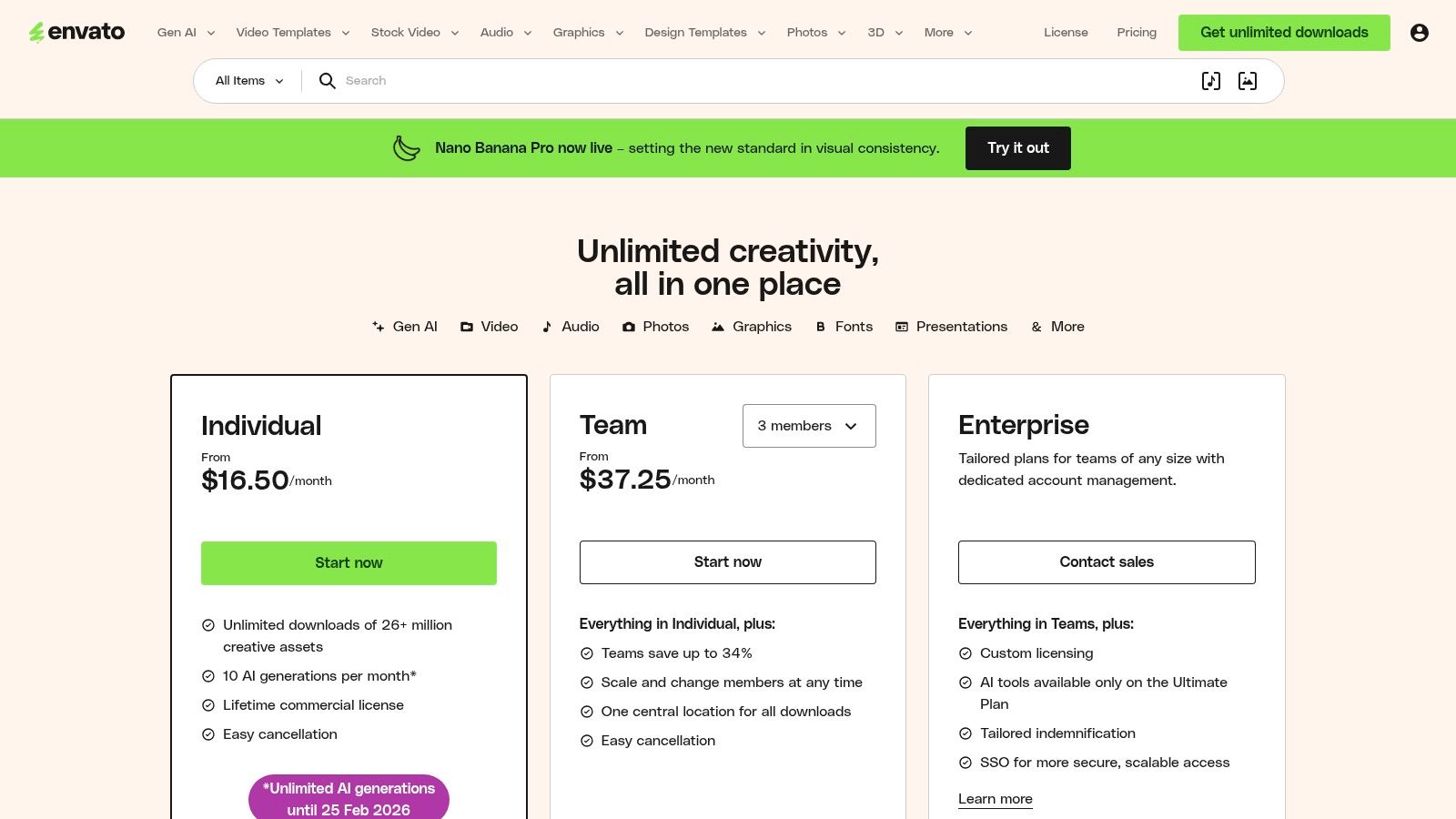
The primary advantage is its exceptional value proposition. Instead of paying per asset, a single monthly or annual fee unlocks millions of files, streamlining budgeting and eliminating friction in the creative process. Creators can experiment freely with different assets without worrying about individual costs, which is perfect for developing a brand's visual identity or quickly sourcing B-roll and background music to meet tight deadlines. The simple, project-based licensing also provides peace of mind for commercial work.
FeatureAssessmentAsset SelectionExcellent. The library is vast and covers virtually every type of digital asset a creator might need for a multi-format content pipeline.Pricing & ValueExcellent. The unlimited download model offers incredible value, especially for high-volume creators, teams, and agencies.User ExperienceGood. The platform is easy to search and navigate. Licensing is simple, though registering assets for each project requires discipline.Creator IntegrationVery Good. The service is purpose-built for creators, providing the raw materials needed for nearly any digital creation project.
Website: https://elements.envato.com/pricing
Epidemic Sound is a royalty-free music and sound effects licensing platform purpose-built for the creator economy. It solves one of the biggest challenges creators face: finding high-quality audio without risking copyright strikes or demonetization on platforms like YouTube, Instagram, and TikTok. Its vast, curated library provides a professional sonic backdrop for any type of content, making it one of the best tools for content creators focused on video production.
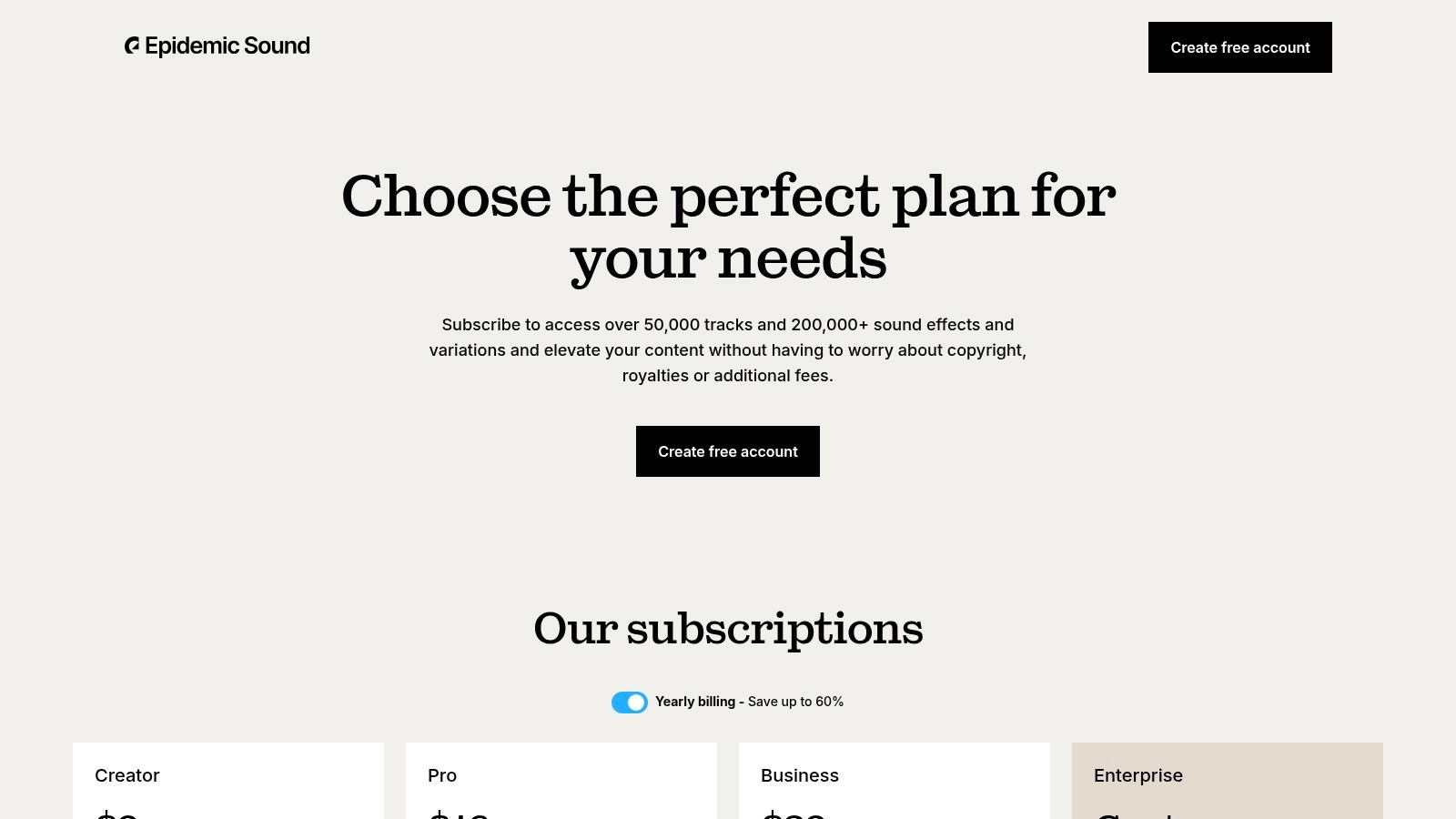
The platform’s key advantage is its straightforward licensing model. With an active subscription, creators can safelist their channels and use any track or sound effect in their content with global clearance. Even if the subscription is canceled, all content published during the active period remains cleared forever. This perpetual license provides invaluable peace of mind, eliminating the need to track complex individual licenses.
FeatureAssessmentLibrary QualityExcellent. The catalog is professionally produced and curated, featuring a wide range of genres and high-quality sound effects suitable for any project.Licensing & PricingGood. The subscription model offers great value for active creators. Pro and Commercial plans cover client work, but pricing can be high for casual users.User ExperienceExcellent. The website is intuitive, with powerful search tools, curated playlists, and easy-to-use stem downloads that simplify the discovery process.Creator IntegrationStrong. The entire platform is built around the creator workflow, from channel safelisting to plugins for editing software like Adobe Premiere Pro.
Website: https://www.epidemicsound.com/our-plans/
TubeBuddy is an indispensable browser extension and management toolkit designed specifically for YouTube creators. It integrates directly into the YouTube interface, providing powerful tools for channel optimization, SEO, and productivity that go far beyond native analytics. For creators serious about growing on the platform, it is one of the best tools for content creators to improve discoverability and streamline repetitive management tasks.
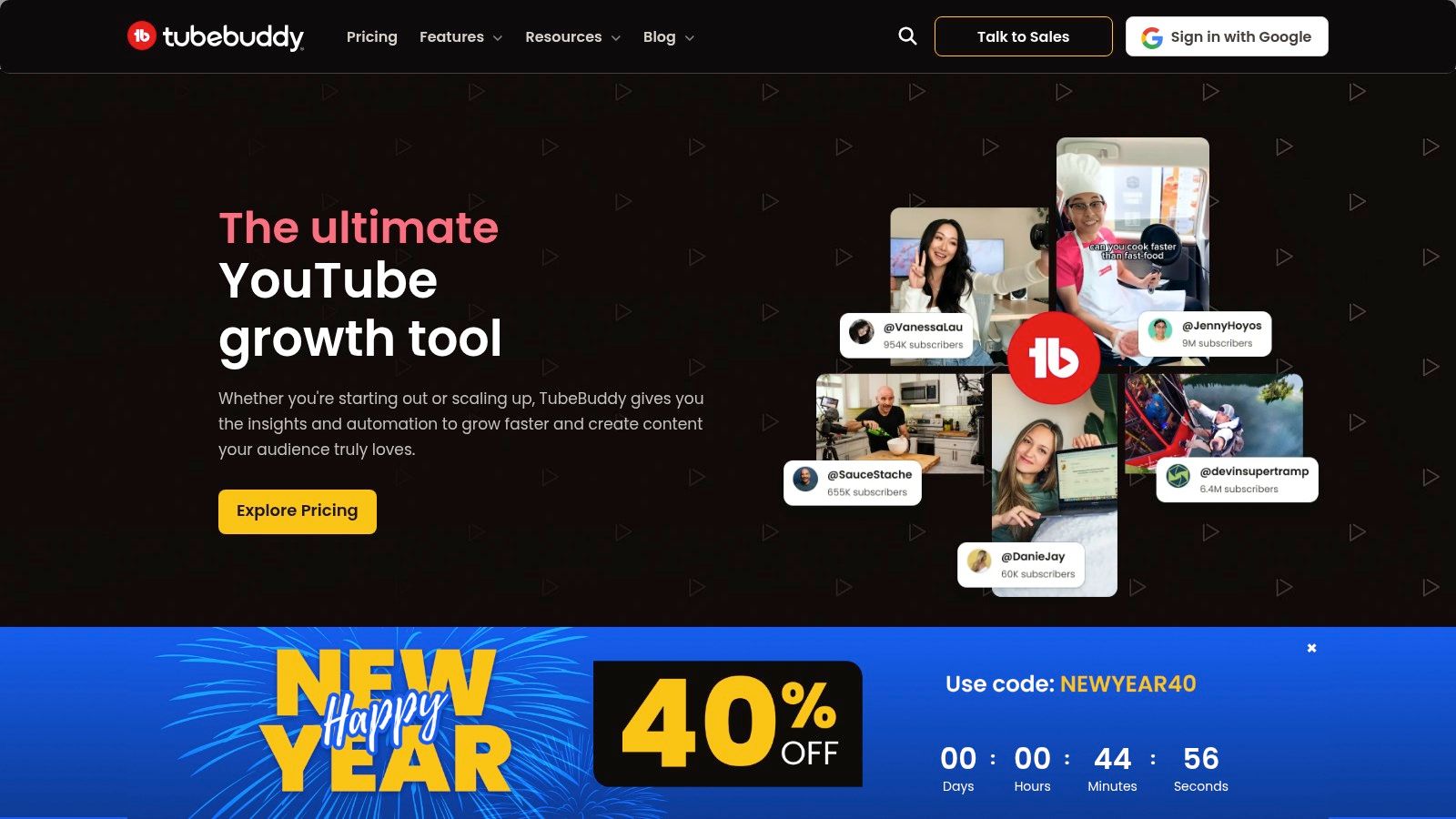
The platform's core strength is its ability to surface actionable data right where you need it. From its Keyword Explorer that helps you find high-value, low-competition video topics to its recommended tags feature that boosts your video's SEO, TubeBuddy demystifies the YouTube algorithm. It automates tedious jobs like updating end screens across hundreds of videos, creating canned responses for common comments, and scheduling uploads for optimal engagement times. This helps to build your online presence by consistently delivering optimized content.
FeatureAssessmentOptimization ToolsExcellent. The keyword and tag tools are invaluable for improving search rankings and discoverability without a deep SEO background.Pricing & ValueGood. A free version offers basic tools, but the most impactful features (like A/B testing) are locked behind paid Pro or Legend plans.User ExperienceVery Good. It seamlessly integrates into the YouTube dashboard, making the tools feel native and intuitive to use within your workflow.Creator IntegrationExcellent. As a YouTube-certified tool, it is built from the ground up to serve the specific needs of video creators on the platform.
Website: https://www.tubebuddy.com
ProductCore FeaturesExperience ★Value/Price 💰Target Audience 👥Unique Strength ✨🏆 Legacy BuilderDedicated strategist, writer, designer, editor & success manager; daily posts; ICP outreach; profile optimization★★★★☆ proven results (300+ clients, 50M+ impressions)💰 ~$3.5k+/mo (3‑mo min) — premium ROI for leaders👥 Founders, CEOs, senior professionals✨ Founder-first voice capture + full-service daily growthAmazonMarketplace for creator hardware/software/accessories; Prime shipping & reviews★★★☆☆ variable quality across sellers💰 Wide price range; Prime perks & easy returns👥 Creators sourcing gear cheaply & quickly✨ One-stop selection + logisticsB&H Photo VideoPro-grade video/photo/audio gear; curated kits; expert U.S. support★★★★☆ pro-focused service & guidance💰 Competitive pricing; bundle deals👥 Pro videographers, photographers, studios✨ Deep technical guidance & specialized kitsElgatoStream Deck, capture cards, lights, mounts; app/plugin integrations★★★★☆ reliable, plug‑and‑play streaming gear💰 Premium pricing vs generic alternatives👥 Streamers & live creators✨ OBS/Twitch integrations + automationAdobe Creative CloudPhotoshop, Premiere, After Effects, cloud assets, AI tools★★★★★ industry-standard, deep feature set💰 Subscription (higher TCO) — pro-grade👥 Professional designers, editors, agencies✨ Cross-app workflows & huge plugin ecosystemApple Creator StudioBundle: Final Cut, Logic, Motion, Compressor, Pixelmator; AI features★★★★☆ native Mac/iPad performance💰 Lower-price bundle for Apple users👥 Mac/iPad creators & Apple ecosystem fans✨ Native performance, family sharing & AI toolsCanvaTemplates, Magic Studio AI, brand kit, social scheduler★★★★☆ very fast & accessible for social💰 Freemium + Teams plans (pricing changed)👥 Non-designers, marketing teams, solopreneurs✨ Rapid template-driven output & built-in schedulerDescriptText-based video/audio editing, Overdub, Studio Sound, screen record★★★★☆ super fast for repurposing shorts/podcasts💰 Tiered plans; transcription caps apply👥 Podcasters, solo creators, repurposers✨ Edit-by-text + AI voice cloningDaVinci ResolveNLE, color, VFX (Fusion), audio (Fairlight); free + Studio one-time★★★★☆ pro features; steeper learning curve💰 Powerful free version; Studio one-time fee👥 Editors & colorists seeking pro tools✨ Full pro suite + perpetual license optionEnvato Elements26M+ assets (video, music, graphics, templates); unlimited downloads★★★★☆ huge library; community marketplace model💰 Subscription — excellent value for heavy use👥 Teams & creators needing many assets✨ Unlimited downloads & broad asset varietyEpidemic Sound50k+ tracks & 200k+ SFX, channel safelisting, stems & global clearance★★★★☆ high-quality catalog & clearance ease💰 Creator/Pro tiers — can be pricey for few tracks👥 Video creators needing safe music licensing✨ Perpetual clearance while subscribedTubeBuddyYouTube SEO, keyword research, A/B tests, scheduling & analytics★★★★☆ effective discoverability tools💰 Tiered pricing — best value for active channels👥 YouTubers optimizing growth & ops✨ Channel management + SEO & A/B testing
Navigating the expansive landscape of digital tools can feel like an overwhelming task, but as we've explored, the right technology stack is the engine behind every successful personal brand. The journey from a content creator to a legacy builder is not about mastering every single platform. It’s about strategically selecting a core set of tools that amplify your voice, streamline your workflow, and eliminate the friction between your ideas and your audience. The ultimate goal is to build a sustainable system that allows for consistent, high-quality output without leading to burnout.
The list of the best tools for content creators we've detailed, from hardware giants like B&H Photo Video and Elgato to creative powerhouses like Adobe Creative Cloud and Canva, represents more than just software and equipment. Each tool is a potential solution to a specific bottleneck in your content creation process. Your challenge now is to diagnose your own workflow and identify where the most significant leverage can be gained.
Selecting the right tools is a deeply personal process, dependent on your specific goals, existing skills, and, most importantly, your available time. A solo creator bootstrapping their brand will have vastly different needs than a CEO aiming to establish thought leadership. To make the right choice, consider the following framework:
For many professionals, entrepreneurs, and leaders, the fundamental challenge isn't a lack of knowledge or a shortage of ideas; it's a deficit of time. Managing a dozen different subscriptions, learning new software, and overseeing a complex production calendar is a full-time job in itself. This is where the most significant strategic shift occurs: moving from being the operator of the tools to being the visionary of the brand.
The real leverage point isn’t finding a slightly better editing tool or a more efficient social media scheduler. It is delegating the entire operational workflow. This is precisely why services like Legacy Builder exist. They function as a comprehensive, done-for-you content engine, taking your core insights and transforming them into a polished, multi-platform personal brand. By outsourcing the execution, you reclaim your most valuable asset, time, allowing you to focus on high-level strategy, client relationships, and the core responsibilities of your business.
Ultimately, the best tools for content creators are those that empower you to show up consistently and authentically. Whether you choose to build and manage your own tech stack with tools like TubeBuddy and Adobe or partner with a service to handle it all, the objective remains the same. Build a system that serves your message, respects your time, and enables you to create a lasting impact.
Tired of juggling tools and want to focus solely on your expertise? Legacy Builder acts as your complete, outsourced content creation team, turning your insights into a powerful personal brand without you ever touching a piece of software. To see how we can build your legacy for you, visit Legacy Builder.


You could – but most in-house teams struggle with the nuance of growing on specific platforms.
We partner with in-house teams all the time to help them grow on X, LI, and Email.
Consider us the special forces unit you call in to get the job done without anyone knowing (for a fraction of what you would pay).
Short answer – yes.
Long answer – yes because of our process.
We start with an in-depth interview that gives us the opportunity to learn more about you, your stories, and your vision.
We take that and craft your content then we ship it to you. You are then able to give us the final sign-off (and any adjustments to nail it 100%) before we schedule for posting.
No problem.
We have helped clients for years or for just a season.
All the content we create is yours and yours alone.
If you want to take it over or work on transitioning we will help ensure you are set up for success.
We want this to be a living breathing brand. We will give you best practices for posting and make sure you are set up to win – so post away.
Subscribe to our newsletter and get insights on how to grow your personal brand.
