.svg)
Subscribe to our newsletter and get insights on how to grow your personal brand.
Thank you! Your submission has been received!
Oops! Something went wrong while submitting the form.
.svg)



Building a strong professional network is less about collecting contacts and more about cultivating genuine relationships. It’s a core part of building your personal brand and professional legacy. Yet, the process often stalls at the very first step: sending the initial email. The fear of sounding generic, the awkwardness of a cold request, or simply the time it takes to draft a compelling message can lead to missed opportunities.
This is where the right networking email templates become a strategic asset. They are not a crutch for lazy outreach; instead, they provide a proven structure that frees you to focus on the most important element: authentic personalization. A good template handles the 80% of an email that is standard, like the greeting and sign-off, so you can pour your energy into the 20% that makes it unique and memorable.
This guide moves beyond simple copy-and-paste scripts. We will explore 12 of the best resources for powerful networking email templates, from full-featured outreach platforms like Yesware and lemlist to practical, script-focused sites like The Muse. For each platform, you will find:
Our goal is to help you shift your mindset from merely 'sending an email' to strategically 'starting a relationship'. By using these proven frameworks, you can save time, overcome writer's block, and build the authentic connections that define a successful career. Let's find the right tools to turn your inbox into your most effective networking channel.
Yesware integrates directly into your existing email client (Gmail or Outlook), turning your inbox into a powerful networking and sales engagement tool. While its primary audience is sales professionals, its core features are exceptionally useful for anyone looking to systematize their networking efforts. You can access a library of pre-built templates for various outreach scenarios, customize them with merge fields, and save them for repeated use without ever leaving your email draft window.
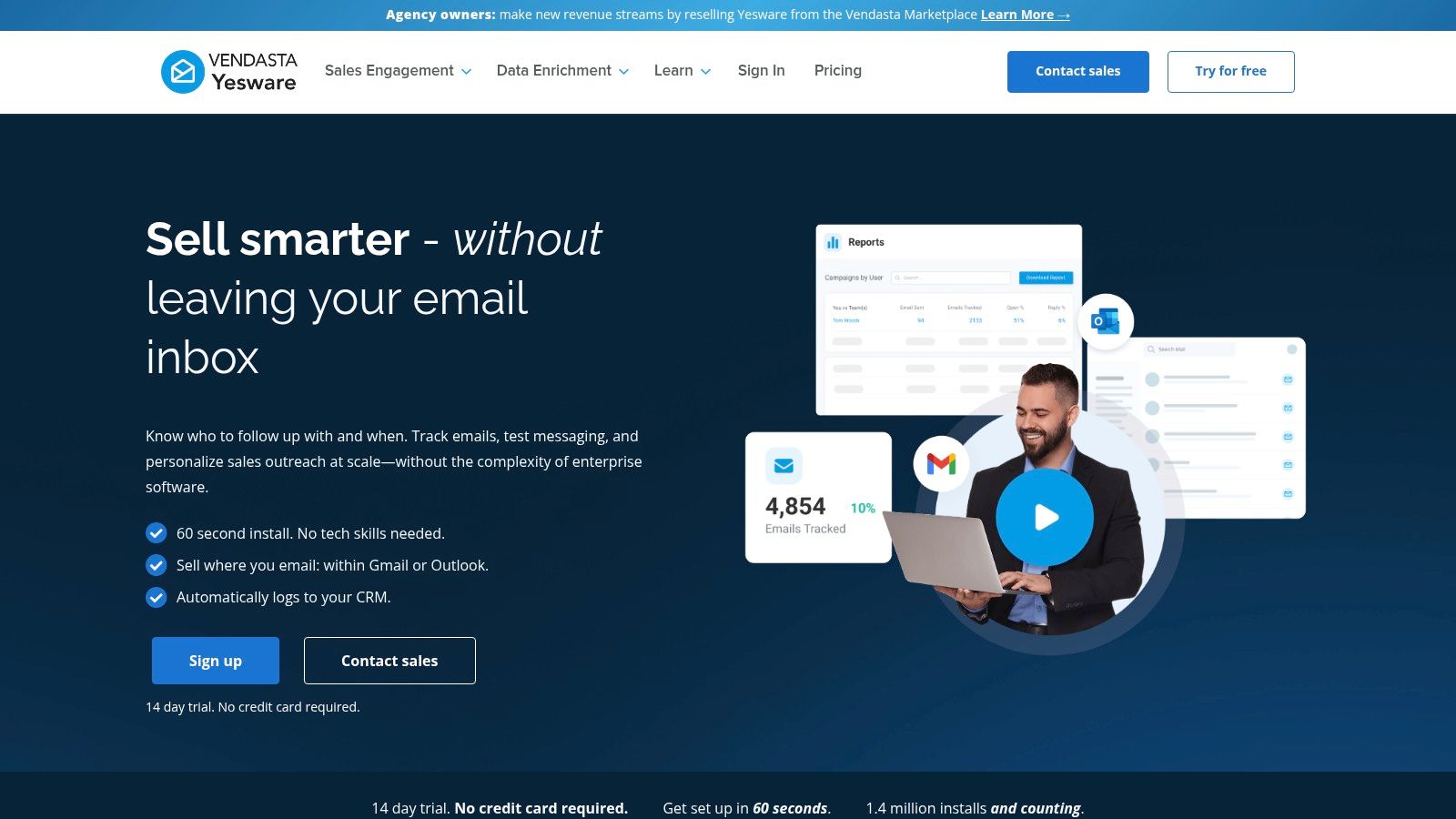
The platform’s strength lies in its analytics. Yesware provides detailed reports on which of your networking email templates get the most opens, clicks, and replies. This data-driven approach allows you to refine your messaging and subject lines for better results. For an even greater impact, you can explore some powerful email subject line examples to see what resonates with your contacts.
Our Take: Yesware is best for professionals who value efficiency and data. If you send a high volume of networking emails and want to know what works, the built-in analytics are a significant advantage. The workflow change is minimal since it lives right in your inbox.
Pricing: Yesware offers a free trial, with paid plans (Pro, Premium, Enterprise) that unlock advanced features like team reporting and Salesforce integration. The free tier is limited, making a paid plan necessary for serious users.
Website: https://www.yesware.com
lemlist is a cold outreach and sales engagement platform that stands out due to its public gallery of proven email campaigns. Instead of starting from scratch, you can browse campaigns created by other users, complete with real-world performance metrics like open, reply, and meeting rates. This is incredibly useful for finding networking email templates that are already validated by data. You can then duplicate a high-performing campaign directly into your own account and adapt it for your specific needs.
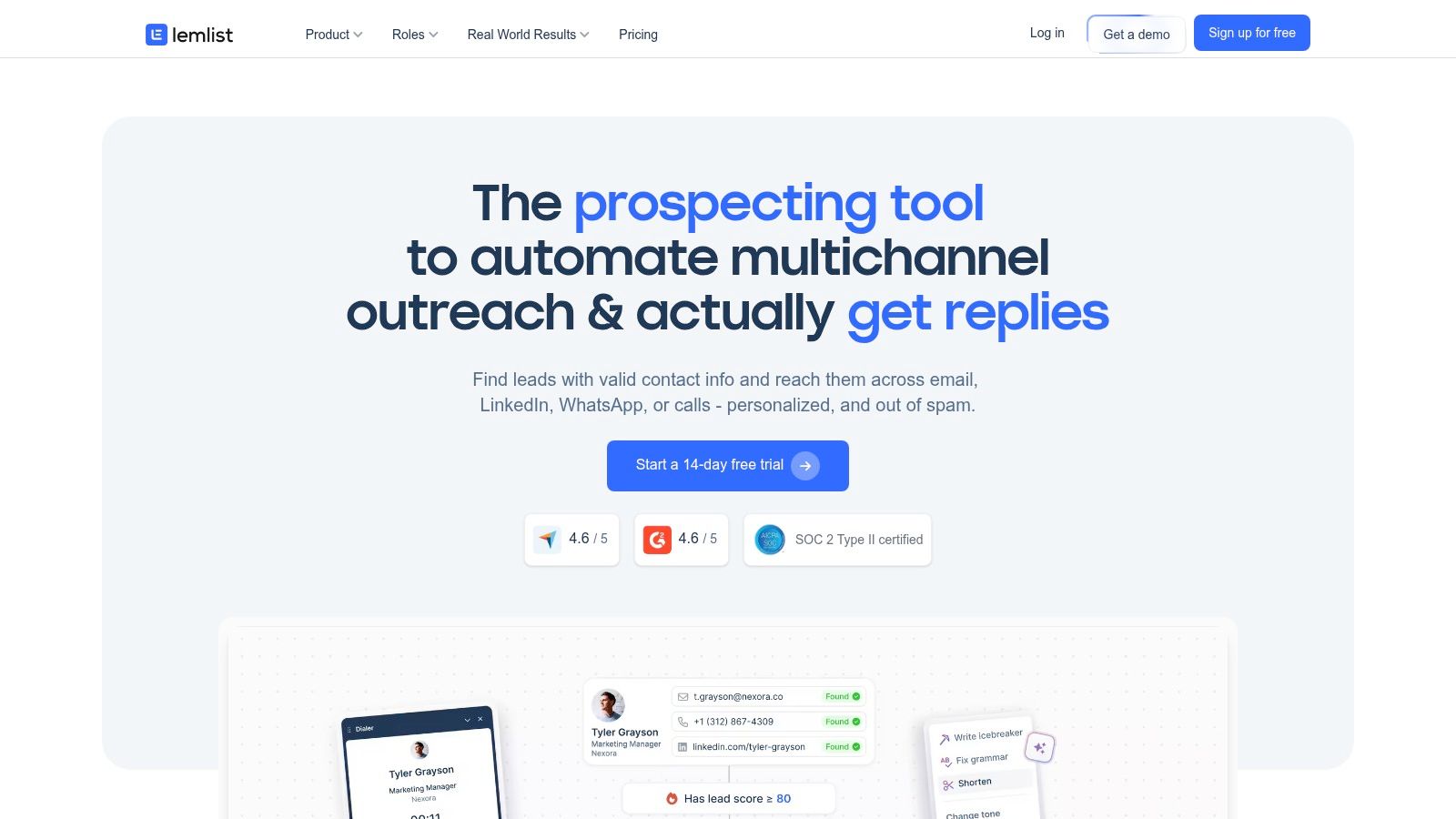
The platform’s gallery covers various networking scenarios, from securing meetings to peer exchanges and executive outreach. Beyond just email, many of these templates include multichannel sequences that incorporate LinkedIn actions, such as connection requests or profile views, to warm up a contact. Its focus on personalization at scale makes it a powerful tool, encouraging users to learn how to write cold emails that actually get replies by seeing what works for others.
Our Take: lemlist is perfect for founders and marketers who want to learn from real-world examples. Seeing the metrics behind a campaign before you use it provides a unique advantage, though you should remember that results will vary based on your own audience and offer.
Pricing: lemlist offers several paid tiers, with core features like multichannel campaigns and advanced personalization available on higher plans. There is a free trial to test the platform, but a paid subscription is needed to run campaigns at scale.
Website: https://www.lemlist.com
Woodpecker is best known as a cold email automation tool, but it also offers a valuable gallery of email templates with a dedicated 'Networking' section. This makes it an excellent resource for users who want not only pre-written copy but also a platform built with email deliverability in mind. The library provides clear, scenario-based templates for situations like event meetups, reconnecting with old contacts, and requesting guest post opportunities.
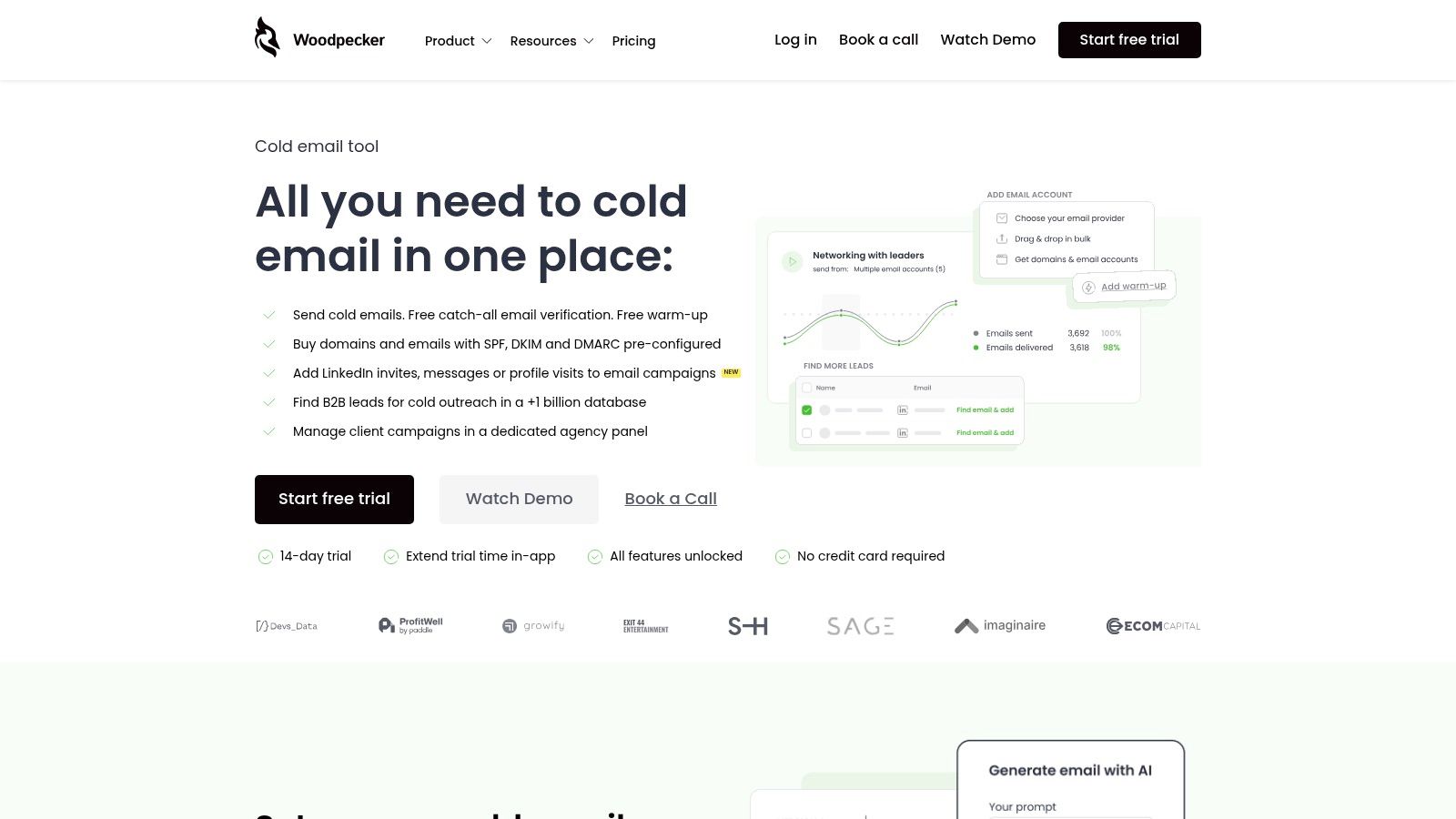
What makes this platform distinct is the practical advice provided alongside each template. Woodpecker includes tips on maintaining the right tone, personalizing your message, and structuring your follow-ups. This guidance helps you adapt the networking email templates effectively, moving beyond a simple copy-paste approach. The platform's core function as a sending tool means you can immediately put these templates into action within a system designed to protect your sender reputation.
Our Take: Woodpecker is ideal for professionals, particularly in B2B, who want straightforward templates they can quickly adapt and send through a reliable system. The combination of copy and a deliverability-focused platform is its key strength.
Pricing: Woodpecker offers a free trial for its sending platform. Access to the template gallery is free, but using the automation features requires a paid subscription. Plans are based on the number of contacts and features needed.
Website: https://woodpecker.co
Reply.io is a multichannel outreach platform that offers over 100 professional email templates, including specific categories for networking, partnerships, and event outreach. While it serves sales and marketing teams well, its searchable library is a strong asset for founders and leaders looking to scale their professional network and business development efforts across different channels. The platform allows you to find ready-made copy for various networking scenarios that you can then adapt for your campaigns.
The platform’s real power comes from integrating these networking email templates into automated sequences that can include emails, LinkedIn connections, and even SMS messages. This multichannel approach helps you stay top-of-mind with important contacts without manual follow-up. While the base templates can be generic, they provide a solid foundation that requires personalization to be truly effective. The platform's analytics also show you which parts of your sequence are performing best.
Our Take: Reply.io is ideal for professionals who see networking as a scalable business function. If your goal is to manage hundreds of connections and track engagement across multiple channels, this platform provides the necessary tools. The templates are a helpful starting point, but the value is in the automation.
Pricing: Reply.io offers a free plan to get started, with paid plans that scale based on the number of contacts and features needed. Pricing can increase as your outreach volume grows.
Website: https://reply.io
Hunter.io is best known for its powerful email-finding capabilities, but its extensive library of cold email templates makes it a standout resource for initiating contact. The platform provides a large, categorized directory of over 280 templates covering sales, recruiting, and networking. This is ideal for professionals who need to find a contact's email address and immediately follow up with a well-structured message, all within one ecosystem.
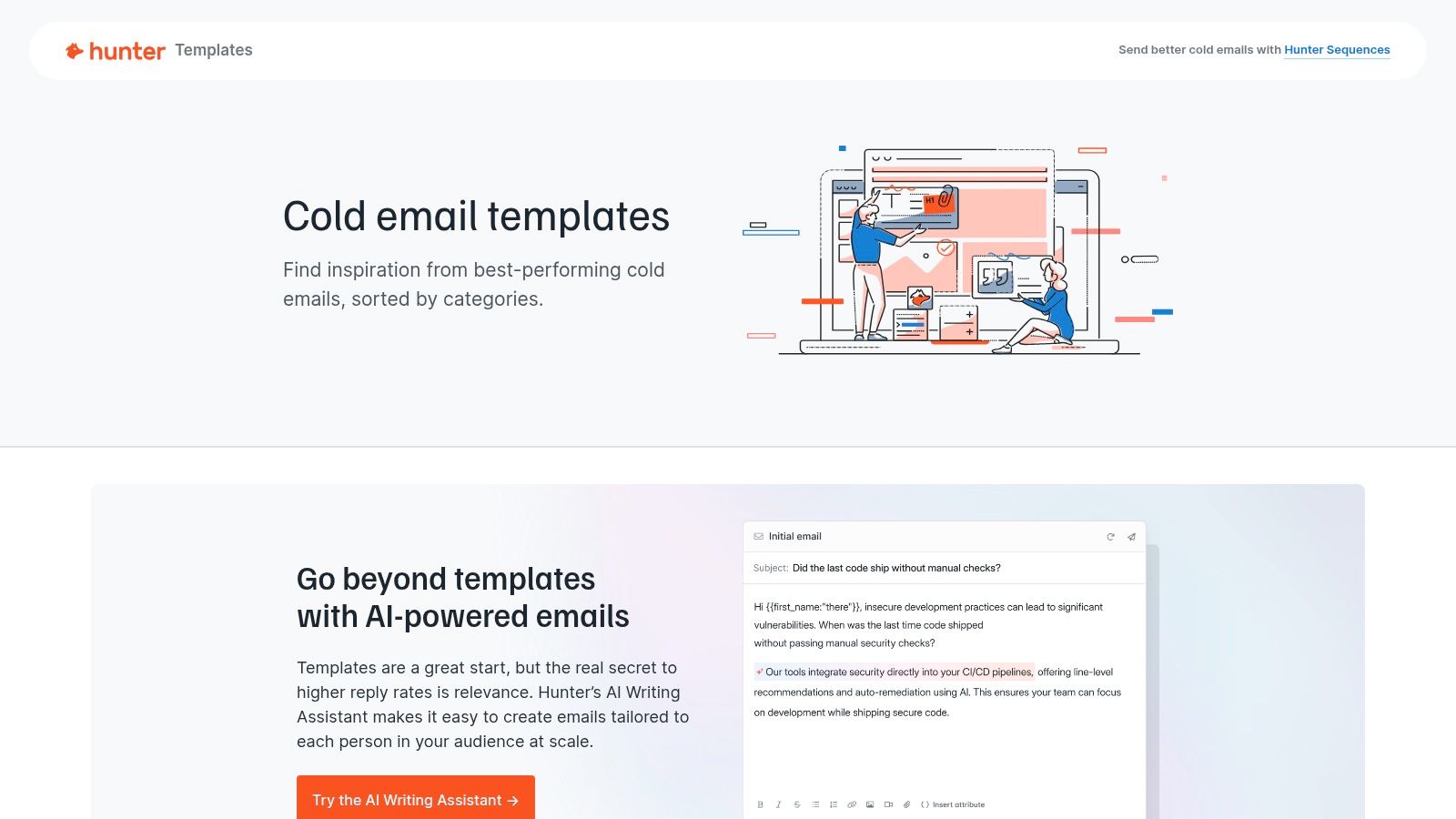
The platform’s real strength is the synergy between its tools. You can find a verified email, select one of the networking email templates, and use the built-in AI assistant to generate a personalized version without leaving the site. This creates a fluid workflow from discovery to outreach. While some templates are geared toward sales or SEO, the core collection offers a solid foundation for nearly any professional introduction or follow-up scenario.
Our Take: Hunter.io is the perfect starting point for outreach that begins with contact discovery. If you frequently need to find someone's email before you can even think about what to write, this platform combines both steps into a single, efficient workflow. The value is highest for those already using its core email-finding tools.
Pricing: Access to the templates is free. The associated tools (Email Finder, Verifier, Campaigns) operate on a freemium model. The free plan includes 25 monthly searches and 50 verifications, with paid plans offering higher limits and more features.
Website: https://hunter.io/templates
Mailshake is an outreach and automation platform primarily built for sales and PR, but its "Outreach Playbook" and core features are easily adapted for structured personal networking. It provides a library of proven templates for scenarios like event follow-ups, warm introductions, and partnership requests, which can be modified for non-sales purposes. The platform shines by allowing users to set up automated follow-up sequences, ensuring no opportunity to connect falls through the cracks.
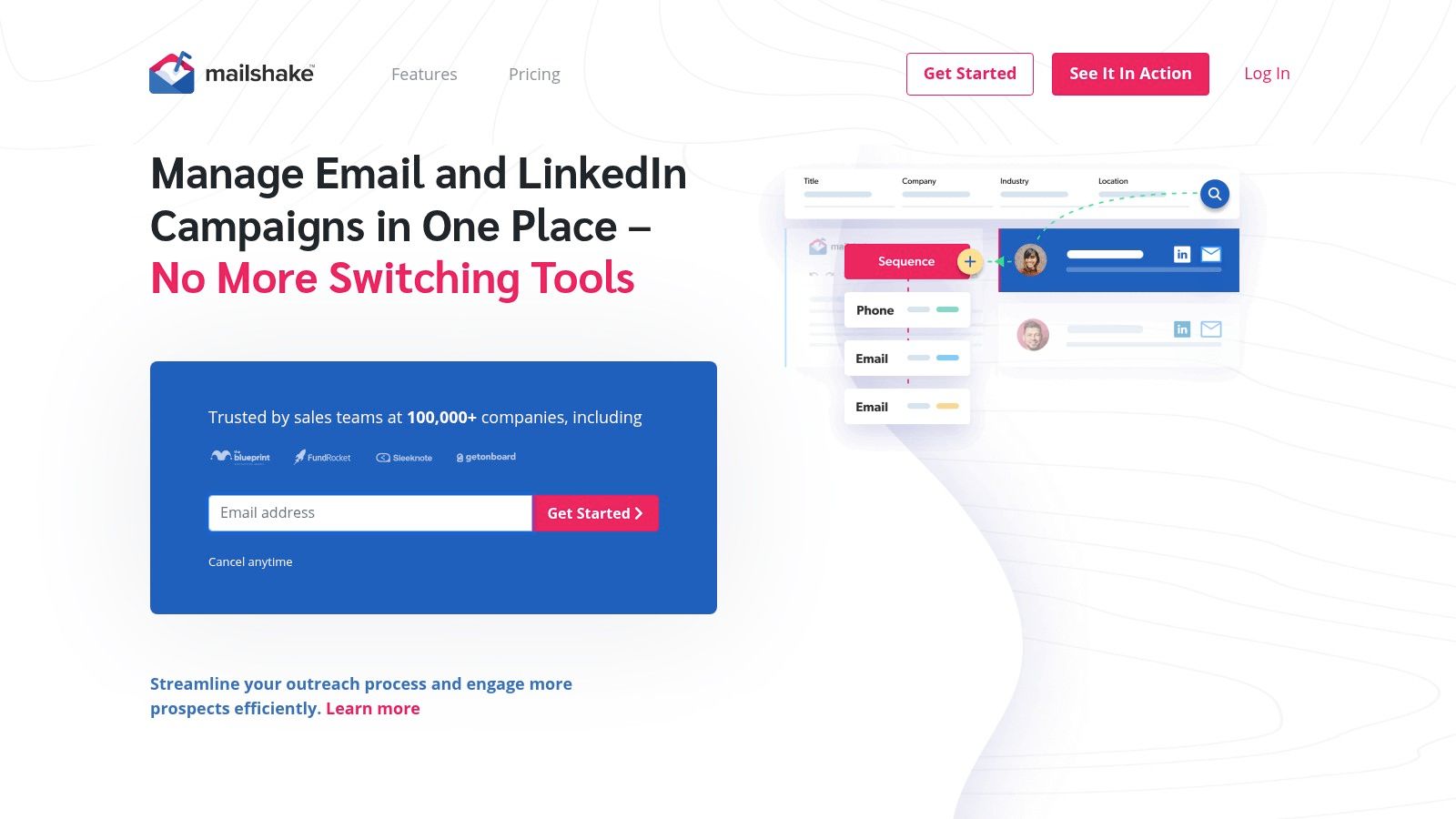
What makes Mailshake effective for networking is its blend of personalization and scale. Using mail merge fields, you can customize your networking email templates for each recipient while sending them out in scheduled campaigns. The analytics dashboard then tracks opens, clicks, and replies, giving you direct feedback on which outreach strategies are working. While the templates are a great starting point, they are best used after being tweaked to fit a more personal, brand-focused tone rather than a direct sales pitch.
Our Take: Mailshake is ideal for entrepreneurs and professionals who want to apply a systematic, campaign-based approach to their networking. It strikes a good balance between ease of use and powerful automation, though users should be prepared to edit the sales-focused templates to sound more authentic.
Pricing: Mailshake offers a monthly subscription with two main tiers, "Email Outreach" and "Sales Engagement." There is no free plan, but they offer a 30-day guarantee. Some automation features are only available in the higher-priced tier.
Website: https://mailshake.com
GMass is a powerful mail merge and cold email tool that operates directly inside your Gmail account. By installing a simple Chrome extension, you can turn your inbox into a campaign management system, ideal for solopreneurs, founders, and small teams who want to run personalized networking sequences without a complicated setup. It provides guides and best-practice content to help you craft effective networking email templates for prospecting and outreach.
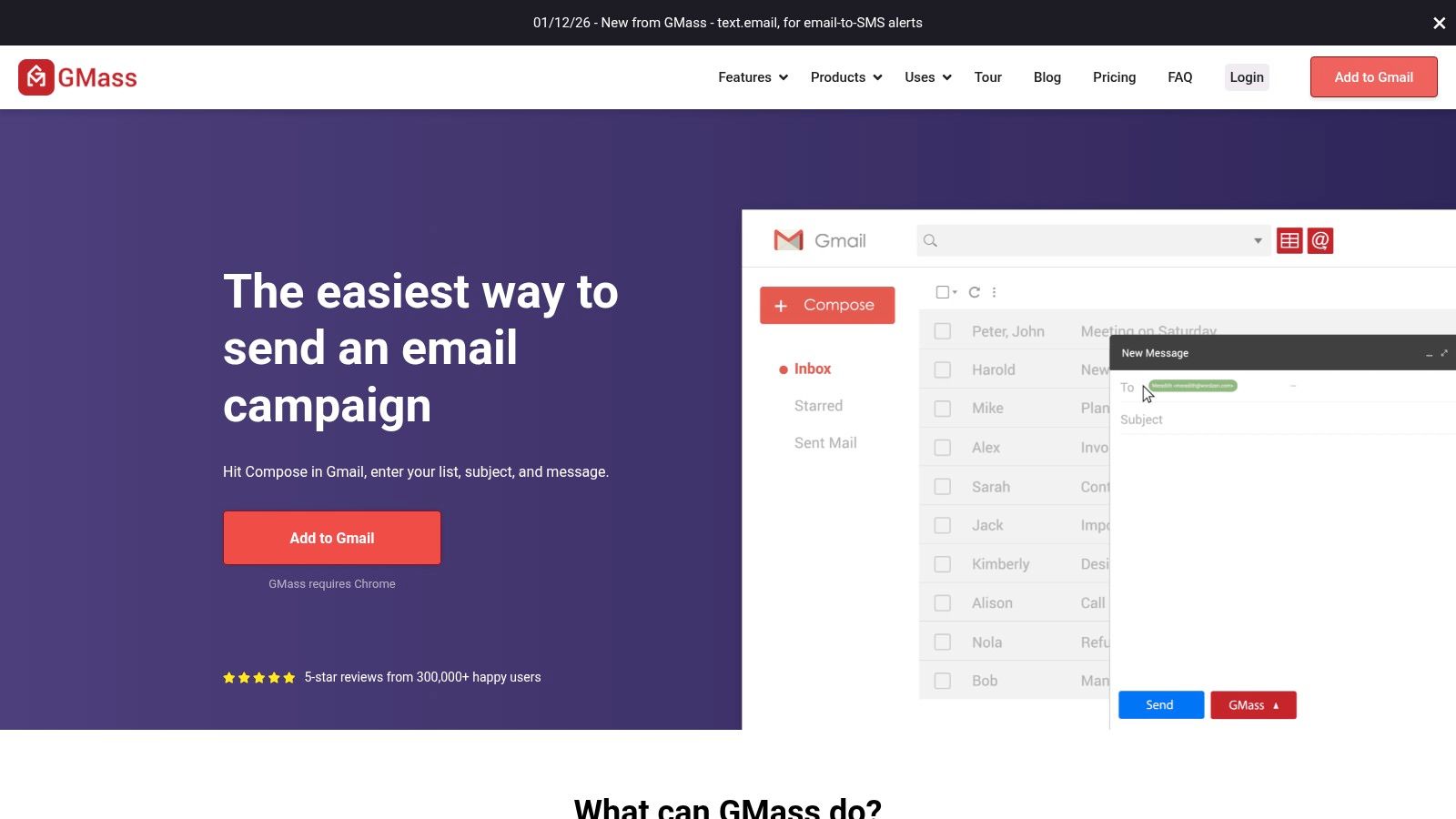
The platform’s major advantage is its native integration with Gmail. You can connect to Google Sheets to pull in contact data and use personalization tags to make each message feel unique. This approach is excellent for sending targeted emails to a list of conference attendees or reconnecting with a group of past colleagues.
Our Take: GMass is the perfect choice for individuals or small teams who live in Gmail and need a fast, no-fuss way to send personalized outreach at scale. It's less about complex CRM features and more about efficient, direct-from-inbox campaign execution.
Pricing: GMass offers a free plan with limitations on daily sends. Paid plans (Standard, Premium, Enterprise) are available for individuals and teams, unlocking higher sending limits and advanced features like A/B testing and sequences.
Website: https://www.gmass.co
Teal positions itself as a comprehensive career growth platform, and its tools for networking are a core part of that mission. It provides a library of networking email templates specifically designed for career-related outreach, such as requesting informational interviews, following up after events, or simply keeping in touch with valuable contacts. The templates are practical and align well with building a professional personal brand.
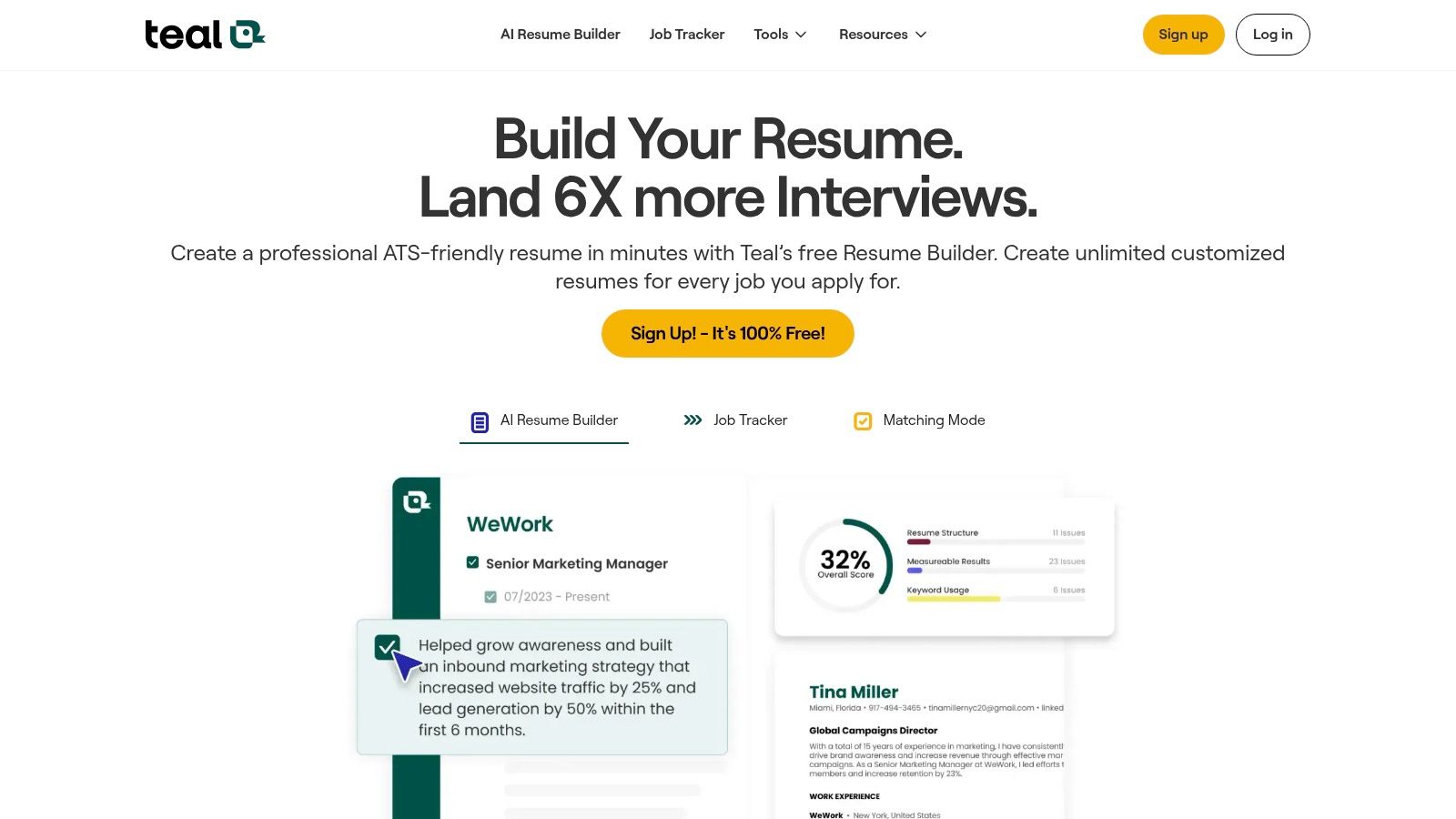
What makes Teal unique is its integrated Networking CRM. This tool allows you to track all your outreach in one place, set reminders for follow-ups, and visualize your entire professional network. Instead of just giving you templates, it provides the system to manage the relationships you build with them. This structure is ideal for job seekers or professionals actively managing their career trajectory.
Our Take: Teal is the perfect choice for individuals who want a system to support their networking, not just a list of templates. Its focus on career growth makes it a highly practical tool for job seekers or anyone looking to methodically expand their professional circle. The CRM is a standout feature that adds significant value.
Pricing: Teal offers a robust free version that includes the core template library and CRM. The paid Teal+ subscription unlocks additional templates, enhanced tracking capabilities, and other premium career tools.
Website: https://www.tealhq.com
Streak transforms your Gmail inbox into a lightweight, flexible CRM, making it a surprisingly effective tool for managing networking outreach. Instead of being a standalone template gallery, Streak provides a feature called "Snippets," which are saved replies you can create, share, and insert with a simple shortcut. This allows you to build your own library of effective networking email templates directly within the environment where you do all your work, eliminating the need to switch between apps.
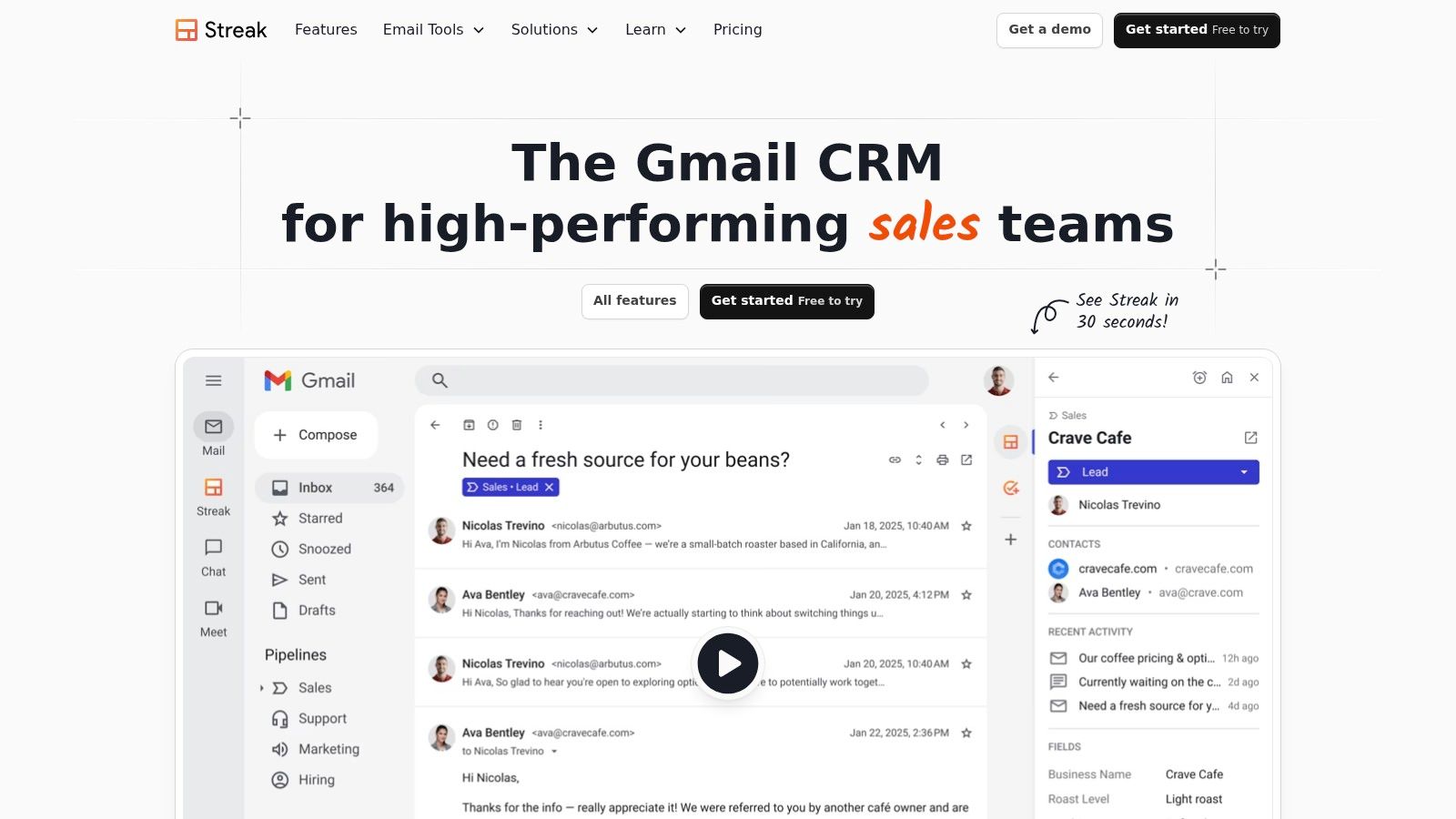
The platform's main advantage is its native Gmail integration; the learning curve is minimal for anyone already comfortable with Google's ecosystem. While Streak's blog offers over 25 business email outlines that can be adapted for networking, its core value is in systemizing your own successful messages. You can also use its pipeline management features to track contacts through different stages of your networking process, from initial outreach to a scheduled meeting.
Our Take: Streak is ideal for individuals or small teams who live in their Gmail inbox and want to add structure to their networking without adopting a heavy, external CRM. Its strength is in governance and process, not providing a pre-built library of templates. The full CRM features may be excessive if you only need template storage.
Pricing: Streak offers a free plan with core CRM features and up to 50 snippets. Paid plans (Solo, Pro, Pro+, Enterprise) add unlimited snippets, advanced reporting, and more robust sharing capabilities.
Website: https://www.streak.com
The Muse is a career development platform that provides a wealth of free resources, including expertly written articles that contain practical networking email templates. Unlike software tools, The Muse focuses on the human element of communication, offering scripts and adaptable phrases for scenarios like post-event follow-ups, informational interview requests, and reconnecting with old contacts. Its content is designed for professionals who want authentic, ready-to-use language without needing a specialized tool.
The platform’s value is in its direct, actionable guidance. Instead of focusing on analytics, it gives you the exact words to use, framed within articles that explain the strategy behind the outreach. This approach is ideal for crafting a single, high-impact message rather than a mass campaign. For those who have made a connection, learning how to follow up after networking is the next critical step, and The Muse provides a great starting point for that initial contact.
Our Take: The Muse is perfect for anyone needing quick, high-quality, and free templates without the complexity of a software platform. It’s an educational resource, not a productivity tool, best suited for job seekers, career changers, and leaders who value authenticity over automation.
Pricing: The content and templates on The Muse are entirely free to access.
Website: https://www.themuse.com
Indeed's Career Guide is an extensive, free resource library that provides foundational knowledge for professional communication. Instead of being a tech tool, it functions more like a digital textbook, offering step-by-step guidance, clear examples, and etiquette tips for a variety of networking scenarios. It’s an excellent starting point for those new to networking or anyone looking to refine their approach with solid, time-tested advice.
The platform shines by providing practical advice beyond just the email body. You’ll find articles dedicated to crafting effective subject lines, structuring your signature, and defining a clear call to action. The guides offer multiple networking email templates for situations like cold outreach, mentorship requests, and reconnecting with old contacts. While it lacks automation, its focus on high-EQ messaging is valuable for founders and leaders who prioritize relationship-building over high-volume outreach.
Our Take: Indeed Career Guide is best for individuals who need to learn the fundamentals of networking communication. It's not a productivity tool but a knowledge base. Use it to build your own templates in a separate document before you start your outreach campaigns.
Pricing: The Indeed Career Guide is completely free to access.
Website: https://www.indeed.com/career-advice
Right Inbox is a Gmail extension that adds essential productivity features directly into your inbox, making it a lightweight yet effective tool for managing outreach. Its primary function is to help users operationalize their email communication through reusable templates, send later functionality, and reminders. For anyone looking to systematize their networking without adopting a heavy sales platform, Right Inbox offers a low-friction way to store, personalize, and insert your go-to messages.
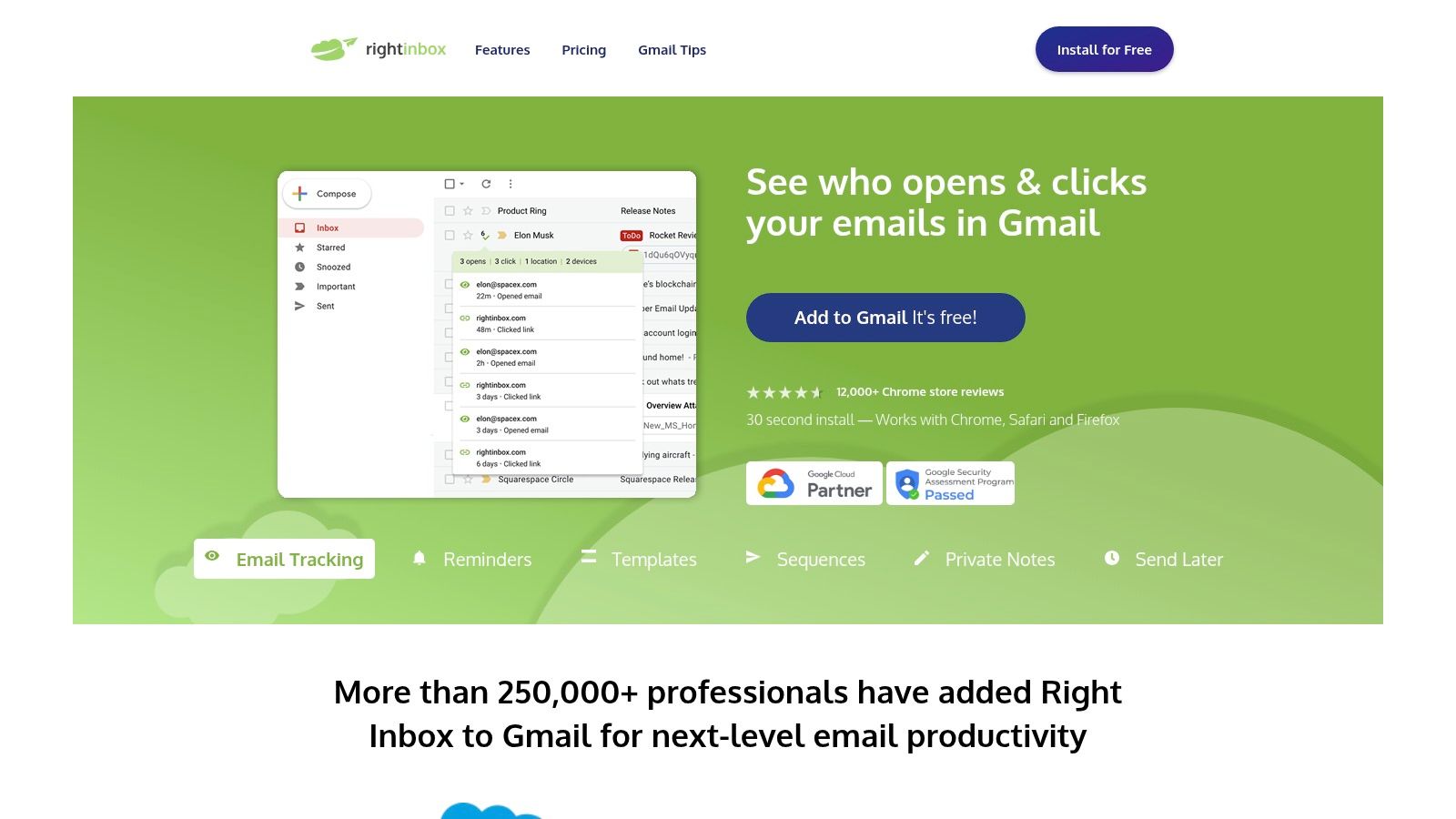
The platform is designed for simplicity, allowing you to create and access your library of networking email templates with a single click inside the compose window. This makes it incredibly easy to maintain consistency and speed when reaching out to new contacts, following up after events, or reconnecting with old acquaintances. While it lacks the deep analytics of more robust sales tools, its strength is its seamless integration into the daily workflow of a Gmail user.
Our Take: Right Inbox is ideal for individual professionals, founders, and executives who live in Gmail and need a simple system for reusing effective email copy. Its friendly user interface and straightforward features make it a great entry point into structured email outreach without a steep learning curve or high cost.
Pricing: Right Inbox offers a limited free plan. Paid plans are available monthly or annually, providing access to all features like unlimited templates, sequences, and reminders.
Website: https://www.rightinbox.com
| Tool | Core features / Capabilities | UX & Quality (★) | Price / Value (💰) | Target Audience (👥) | Unique Selling Point (✨ / 🏆) |
|---|---|---|---|---|---|
| Yesware | Inbox templates, team library, reporting, Salesforce sync | ★★★★ | 💰💰 Paid tiers for sharing & reports | 👥 Sales reps, founders using Gmail/Outlook | ✨Inbox-native templates + 🏆team analytics |
| lemlist | Public campaign gallery, multichannel variants, duplicate campaigns | ★★★★ | 💰💰 Medium–high tiers for full features | 👥 Outreach teams, founders testing copy | ✨Performance-backed public examples |
| Woodpecker | Networking category, deliverability-aware sending, tips beside templates | ★★★ | 💰💰 Mid-priced for sending+templates | 👥 B2B reps, SMBs concerned with deliverability | ✨Scenario-based templates + deliverability focus |
| Reply.io | 100+ templates, multichannel (email/LinkedIn/SMS/calls), analytics | ★★★★ | 💰💰💰 Pricing scales with contacts/volume | 👥 Founders, teams scaling outreach | ✨Multichannel scale + 🏆broad template library |
| Hunter.io | 280+ categorized templates, AI writer, email-finding & verification | ★★★★ | 💰💰 Moderate; best with Hunter stack | 👥 Recruiters, link-builders, outreach pros | ✨Huge template library + email discovery |
| Mailshake | Playbooks, automation, follow-ups, Lead Catcher replies triage | ★★★ | 💰💰 Mid-level with gated features | 👥 Sales & PR teams adapting for networking | ✨Practical playbooks for scalable outreach |
| GMass | Gmail mail-merge, automated follow-ups, live analytics in Gmail | ★★★ | 💰 Low–mid (extension-based) | 👥 Solopreneurs, small teams using Gmail | ✨Fast Gmail-native setup |
| Teal | Career-focused networking templates + Networking CRM | ★★★★ | 💰 / 💰💰 Free core, Teal+ adds features | 👥 Job-seekers, professionals building personal brand | ✨Templates + CRM for relationship management |
| Streak for Gmail | Gmail-native CRM, snippets (templates), pipeline sharing | ★★★★ | 💰💰 Tiered; free basics | 👥 Teams using Gmail wanting governance | ✨Keep templates & pipelines inside Gmail |
| The Muse | Free networking templates & scripts, how-to phrasing | ★★★ | 💰 Free | 👥 Professionals seeking human, adaptable language | ✨Clear, human templates — no tools needed |
| Indeed Career Guide | Step-by-step guides, subject lines, etiquette tips | ★★★ | 💰 Free | 👥 Job-seekers, leaders needing high-EQ outreach | ✨Practical, evergreen guidance for careers |
| Right Inbox | Reusable templates, reminders, simple sequences in Gmail | ★★★ | 💰 Low–mid | 👥 Founders & execs using Gmail | ✨Low-friction template reuse inside Gmail |
We've explored a dozen powerful tools and resources, each offering a unique approach to managing and scaling your outreach. It's clear that the days of manually tracking every connection in a spreadsheet are numbered. However, the core message to take away is that a template is a starting point, not a finished product. True networking success comes from using these frameworks as a foundation for authentic, personalized communication.
The tools we've covered fall into three main categories:
Feeling overwhelmed by the options? Let your primary goal guide your choice. Here is a simple breakdown to help you select the right starting point for your needs:
The ultimate goal is to move beyond simply copying and pasting networking email templates. You should aim to build a personal networking system. This involves creating your own library of proven, personalized templates that reflect your unique voice and value proposition. It means understanding your core message so deeply that personalization becomes second nature. Beyond specific email templates, understanding what professional networking entails is crucial for building a robust system that encompasses various communication channels.
This system is your personal engine for opportunity. It’s a combination of the right tools for efficiency, the right templates for structure, and the right messaging for impact. By consistently showing up with valuable, authentic communication, you transform random contacts into a powerful, supportive network. These tools are simply the keys to turning that engine on and driving your career or business forward with intention and strategy.
Your networking emails are only as powerful as the personal brand and story behind them. If you want to define the core message that will make your templates truly connect, Legacy Builder can help you craft the authentic narrative that builds lasting professional relationships. Discover how to turn your expertise into compelling stories at Legacy Builder.


You could – but most in-house teams struggle with the nuance of growing on specific platforms.
We partner with in-house teams all the time to help them grow on X, LI, and Email.
Consider us the special forces unit you call in to get the job done without anyone knowing (for a fraction of what you would pay).
Short answer – yes.
Long answer – yes because of our process.
We start with an in-depth interview that gives us the opportunity to learn more about you, your stories, and your vision.
We take that and craft your content then we ship it to you. You are then able to give us the final sign-off (and any adjustments to nail it 100%) before we schedule for posting.
No problem.
We have helped clients for years or for just a season.
All the content we create is yours and yours alone.
If you want to take it over or work on transitioning we will help ensure you are set up for success.
We want this to be a living breathing brand. We will give you best practices for posting and make sure you are set up to win – so post away.
Subscribe to our newsletter and get insights on how to grow your personal brand.
