.svg)
Subscribe to our newsletter and get insights on how to grow your personal brand.
Thank you! Your submission has been received!
Oops! Something went wrong while submitting the form.
.svg)



Think of your LinkedIn profile as your digital storefront. Before anyone decides to walk in and browse, they're going to look at the sign and the display window. On LinkedIn, that's your profile photo and headline.
These two elements are your digital handshake. They’re the first—and sometimes only—chance you get to make an impression. Get them right, and you’re inviting people in. Get them wrong, and they’ll just keep scrolling.
Let’s be real: recruiters, potential clients, and future collaborators are making snap judgments based on what they see first. Your photo and headline work together to tell a story in a split second, long before anyone reads your "About" section. They're not just a picture and a title; they're powerful branding tools that need to stop people in their tracks.
Don't underestimate the power of a good photo. The data doesn't lie: profiles with a professional picture get up to 14 times more views. That's a massive difference. And considering over half of all LinkedIn traffic is on mobile, your photo needs to pop even on a tiny screen.
A great headshot isn't complicated, but it does need to tick a few boxes:
You don’t need to spend a fortune on a photographer. Today's smartphones are more than capable. Just find a window for some nice, natural light, use portrait mode, and you’re golden. If you really want to step up your game and get a picture that gets you noticed, it's worth checking out what's possible with AI headshots for LinkedIn.
Your headline is probably the single most important bit of text on your entire profile. It follows you everywhere—in search results, connection requests, and every time you comment.
Just putting your job title, like "Marketing Manager at Company X," is a huge missed opportunity. A killer headline mixes who you are with the value you bring, all while being packed with the right keywords.
Your LinkedIn headline is your personal tagline. It should instantly answer three questions for anyone who sees it: Who are you? What do you do? And why should they care?
Think of it as your 220-character elevator pitch. For example, instead of just "Software Engineer," try something like, "Senior Software Engineer | Building Scalable FinTech Solutions | Java, Python, AWS." See the difference? A recruiter immediately knows your seniority, industry focus, and core technical skills.
Here’s another one for a sales pro: "Account Executive Driving 150% Revenue Growth for SaaS Startups | B2B Sales & Relationship Building." This headline doesn't just state the role; it screams results with a quantifiable achievement.
Use the checklist below to make sure your headline is pulling its weight.
Here's a quick rundown to help you craft a headline that grabs attention and puts you on the map for the right opportunities.
By moving beyond a basic job title, you're creating a dynamic statement about your professional impact. It's the difference between blending in and standing out.
Your headline and photo stop the scroll, but your "About" section is what makes them stay. This is your professional narrative—the space where you connect all the dots between your past experience and your future goals.
So many people either leave this part blank or just copy-paste a dry, third-person bio from their company website. Big mistake.
Think of it as the first five minutes of a job interview or a client pitch. It's your one shot to tell your story, show your value, and let a bit of your personality shine through. This is where you go from just a list of job titles to a real person with a clear mission.
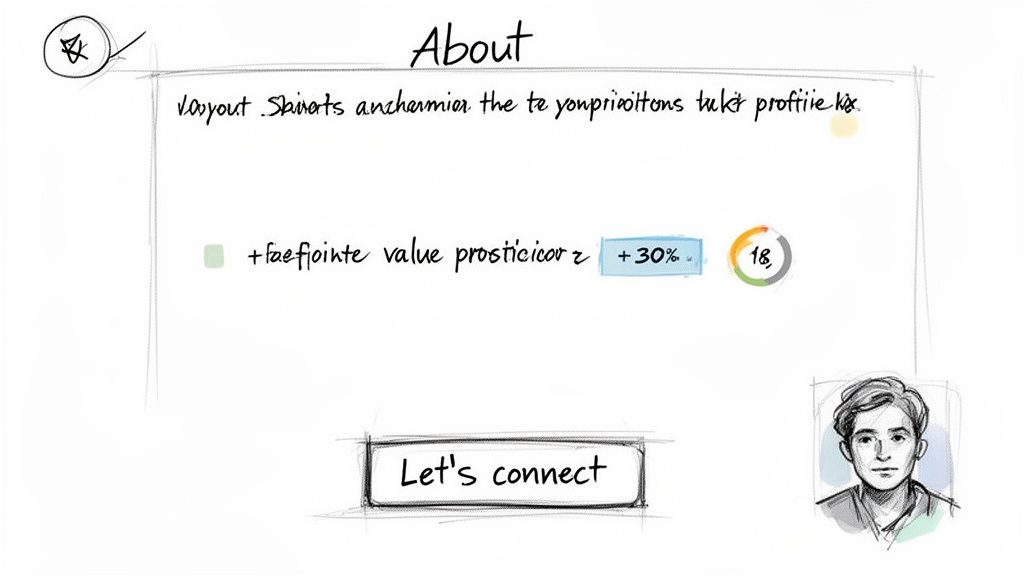
You've got seconds, maybe less, to grab someone's attention. Don't waste that precious real estate on generic fluff like, "Experienced marketing professional with a demonstrated history of working in the industry." Yawn.
Instead, lead with your most powerful value proposition or a killer achievement. Your first sentence needs to scream, "This is what I can do for you." It should be confident, clear, and laser-focused on the results you deliver.
Let's look at a few examples:
See the difference? These openings are specific, packed with results, and instantly establish credibility. They set the stage perfectly for the rest of your story.
Once you've hooked them, you need to deliver the rest of your narrative in a way that's easy to scan. No one wants to read a giant wall of text. Seriously. Break it up into short paragraphs.
Here’s a simple framework that just works:
A well-structured "About" section is a journey. It takes the reader from understanding your core value to seeing tangible proof of your impact, and finally, it invites them to take the next step in connecting with you.
This flow builds trust and makes your profile stick. You're not just listing skills; you're making a persuasive case for why someone should work with you.
As you're writing, don't forget that LinkedIn is basically a giant search engine. Your "About" section is prime real estate for the keywords recruiters and potential clients are punching into the search bar. If you're a "digital marketing specialist," you better believe terms like "SEO," "content strategy," "PPC campaigns," and "Google Analytics" need to be woven in naturally.
But this isn't just about keyword stuffing. This is your best chance to let your personality come through. Write in the first person ("I," "my") to create a direct, personal connection. Share a quick story about what got you into your field or what you love most about the work you do.
For professionals who really want to nail their brand's voice, you can find some great insights on building a legacy through authentic storytelling and content.
At the end of the day, people do business with people they know, like, and trust. A little authenticity can be the one thing that convinces someone to hit that "Connect" button.
Finally, wrap it up with a clear and direct call-to-action (CTA). Don't leave them hanging.
A strong CTA removes any guesswork and encourages the exact kind of engagement you’re looking for, turning passive profile views into real conversations.
If your "About" section tells your story, the Experience section is where you bring the receipts. This is where so many people drop the ball, treating it like a lazy copy-and-paste from their resume.
Let’s be clear: listing job duties is how you blend in. Showcasing your results is how you stand out.
Think of each role you’ve had as a mini-case study. It’s your chance to stop talking about what you were supposed to do and start showing what you actually accomplished. That shift in mindset is what turns a boring, historical record into a powerful portfolio that proves your value on the spot.
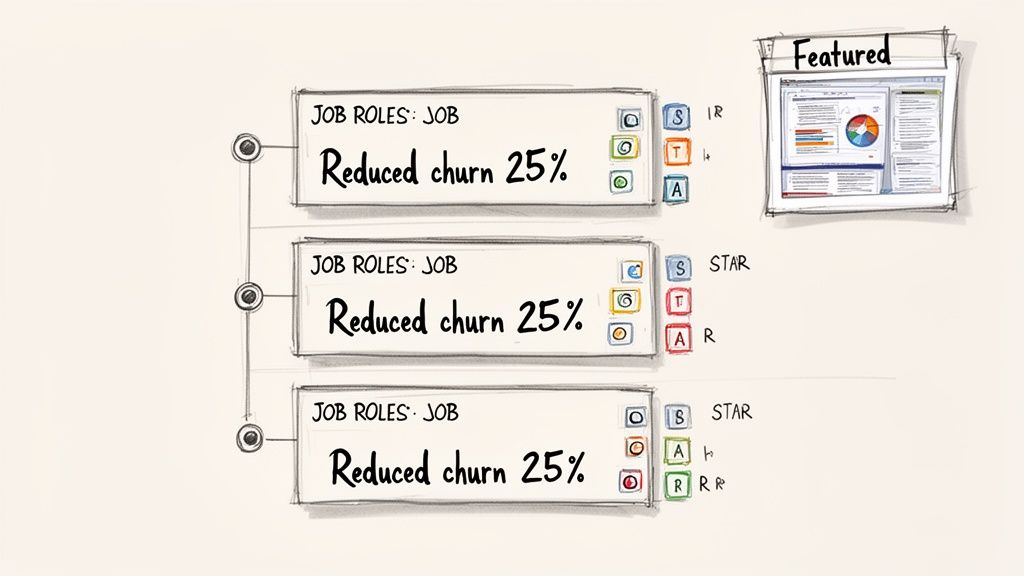
The STAR method is a classic for a reason—it just works. It gives you a dead-simple framework to turn vague responsibilities into hard-hitting achievements.
Here's the breakdown:
You aren't going to spell out "Situation:..." on your profile. The magic is in weaving the Action and Result together into powerful bullet points that stop scrollers in their tracks. This is how you transform a dull duty into a compelling win.
Let's see this in action. A typical, unoptimized profile just lists what they did, like: "Responsible for managing social media accounts." This tells a visitor absolutely nothing about your skill or impact.
Let’s give that a STAR-powered makeover.
Before (The Resume-Dump):
After (The Results-Driver):
See the difference? Every single bullet point now kicks off with a powerful action verb and finishes with a cold, hard number. This isn't just a list of tasks; it's undeniable proof of your business impact.
The goal isn't just to list what you did, but to prove why it mattered. Every bullet point in your Experience section should answer the question, "So what?" for the reader.
This one change immediately elevates your profile above the sea of people who just list their job descriptions. It shows you aren't just a doer—you’re someone who drives real results.
The Featured section is probably the most underused—and most valuable—piece of real estate on your entire LinkedIn profile. It lets you visually pin your best work right at the top, basically turning your profile from a static resume into a living, breathing portfolio.
Think of it as your career’s highlight reel. It’s where you drop the evidence to back up all the claims you're making in your Headline, About, and Experience sections.
Don't just pin random stuff. Be strategic. You're trying to provide social proof and give people a deeper look at what you can do.
Here are a few high-impact things you should seriously consider adding:
By curating your Featured section, you give recruiters, potential clients, and new connections a tangible way to see your expertise in action. It's the ultimate "show, don't tell" tool for anyone serious about optimizing their LinkedIn profile.
Let's get one thing straight: LinkedIn isn't just a social network. It's a massive, specialized search engine.
When recruiters, potential clients, or hiring managers are on the hunt for someone with your exact skills, they aren't just scrolling through their feed. They're typing specific keywords into a search bar. The algorithm then does its magic and serves up the profiles that best match those terms.
Your job is to make sure your profile is at the top of that list. This means you need to start thinking like a search engine optimization (SEO) pro and sprinkle the right keywords throughout your profile. Get this right, and it’s the difference between being invisible and getting found by the right people at the right time.
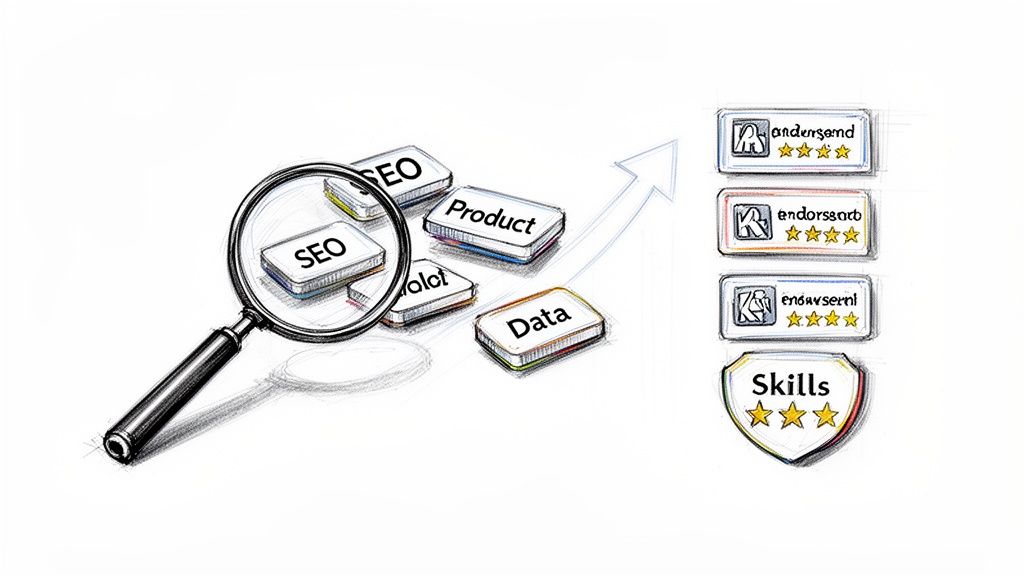
Before you can start optimizing, you need to figure out what words and phrases your target audience is actually searching for. Don't overcomplicate it.
Start by digging into job descriptions for roles you'd love to land. Pay close attention to the recurring terms, skills, and technologies they mention. These are pure gold.
Next, go look at the profiles of industry leaders or people who are in the roles you want. What kind of language are they using in their headlines and "About" sections? This will give you huge clues about the terminology that really resonates in your field.
Finally, think about your own unique skill set. What do you want to be known for? Pull all this together into a master list of keywords, mixing broader terms (like "Digital Marketing") with more specific ones (like "HubSpot Email Automation").
Once you've got your keyword list, it's time to put it to work. The key is to weave these terms into your profile naturally—not just cram them in everywhere you can.
Think of your profile as having a few high-value "SEO zones" where keywords carry the most weight with LinkedIn's algorithm.
To really get the most out of your profile, think about applying some of the same strategies from SEO content writing best practices. The principles that make a blog post rank well often apply directly to profile optimization.
The Skills section is so much more than a simple list. It's a critical signal to the LinkedIn algorithm about how to categorize and rank you. It's you, telling the platform exactly what you're good at.
The data doesn't lie: having an optimized skills list multiplies your discoverability. Profiles with five or more skills get up to 17 times more profile views. Recruiters live by these keywords, using LinkedIn's search filters to find candidates with specific skills. A well-curated skill set that matches what they're looking for puts you directly in their line of sight.
Don't just add skills at random. Build a curated list of 8-10 highly relevant competencies that align perfectly with your career goals and the jobs you want. This is a simple but incredibly powerful way to boost your visibility.
Make sure your skills list is a strategic mix. You need both hard skills (like "Python," "Google Analytics," or "Agile Methodologies") and relevant soft skills ("Team Leadership," "Public Speaking," "Client Relations").
Adding skills is step one. Getting them endorsed by your network is what gives them real credibility. Endorsements are a form of social proof—they’re a signal that other pros can vouch for your expertise.
While you can’t fully control who endorses you, you can definitely be proactive. Start by endorsing the skills of your connections; more often than not, they’ll return the favor.
And when you wrap up a project with a colleague, don't be shy. A simple message like, "Hey, I really enjoyed working with you on the Q4 marketing campaign. If you have a second, I'd appreciate it if you could endorse my skills in 'Content Strategy' and 'SEO'" is often all it takes.
By focusing on both your keywords and your skills, you'll discover how to turn your profile into a magnet for the right opportunities.
Having a perfectly polished LinkedIn profile is a great start, but it's only half the battle. Think of it like a brand-new sports car sitting in the driveway with an empty gas tank—it looks fantastic, but it's not going anywhere.
The fuel that actually powers your personal brand is your activity. This is where you move beyond a static, resume-style profile and create a dynamic hub that proves your credibility. It’s all about showing, not just telling, everyone that you’re an active and respected voice in your industry.
And that’s where recommendations and a smart engagement strategy come in.
Recommendations are the testimonials of your career. While endorsements are just quick, one-click validations, a real, written recommendation is a powerful statement from someone who can vouch for your skills, your work ethic, and the impact you made.
They add a layer of human trust that a simple list of skills never could.
But let's be honest, not all recommendations are created equal. A generic, one-sentence review like "John was great to work with" is pretty much useless. The real goal is to get specific, context-rich testimonials that act as mini-case studies of the value you bring to the table.
The secret to getting a great recommendation? Make it incredibly easy for the other person. When you send that request, don't just click the generic button. Send a personalized note to jog their memory about a specific project you crushed together.
For instance, you could try something like this:
"Hey Sarah, I really valued our time working together on that Q3 product launch. I'm updating my profile and was hoping you could write a brief recommendation touching on my project management skills and how I helped keep the cross-functional teams aligned. It would mean a lot!"
This little bit of guidance helps them recall specifics, which almost always leads to a much stronger and more detailed testimonial. Pro tip: giving thoughtful, specific recommendations to others is a fantastic way to build goodwill. You’ll be surprised how often they return the favor without you even asking.
A vague recommendation is a missed opportunity. Here’s a quick look at what separates the good from the bad.
As you can see, the effective examples feel more like a story—they provide concrete proof of your abilities.
An optimized profile that just sits there gathering digital dust is a massive missed opportunity. The LinkedIn algorithm absolutely loves activity. When you consistently share valuable content and jump into meaningful conversations, you signal that you're an active contributor.
This boosts your visibility everywhere—in the main feed, in search results, you name it.
Don't panic, this doesn't mean you need to post five times a day. Consistency is far more important than frequency. Aim for a rhythm you can actually stick with, maybe two or three thoughtful posts or comments each week.
Your engagement strategy should be all about quality over quantity. Instead of just dropping a "like" on a post, add a comment that actually builds on the conversation. Share an article, but add your own personal insight or ask a question to get your network talking.
Building an engagement habit doesn't have to be a chore. Just think of it as your dedicated digital networking time.
This kind of consistent activity does more than just please the algorithm. It builds real relationships, establishes your credibility, and keeps you top-of-mind with your network. By actively engaging, you showcase your expertise and build the professional authority that turns connections into real opportunities.
Even after you've dialed in the fundamentals, a few questions always seem to pop up. Think of this as the final polish—the small details that take your profile from good to great and make sure it’s always working for you behind the scenes.
Let's tackle some of the most common things I get asked when people get serious about their LinkedIn presence.
This is a big one. A stale profile can be worse than no profile at all. My rule of thumb? Do a full-on review and refresh every three to six months. This keeps everything aligned with where you are now, not where you were a year ago.
But, there are times when you need to update it immediately. Don't wait. Jump on it as soon as:
Beyond those big moments, I recommend regularly sprinkling in new skills and tweaking your headline. Little updates like that signal to LinkedIn's algorithm that you're an active user, which can give you a nice little boost in search visibility. As for your activity feed, aim to post or engage at least two to three times per week to stay on your network's radar.
I see the same few mistakes all the time, and they’re so easy to fix. The absolute biggest one is treating LinkedIn like a static, digital resume you only touch when you're job hunting. It's a dynamic networking and branding tool, not a dusty file cabinet.
Here are the other major blunders that can kill your credibility:
The single biggest mistake is being passive. An optimized profile is a powerful tool, but it's most effective when you combine it with consistent, valuable engagement that builds your network and establishes your authority.
This is probably the question I hear the most. And the short answer is no—you absolutely do not need LinkedIn Premium to build a powerful, fully optimized profile.
Every core strategy we've talked about—from a killer headline and a compelling 'About' section to a results-driven Experience section—can be done with a free account. Frankly, mastering the free features is way more important than paying for premium tools.
A well-written, keyword-rich free profile will always outperform a neglected premium one. Always.
Premium has its place, for sure. It's great for active job seekers who want to see who’s viewing their profile or for sales pros who live inside Sales Navigator. But for the core task of profile optimization and building your brand? The free version gives you everything you need. Focus on making your profile exceptional first.
Ready to turn your professional story into content that actually builds your influence? Legacy Builder is all about cultivating authentic personal brands that leave a mark. We help you move beyond just having a profile to building a real legacy. Let's talk about how we can elevate your brand.


You could – but most in-house teams struggle with the nuance of growing on specific platforms.
We partner with in-house teams all the time to help them grow on X, LI, and Email.
Consider us the special forces unit you call in to get the job done without anyone knowing (for a fraction of what you would pay).
Short answer – yes.
Long answer – yes because of our process.
We start with an in-depth interview that gives us the opportunity to learn more about you, your stories, and your vision.
We take that and craft your content then we ship it to you. You are then able to give us the final sign-off (and any adjustments to nail it 100%) before we schedule for posting.
No problem.
We have helped clients for years or for just a season.
All the content we create is yours and yours alone.
If you want to take it over or work on transitioning we will help ensure you are set up for success.
We want this to be a living breathing brand. We will give you best practices for posting and make sure you are set up to win – so post away.
Subscribe to our newsletter and get insights on how to grow your personal brand.
