.svg)
Subscribe to our newsletter and get insights on how to grow your personal brand.
Thank you! Your submission has been received!
Oops! Something went wrong while submitting the form.
.svg)


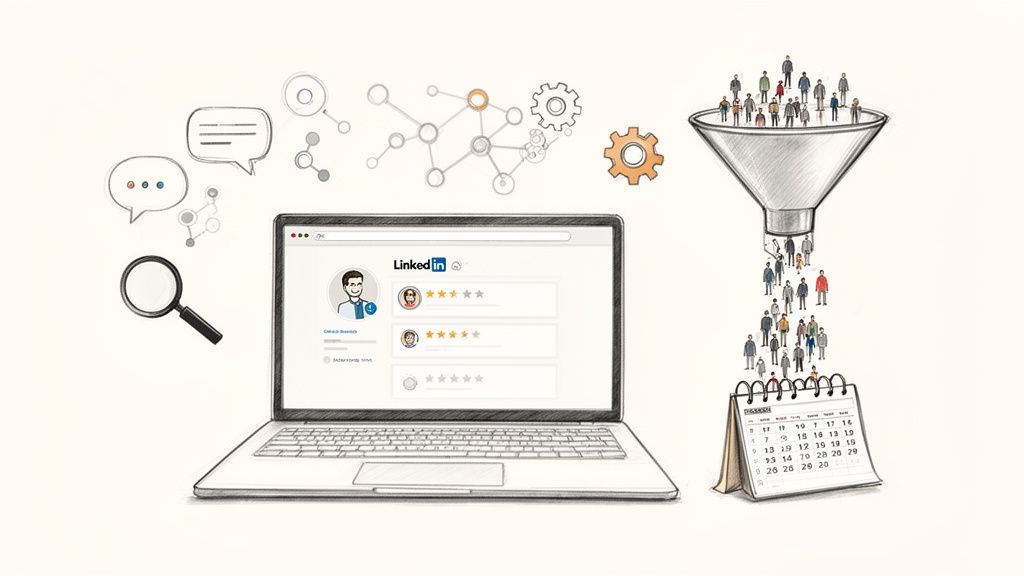
Let’s get one thing straight before we go any further. If you want to generate leads on LinkedIn, you have to stop thinking of your profile as a resume. It’s not. It's a high-converting landing page.
This is the foundation. Before you ever write a post or send a single DM, your profile needs to be optimized to build instant trust and show your ideal client that you understand their problems. Get this right, and your profile becomes a sales asset that works for you 24/7.
Think about it—an unoptimized profile is a leaky bucket. You can pour all the traffic you want into it, but the leads will just slip through the cracks. Your profile needs to do the heavy lifting for you. It has to stop your ideal clients mid-scroll and make them think, "This is the person I've been looking for."
This isn't about just filling in the blanks. It's about telling a story that positions you as the authority. When someone lands on your page, they need to know three things almost immediately: who you help, the specific problem you solve, and why you’re the one to solve it.
Your headline is the most important piece of real estate on your entire profile. It follows you everywhere—in search results, connection requests, and every single comment you leave.
Most people completely waste this space with a boring job title like "CEO at Company X." That tells me what you are, but it doesn't tell me what you can do for me. A killer headline is always client-focused. It's a hook that speaks directly to your ideal customer’s pain points or goals.
We've tested dozens of formulas, and you can see some of the highest-performing ones in these 10 powerful LinkedIn profile headline examples. The difference is night and day. A generic title is just a label; a client-centric headline is an invitation.
Once your headline has their attention, your "About" section is where you seal the deal. Ditch the stuffy, third-person corporate bio. Nobody connects with that. Tell a story, and write it in your own voice.
I've used a simple, effective structure for years that works like a charm:
This simple diagram breaks down how these pieces work together to turn a casual visitor into a warm lead.
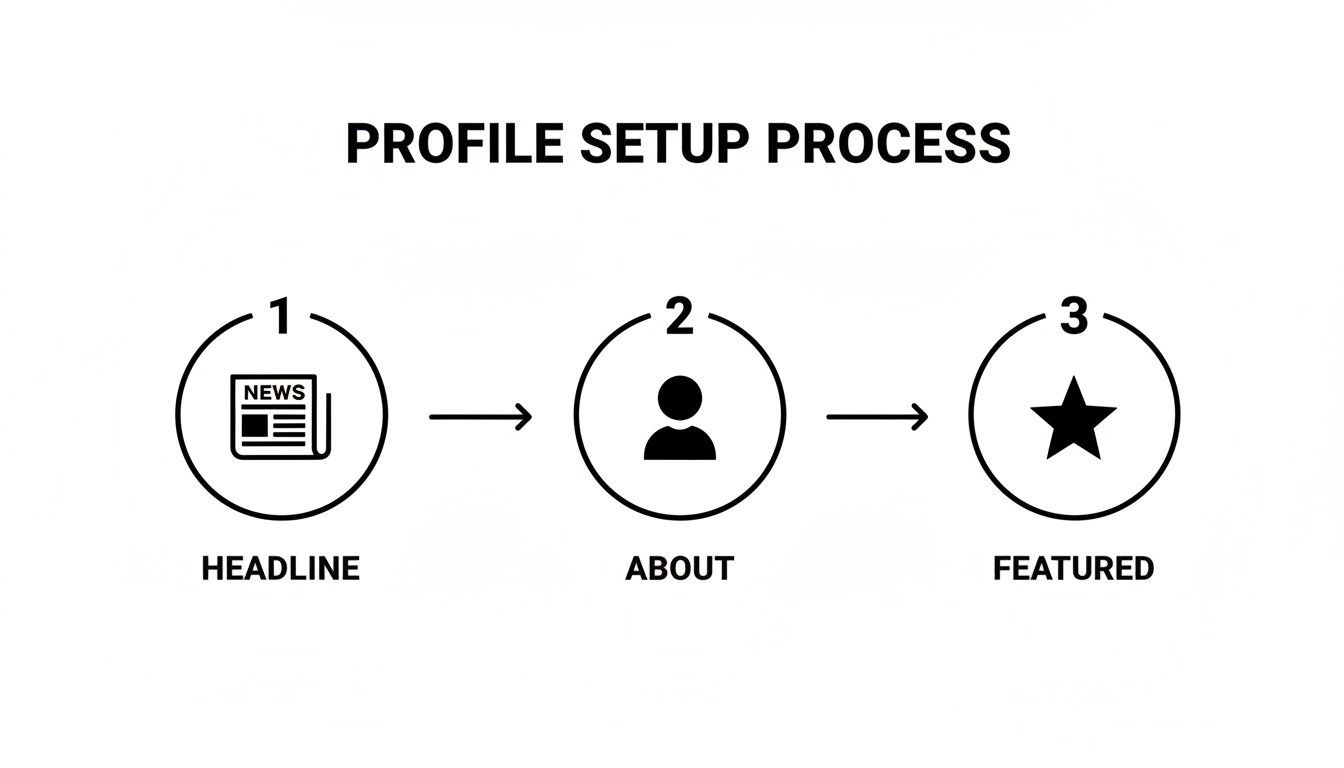
When you get this funnel right, the results speak for themselves. We’ve seen agencies using this method hit a 45% connection request acceptance rate and a 20% reply rate to their DMs. Nearly half of those replies become qualified sales conversations. Those numbers absolutely crush cold email.
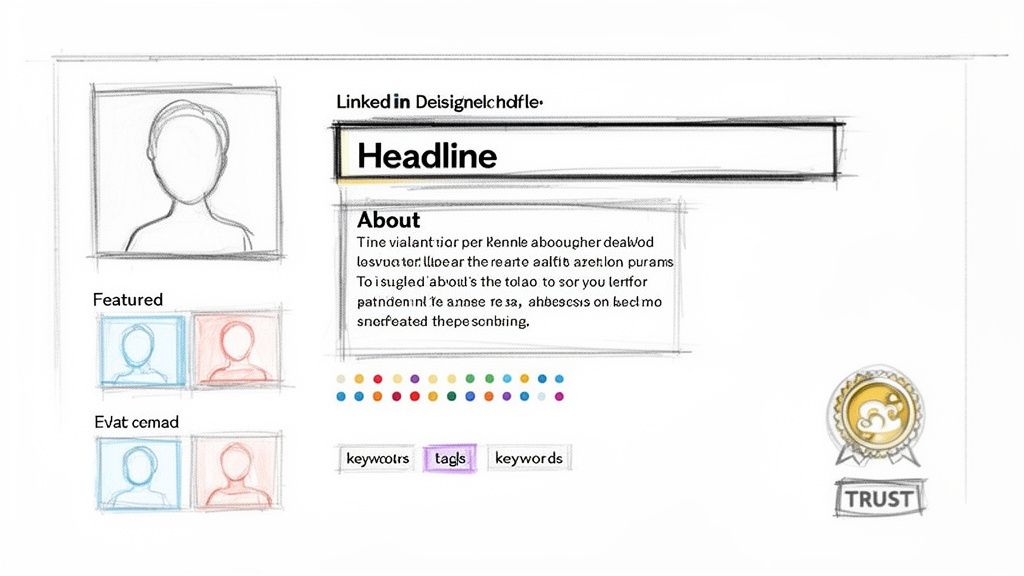
Think of your optimized profile as the front door to your business. It gets prospects to show up. But it’s your content that actually invites them inside for a real conversation.
Without a solid content plan, your profile is just a digital business card gathering dust. With one, you turn your LinkedIn presence into a magnet, actively pulling ideal clients into your world.
This isn’t about chasing viral hits or vanity metrics. It's a methodical game of building authority and trust, piece by piece. The goal is simple: become the undisputed expert in your niche. When your ideal client has a problem, you’re the first person they think of. That’s where the real money is made on LinkedIn.
Stop scrambling for what to post each day. The easiest way to bring structure to your content is by defining three to five core content pillars. These are the big-picture themes you want to own.
For the founders we work with at Legacy Builder, those pillars often look something like this:
Every single post should tie back to one of these pillars. That repetition is what cements your expertise and makes it crystal clear what you stand for. You can get more ideas by checking out our top tips for developing a content strategy.
To really pull in those high-value leads, you need a winning LinkedIn content strategy for B2B that speaks directly to decision-makers.
Not all posts are created equal. You need to mix up your formats to keep the feed interesting and hit different goals.
Text-Only Hooks: These are perfect for telling stories and dropping powerful, bite-sized insights. A strong opening line is all it takes to stop the scroll and get a real conversation started in the comments.
Educational Carousels: This is your secret weapon for proving you know your stuff. Break down a complex idea into simple, swipeable slides. You'll educate your audience and build authority with every click.
Authentic Short-Form Videos: Forget the film crew. A simple, raw video from your phone sharing a quick tip or a behind-the-scenes moment builds massive trust. It shows the real person behind the brand.
The best content feels less like a corporate announcement and more like a genuine conversation. It needs to educate, resonate, and make people think—positioning you as the obvious solution.
The numbers don't lie. For an entrepreneur building a brand, this is huge. By 2026, LinkedIn is expected to drive 75-85% of all B2B leads from social media. Its visitor-to-lead conversion rate is a massive 2.74%, which is nearly 3x that of other platforms. The traffic you generate here simply converts better. You can dig into more of these powerful LinkedIn lead generation statistics.
Consistency beats intensity. You don’t need to post three times a day. You just need a sustainable rhythm that keeps you visible without burning you out.
This simple weekly schedule is designed for busy leaders who need to get results without spending all day on social media.
A balanced weekly schedule that mixes content types to build authority, drive engagement, and generate leads consistently.
This cadence ensures you're hitting different angles and keeping your audience locked in.
But remember, the work isn't done when you hit "post." That's when the real conversation starts. Engaging with every single comment is non-negotiable. It builds relationships and tells the algorithm your content is valuable, pushing it out to even more of your ideal clients.

Let’s clear this up—posting great content is only half the battle. It gets you noticed, sure. But the real money is made in the DMs and comment sections.
A solid content game brings the right people to your profile. Strategic engagement is what pulls them into a real conversation. This is where you stop being just another face in their feed and start becoming a trusted contact.
Forget blasting out hundreds of generic messages. That’s just noise. We’re focused on starting genuine conversations with the right people. This is how you build enough trust to actually earn a meeting.
That little note you can add to a connection request? It’s your first impression. Don't blow it.
Hitting "Connect" with the default "I'd like to add you to my professional network" is a massive missed opportunity. It screams low effort, and people ignore it. Your goal is simple: be memorable and give them a reason to click "Accept."
The best requests are short, personal, and never, ever salesy. Find a real point of common ground and lead with that. Your acceptance rate will jump.
Here are a couple of angles that work like a charm:
These aren't complicated. They just show you spent 30 seconds doing your homework. For a deeper dive, our guide on LinkedIn connection message examples has even more scripts that get replies.
Here’s one of the most powerful—and most overlooked—ways to get leads on LinkedIn: strategic commenting.
The play is to find the influencers and leaders your ideal clients already follow. Then, you jump into their comment sections and add real, thoughtful insights.
Don't be the person who just writes "Great post!" It adds nothing and gets you nowhere. A comment that actually works does one of three things:
When you consistently leave smart comments, two things happen. First, the author and their audience see you as a peer who knows their stuff. Second, people start clicking back to your profile—which you’ve already optimized to turn visitors into leads.
Effective engagement isn't about volume; it's about relevance. A single, well-placed, insightful comment on a popular post can drive more qualified profile traffic than ten of your own posts.
This is why successful LinkedIn outreach relevance always crushes a high-volume, spray-and-pray approach. Make every interaction count.
Once someone accepts your request, the clock starts. This is your window to build rapport, but coming in hot with a sales pitch will kill the conversation instantly. You have to be patient.
Use a simple, multi-touch sequence to nurture the relationship without being salesy.
Day 1: The Thank You & Value Add
Shoot them a quick thank-you message. But don't just say thanks—mention something from their profile again. Then, offer a genuinely useful resource with zero strings attached, like a link to an insightful article or a report you found helpful. Give first.
Day 3: The Follow-Up Engagement
Go find one of their recent posts and leave a thoughtful comment. This isn't a DM. It just keeps you on their radar in a low-pressure way. You're adding value to their world, not asking for something from it.
Day 5: The Gentle Pivot
Okay, now you can start steering the conversation toward business. But you have to frame it around them, not you. A simple pivot like, "Seeing that you're a [Job Title], I was curious how your team is navigating [Common Problem]," opens the door naturally.
This is how you turn a cold connection into a warm lead who's actually ready for a real sales conversation.
Likes, comments, and a ton of engagement are great for the ego. But let's be honest—they don't pay the bills.
All that attention you're generating on LinkedIn is wasted if you don't have a dead-simple way to guide interested people from a casual "like" to a booked sales call. This is where your off-platform system comes in. It’s the bridge between your social media buzz and your actual sales pipeline.
Without it, you’re just hoping for the best. With it, you’re building a machine that turns connections into revenue.
First things first, you need a compelling reason for someone to leave the LinkedIn feed and enter your world. This is your lead magnet—a high-value resource you trade for their email address.
The key is to solve a very specific, very urgent problem for your ideal client.
Don't overthink it. This doesn't need to be a 50-page ebook. In fact, shorter, more actionable resources almost always convert better. People are busy.
Here are a few ideas that crush it for B2B leaders:
Think of your lead magnet as the handshake that starts a real business relationship. It's your first chance to provide tangible value outside of the newsfeed.
Your lead magnet is the bait on your hook. To help you choose the right one, I've put together a quick comparison of different options based on who you're trying to attract and how much work is involved.
As you can see, you don't need to spend weeks creating a masterpiece. Often, the simplest resources that solve a clear pain point perform the best. Start with a checklist or toolkit and test from there.
Once you've got your lead magnet, you need a dedicated page for people to get it. This is your landing page, and it has one job: convince someone to give you their email in exchange for your resource.
Keep it clean. Keep it focused.
Your landing page only needs a few things:
Now, this is where you can get smart. While your own landing pages are essential, LinkedIn Lead Gen Forms are incredibly powerful, often converting at 15-20%. That’s 2-3 times higher than most website forms.
Why? Because they pre-fill a user's info, making it frictionless. On a platform where an estimated 80% of all B2B social leads are generated, that kind of efficiency is a game-changer. As you can explore in more detail, this can lead to a much better ROI, even if the ad costs are a bit higher upfront.
This is the final, crucial piece of the puzzle. You need to make it absurdly easy for a qualified prospect to book a meeting with you. Every extra step, every back-and-forth email, is a chance for them to drop off.
This is why a scheduling tool like Calendly is non-negotiable.
Instead of the "what time works for you?" dance, you just send a link. They see your availability and book a time in two clicks. It’s professional, respects everyone's time, and just works.
Pro Tip: Put your Calendly link everywhere. I mean everywhere. Add it to your email signature. Put it on the 'thank you' page after someone downloads your lead magnet. And have it ready to drop in your LinkedIn DMs once you've built rapport and it’s the logical next step.
By building out this simple off-platform system, you create a machine that works for you 24/7. It captures the interest you generate on LinkedIn, nurtures it with real value, and seamlessly books sales calls on your calendar.

Let’s be real. Trying to scale your lead gen on LinkedIn by hand is a one-way ticket to burnout. You can't manually create content, engage, and do outreach all day and expect to grow a business.
This is where you bring in technology. But you have to be smart about it. One wrong move with a shady automation tool and your account gets restricted—and all that hard work disappears overnight.
The secret is knowing the difference between the safe tools that play by LinkedIn’s rules and the risky bots that will get you flagged.
There’s a clear line in the sand here. Safe tools help you manage your own activity. Risky ones try to fake human interaction for you.
Safe automation is for things like:
Risky automation tries to fake engagement:
Here’s the simple rule: if a tool interacts directly with other users for you—like commenting or sending DMs without your real-time input—it’s a risky bot. Stick to tools that help you schedule your content and analyze your data.
Smart automation isn’t about putting lead gen on autopilot. It’s about buying back your time so you can focus on what actually moves the needle: building real relationships.
You want to automate the repetitive tasks and keep the human-to-human stuff personal.
Go ahead and automate these:
These tasks must always be done by a human:
For example, you can use a safe tool to send 15-20 personalized connection requests a day. But the moment you get a reply, you jump in.
Think of tech as your assistant, not your replacement. It handles the logistics so you can focus on building genuine connections that turn into high-quality leads.
Even when you have a playbook, LinkedIn can throw you a curveball. Questions pop up. Obstacles get in the way. It happens.
I hear the same questions from founders and sales leaders all the time. Let's cut through the noise and tackle them head-on so you can get back to what matters—building your pipeline.
This is always the first question, and the honest-to-God answer is: it depends. Your industry, how good your content is, and how consistently you show up are massive factors.
But let's talk real numbers. If you're running a solid organic game—that means an optimized profile, posting valuable content 3-5 times a week, and engaging daily—you can absolutely pull in 5-15 qualified sales conversations a month. I'm not talking about weak connections. These are high-intent prospects booking discovery calls.
When you add paid ads to this, like LinkedIn Lead Gen Forms, things can really take off. Those forms can hit conversion rates as high as 13%, so your budget becomes the main thing holding you back.
But remember, the goal is always quality over quantity. Five perfect-fit leads are worth a hundred cold contacts who were never going to buy anyway.
The biggest mistake I see, hands down, is the generic connection request followed immediately by a hard pitch. You know the one. It starts with, "I saw your profile and thought..." and ends with an ask. It’s an instant rapport-killer.
Stop selling and start building relationships. Comment on their content. Share something genuinely useful. Give first, then you can think about asking.
The other cardinal sin? Neglecting your own profile. It doesn’t matter how great your outreach is if they click back to a profile that looks amateur. A half-baked profile kills your credibility before you’ve even said hello.
If you’re serious about B2B leads, the answer is an absolute, unequivocal yes. You can get by with the free version, but Sales Navigator is the difference between looking at a paper map and using a high-powered GPS. It's a non-negotiable.
The advanced search filters are where the magic is. They let you build laser-focused prospect lists that go way beyond a simple job title.
Sales Navigator helps you find the right people faster and gives you the intel to engage with them intelligently. It’s a massive efficiency booster.
Stop chasing vanity metrics. Likes, views, and connection counts don't pay the bills. If you want to know your real ROI, you have to track the Key Performance Indicators (KPIs) that actually move your business forward.
Here’s what you should be obsessed with tracking:
Track this in a simple spreadsheet or your CRM. You need to connect your LinkedIn activity directly to booked calls. This data shows you what's working so you can double down on it.
At Legacy Builder, we take the guesswork out of this. We help founders and leaders turn their personal stories into content that builds authority and drives a consistent flow of leads.
If you're done guessing and ready for a predictable pipeline, see how we do it at https://www.legacybuilder.co.


You could – but most in-house teams struggle with the nuance of growing on specific platforms.
We partner with in-house teams all the time to help them grow on X, LI, and Email.
Consider us the special forces unit you call in to get the job done without anyone knowing (for a fraction of what you would pay).
Short answer – yes.
Long answer – yes because of our process.
We start with an in-depth interview that gives us the opportunity to learn more about you, your stories, and your vision.
We take that and craft your content then we ship it to you. You are then able to give us the final sign-off (and any adjustments to nail it 100%) before we schedule for posting.
No problem.
We have helped clients for years or for just a season.
All the content we create is yours and yours alone.
If you want to take it over or work on transitioning we will help ensure you are set up for success.
We want this to be a living breathing brand. We will give you best practices for posting and make sure you are set up to win – so post away.
Subscribe to our newsletter and get insights on how to grow your personal brand.
