.svg)
Subscribe to our newsletter and get insights on how to grow your personal brand.
Thank you! Your submission has been received!
Oops! Something went wrong while submitting the form.
.svg)


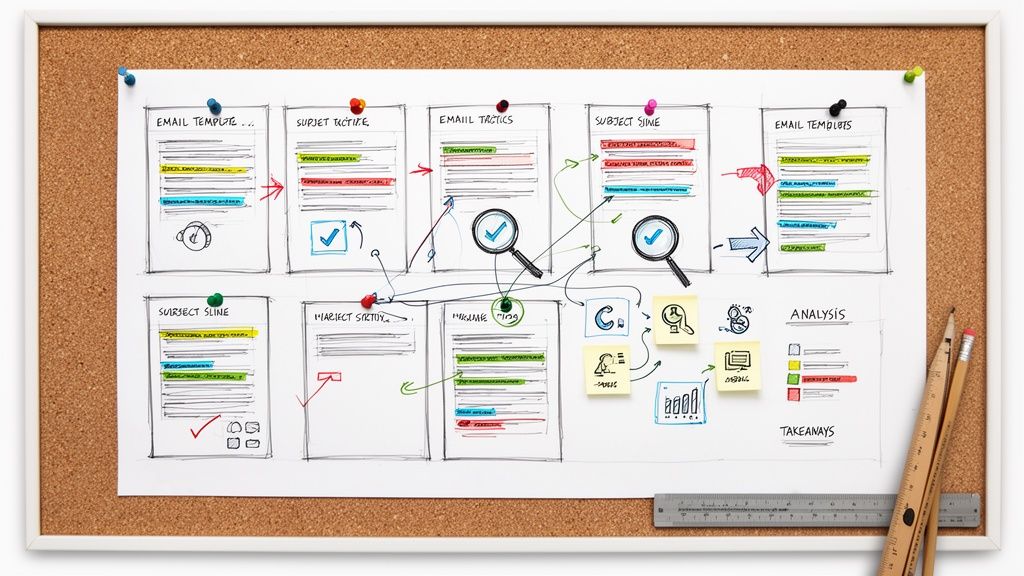
Email marketing remains the bedrock of building an authentic personal brand, but staring at a blank screen can be daunting. How do you craft messages that not only get opened but also build trust, drive action, and cement your professional legacy? The secret isn't just creativity; it's understanding the proven strategies behind campaigns that consistently win. This guide moves beyond generic advice to give you a detailed look at high-performing email marketing campaign examples tailored for founders, creators, and industry leaders.
We’re not just showing you pretty designs. We're dissecting the anatomy of what makes them work, from compelling subject lines and preview text to strategic calls-to-action and conversion-focused layouts. You'll gain a behind-the-scenes look into the tactics used by top brands and professionals to foster genuine connections with their audience. Each breakdown includes a strategic analysis, actionable takeaways, and clear guidance on how to adapt these methods for your unique niche.
Of course, a brilliant campaign is useless if it never lands in the inbox. Before launching your next send, it's critical to ensure your messages are set up for success. Consulting a comprehensive email deliverability guide can help you optimize your sending strategy and avoid the spam folder.
This resource is your blueprint for turning inspiration into implementation. We’ll explore curated examples from platforms like Really Good Emails, MailCharts, and HubSpot, providing screenshots and direct links to see them in action. Let’s transform that blank page into an email strategy that builds your brand and truly connects with your subscribers.
A well-crafted welcome sequence is your single best opportunity to make a lasting first impression. This isn't just about saying 'thanks for subscribing'; it's about validating their decision, setting clear expectations, and immediately delivering value. We'll analyze a multi-part welcome series that masterfully onboards new subscribers by combining personal storytelling with a strategic introduction to the brand's core offerings. This example excels at turning passive new subscribers into an engaged community from day one.
This welcome sequence from a leadership coach unfolds over three emails sent during the first five days of a new subscription. Its primary goal is to establish a personal connection before introducing any paid products.
Email 1: The Personal Welcome & Quick Win
Email 2: Setting Expectations & Social Proof
This campaign is a prime email marketing campaign example because it prioritizes relationship-building over a quick sale. It understands that for a personal brand, trust is the most valuable currency.
Strategic Insight: The first email immediately disarms the new subscriber with vulnerability. Sharing a story of failure, not just success, creates an instant human connection and makes the sender relatable. This is far more powerful than a generic "Thanks for signing up."
The sequence strategically delays the introduction of paid services. By first offering a free tool (the planner) and a community connection, it builds a foundation of goodwill. This makes the eventual sales pitch feel like a natural next step in a trusted relationship, not an unsolicited advertisement.
To replicate this strategy, focus on the core principles of connection and value.
Bringing a subscriber back from the brink of unsubscribing is one of email marketing's toughest challenges. A powerful re-engagement campaign does more than just say, "Are you still there?"; it reminds them of the value they originally sought and presents a compelling reason to stay. We'll explore a campaign that uses a pattern-interrupting question and a clear value proposition to reactivate its audience, turning potential list churn into renewed engagement. This is a crucial strategy for maintaining a healthy and responsive email list.
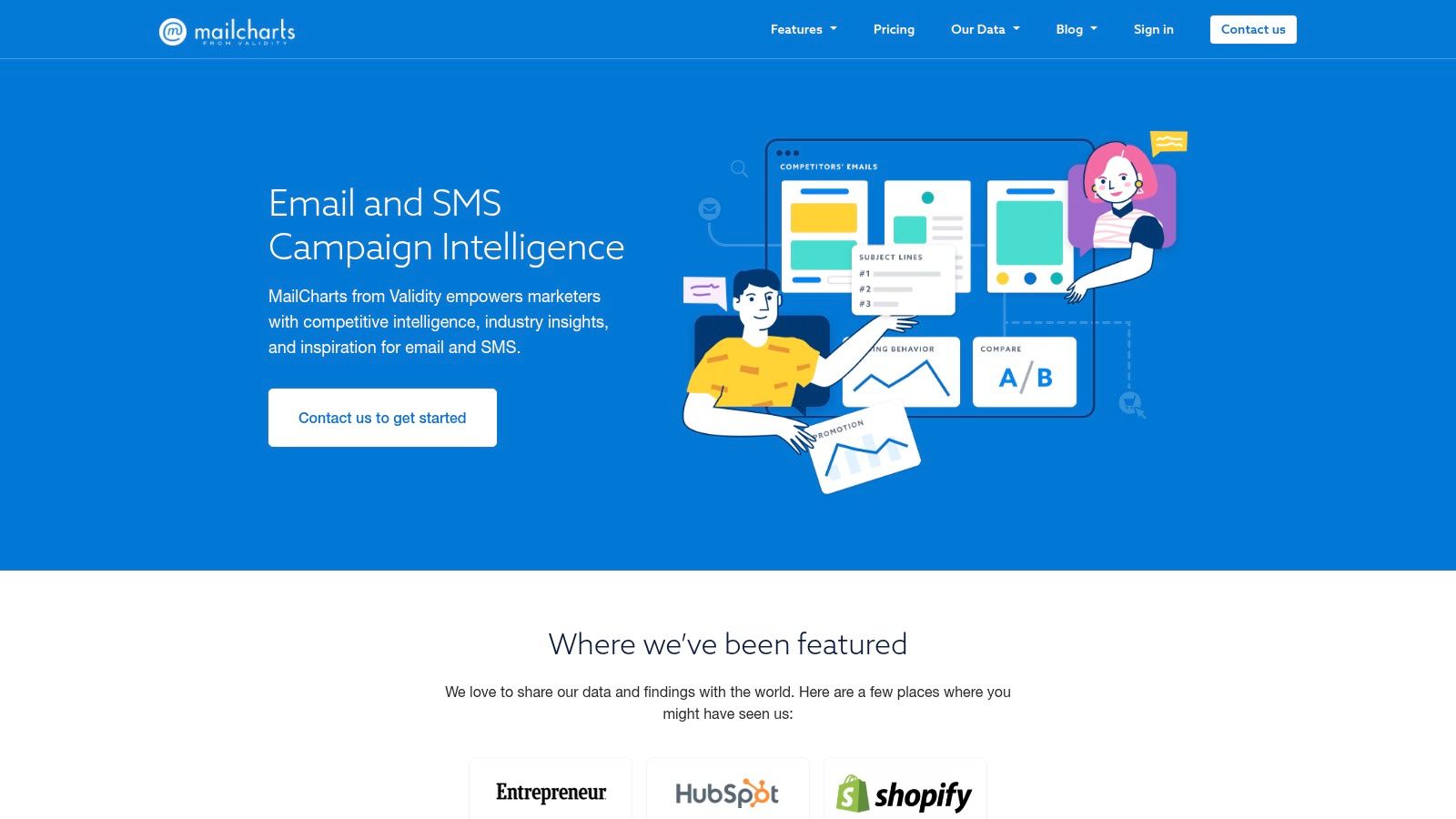
This single-email re-engagement campaign from a SaaS company is triggered after a subscriber has not opened an email for 90 days. The campaign's objective is simple: get a response (an open or a click) or gracefully remove the subscriber to improve overall list health.
Email 1: The Direct Question & Value Reminder
This campaign is a brilliant email marketing campaign example because of its directness and simplicity. It avoids guilt-tripping the user and instead places the power back in their hands, which is a respectful and effective approach.
Strategic Insight: Using a blunt, question-based subject line like "Still want emails from us?" cuts through inbox noise. It creates a small moment of tension that compels the user to open the email to resolve the question, dramatically increasing open rates for this specific type of campaign.
The email's body copy immediately follows up by reminding the subscriber of the tangible benefits they're missing, such as case studies and reports. This is not just a plea to stay; it is a restatement of value. Providing two clear options (a button to stay, a link to leave) makes the decision frictionless and ensures that only engaged subscribers remain on the list.
Replicating this requires a shift from a "please don't go" mindset to one of mutual respect and value alignment.
Bringing a subscriber back from the brink of inactivity is one of email marketing's toughest challenges. A generic "we miss you" email rarely works. Instead, a successful re-engagement campaign must acknowledge the silence, provide a compelling reason to return, and make it incredibly easy for the user to take action. We'll examine a classic "win-back" strategy that uses a direct question and a clear value proposition to reactivate a cold segment of the list, turning potential unsubscribes into renewed followers.
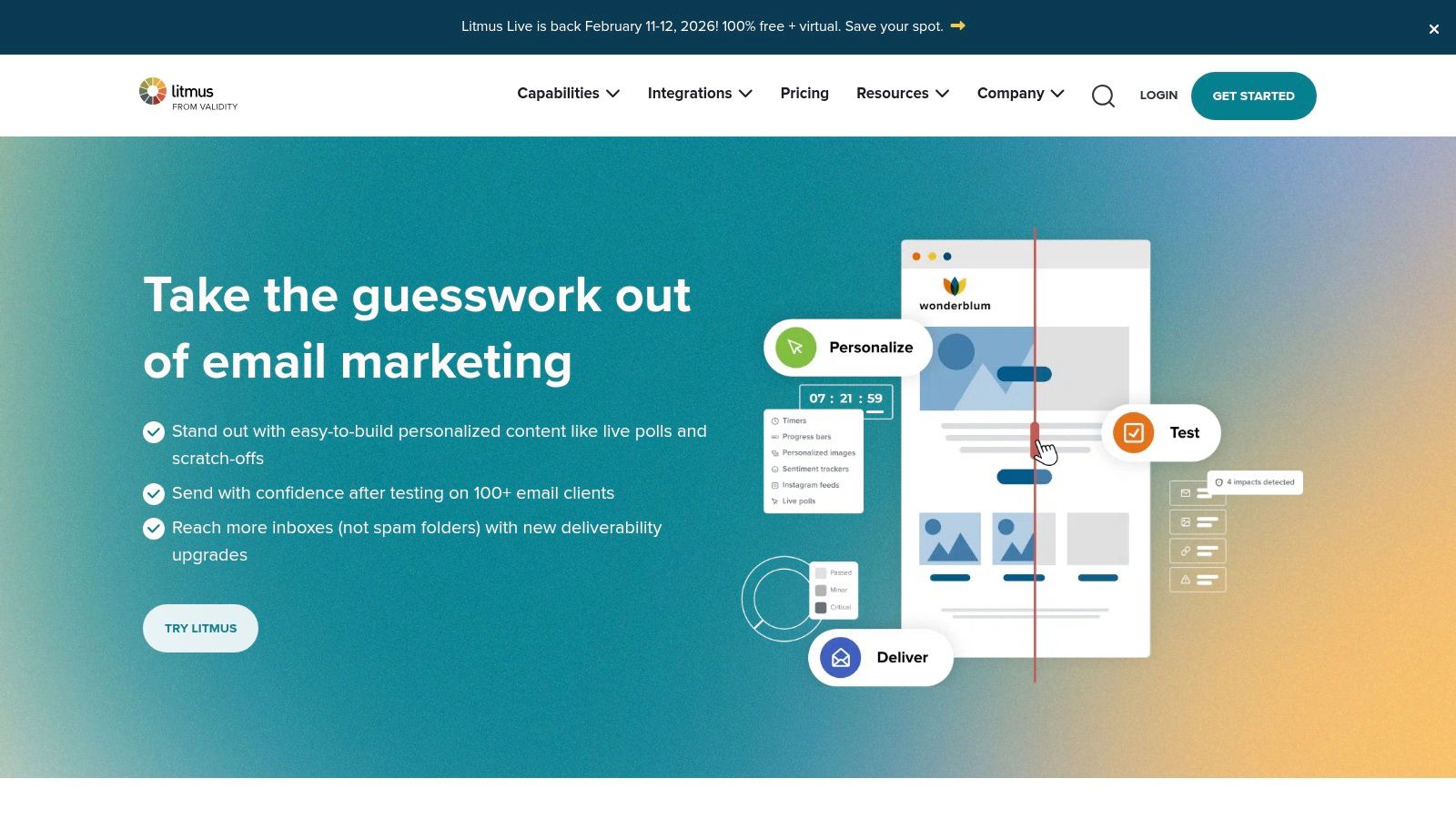
This single-email campaign targets subscribers who have not opened or clicked an email in the last 90 days. Its goal is not just to get an open but to re-establish the value of the subscription and clean the email list if necessary.
Email 1: The Direct Question & Value Reminder
This approach is a powerful email marketing campaign example because it's built on respect for the subscriber's inbox. Instead of guessing why they're disengaged, it asks directly, empowering the user to make a choice. This is far more effective than simply continuing to send emails to an unengaged audience, which can harm sender reputation.
Strategic Insight: The subject line "Is this goodbye?" is intentionally dramatic and personal. It leverages curiosity and a touch of loss aversion to provoke an open from an audience that has been ignoring more conventional subject lines. It cuts through the noise by making the email feel like a personal check-in, not an automated blast.
By presenting two clear options (stay or go), the campaign achieves a positive outcome regardless of the subscriber's choice. A "yes" click reactivates an interest, while an unsubscribe helps clean the list, improving overall deliverability and engagement metrics for future campaigns.
To implement a similar strategy, focus on clarity, value, and respect for the subscriber's time.
Sometimes the biggest hurdle isn't the strategy, but the execution. For those who aren't designers, creating a professional, responsive email can be a significant roadblock. Campaign Monitor's free email template library and builder tackles this problem head-on. It's not an archive of competitor campaigns, but rather a powerful toolkit for creating your own polished emails based on proven layouts and design principles. This resource is perfect for rapidly prototyping ideas or for small teams needing to produce high-quality emails without a dedicated designer.
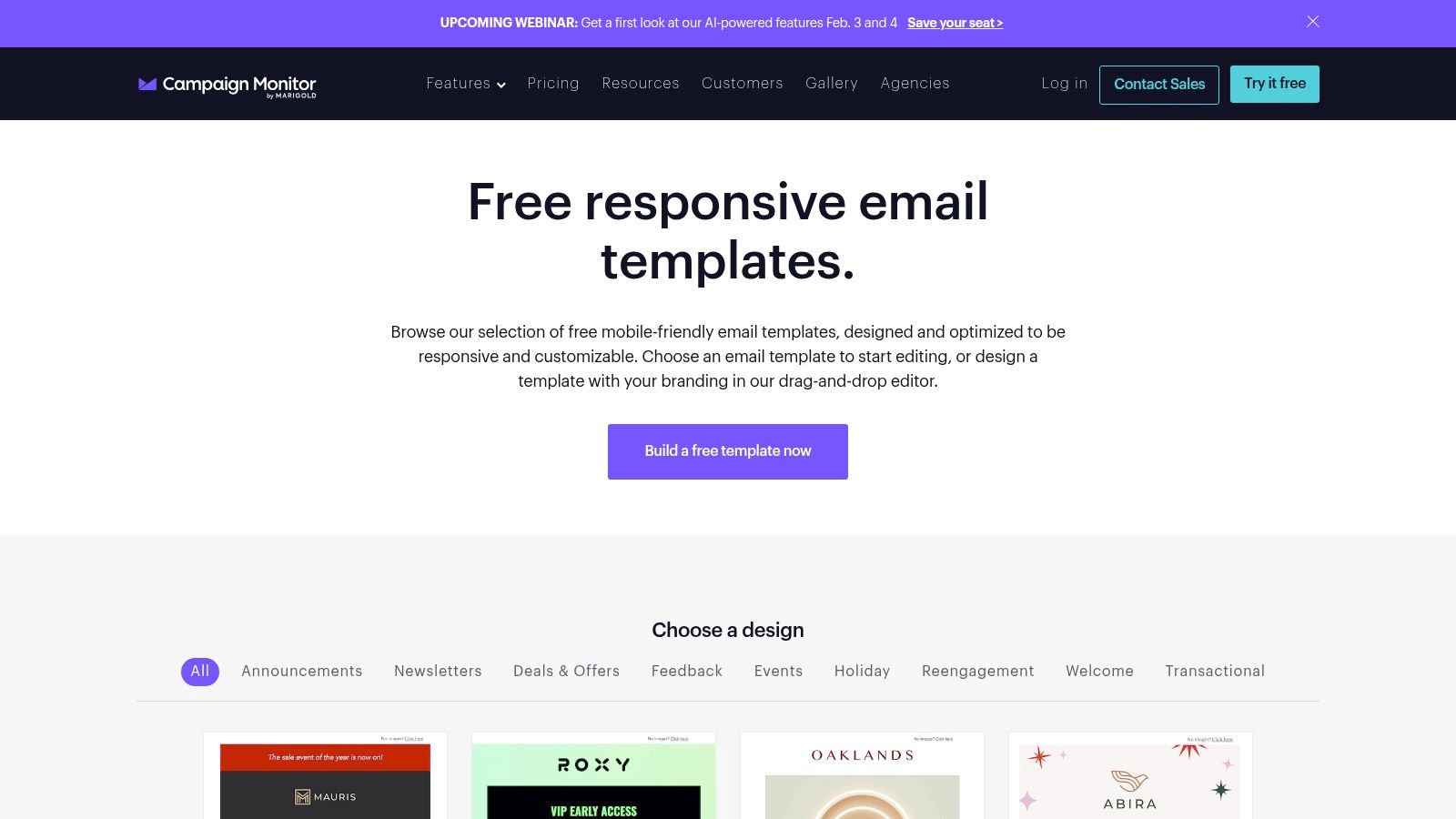
Campaign Monitor provides a launchpad for various email types by offering dozens of pre-built, mobile-friendly templates. The platform is built around a drag-and-drop editor, allowing users to select a template and customize it in minutes.
Available Templates: From Newsletters to Announcements
Using the Builder: A Quick Workflow
This resource is an essential email marketing campaign example of a different kind: it's a "how-to" gallery, not a "what they did" archive. Its strength lies in providing the structural foundation for great campaigns, ensuring that even beginners can send emails that are both aesthetically pleasing and functional.
Strategic Insight: Great design builds trust. An email that is poorly formatted or breaks on mobile devices instantly damages credibility. Campaign Monitor solves this by ensuring every template is fully responsive, allowing you to focus on your message instead of worrying about technical glitches.
By using a professionally designed template, you are leveraging years of design best practices without needing the expertise yourself. This accelerates your workflow and ensures a consistent, high-quality experience for your subscribers, which is a crucial first step before you can even begin to implement advanced strategies.
To get the most out of this tool, focus on adapting the proven layouts to your specific brand and message.
It's a familiar story: a potential customer adds items to their cart, gets to the checkout, and vanishes. An abandoned cart sequence is your most direct tool for re-engaging these high-intent prospects and recovering what would otherwise be lost revenue. We'll examine a classic, multi-touch abandoned cart campaign that uses a combination of gentle reminders, social proof, and scarcity to guide users back to complete their purchase. This example is a masterclass in turning hesitation into a conversion.
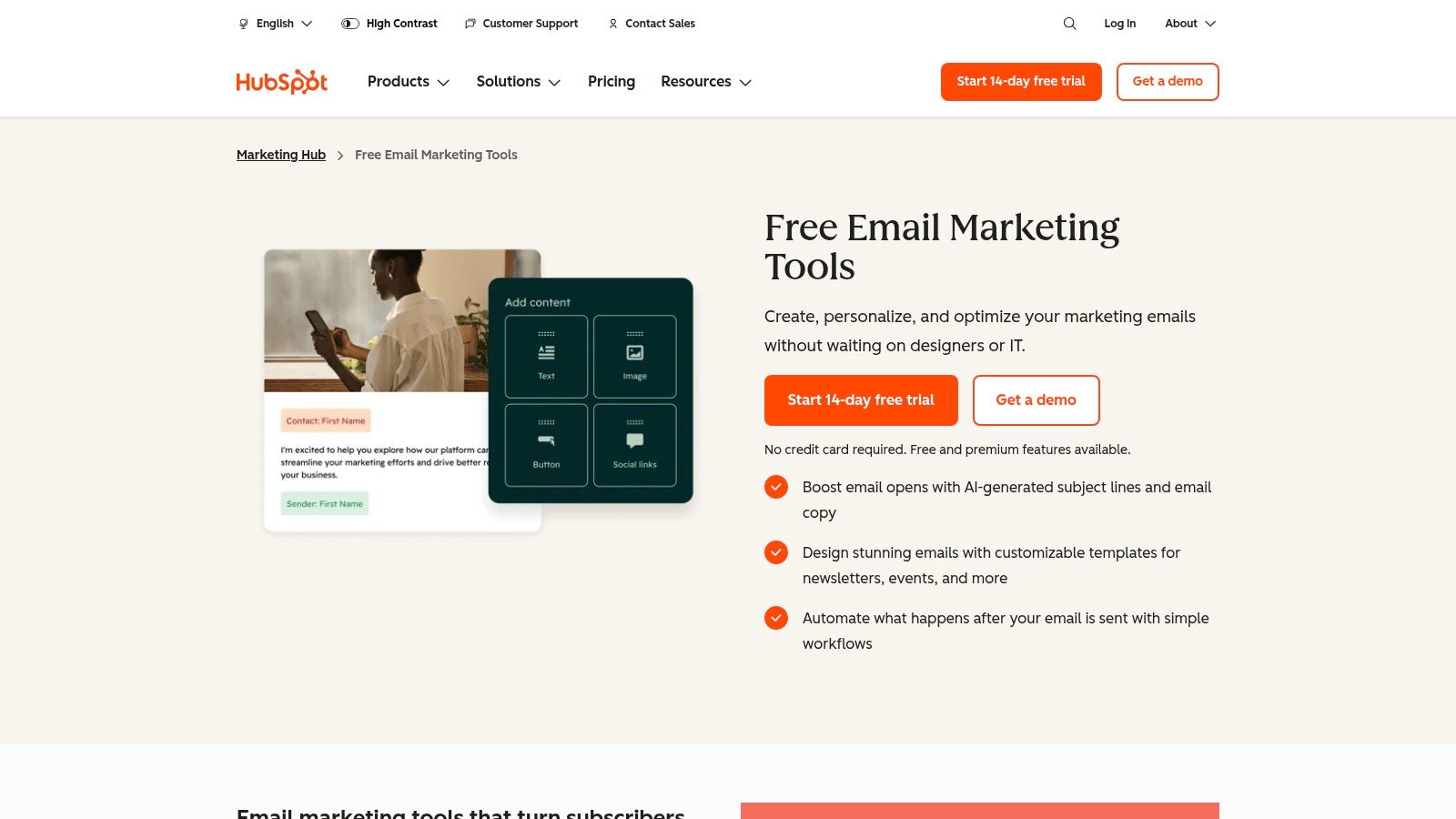
This three-part sequence from an e-commerce brand selling eco-friendly home goods triggers automatically when a user with an account leaves items in their cart for more than one hour. The campaign's goal is to overcome common purchase barriers like price sensitivity and decision fatigue.
Email 1: The Gentle Reminder (Sent 1 Hour After Abandonment)
Email 2: Overcoming Objections with Social Proof (Sent 24 Hours After)
This is a powerful email marketing campaign example because it addresses the psychology behind cart abandonment step-by-step. Instead of just sending a single "you forgot this" email, it builds a case for completing the purchase. Getting the subject line right is critical, as it's the first barrier to getting your message seen. For more ideas, you can explore these 10 powerful email subject line examples to boost your open rates in 2025.
Strategic Insight: The second email is the most crucial element. By introducing a customer review for a specific item in the user's cart, it moves beyond a simple reminder and actively works to neutralize purchase anxiety. This social proof provides the validation many hesitant buyers need to feel confident in their decision.
The campaign escalates its approach. It starts with a low-pressure reminder, moves to building confidence with social proof, and only then (in a potential third or fourth email not detailed here) might it introduce an incentive like a small discount. This tiered approach respects the customer's journey and avoids devaluing the product upfront.
Every email list has subscribers who go cold. A targeted re-engagement or "win-back" campaign is a crucial tool to reactivate these dormant contacts before they're lost for good. This isn't about a simple "we miss you" message; it's a strategic final attempt to remind them of the value you offer and give them a compelling reason to stick around. We'll break down a classic re-engagement email that uses a powerful combination of a direct question and a last-chance offer to prompt a response.
This example is less about a multi-part sequence and more about a single, decisive email. It works because it respects the subscriber's time while making a clear case for why they should stay. This approach is highly effective for cleaning your email list and ensuring you're only marketing to an engaged audience, which improves deliverability and open rates.
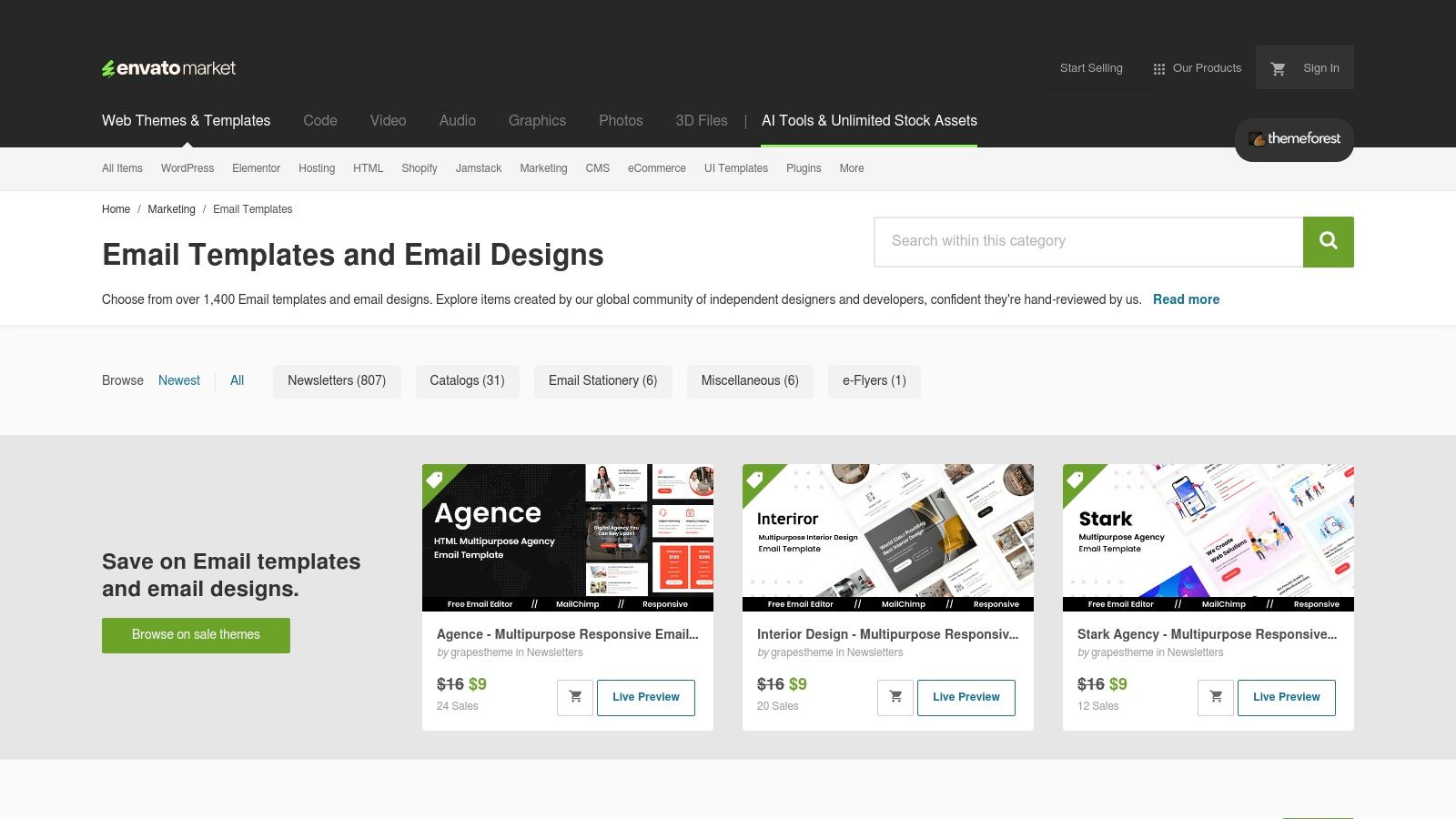
This re-engagement email is typically sent to subscribers who haven't opened or clicked an email in a specific timeframe, such as 90 or 120 days. The goal is two-fold: reactivate interested subscribers and gracefully remove those who are no longer a fit. For those interested in creating visually polished emails like this without starting from scratch, marketplaces like ThemeForest offer thousands of affordable, production-ready HTML templates.
Email 1: The Final Check-in & Value Proposition
This campaign is a potent email marketing campaign example because of its directness and simplicity. It leverages the psychological principle of loss aversion by framing the email around the idea of "goodbye," which often motivates people to act more than a simple "we miss you" would.
Strategic Insight: The dual CTAs are critical. Providing an easy "opt-out" link shows respect for the subscriber's inbox and can actually reduce the likelihood of them marking your emails as spam. The primary "opt-in" button is designed to be a single, low-friction click that confirms their interest and re-engages them with your brand.
The email also re-states the core value proposition ("weekly insights on brand building"), reminding the subscriber why they signed up in the first place. This jog to their memory can be the final push needed to get them to click "Yes."
To implement a similar strategy, focus on clarity, respect, and a single, compelling question.
What happens after a customer makes a purchase is just as important as what led them to buy. A strategic post-purchase sequence goes beyond a simple transactional receipt; it reaffirms the customer's decision, provides immediate value, and paves the way for a long-term relationship. We will analyze a sequence that excels at turning one-time buyers into repeat customers and loyal advocates by making them feel valued and supported from the moment they click "buy."
This post-purchase sequence from a digital product creator (selling templates on a platform like Creative Market) is triggered immediately after a customer buys an email template pack. The goal is to reduce buyer's remorse and increase product usage and satisfaction.
Email 1: Order Confirmation & Quick Start Guide
Email 2: Pro-Tip & Community Invite (Sent 2 Days Later)
This campaign is a brilliant email marketing campaign example because it focuses on customer success over immediate upselling. It anticipates potential friction points (like template installation) and proactively solves them.
Strategic Insight: The first email delivers more than just the product; it delivers a clear path to success with the product. Including a "Quick Start Video" drastically lowers the barrier to entry and reduces the likelihood of the customer feeling overwhelmed and abandoning the purchase.
This approach builds immense goodwill and positions the creator as a helpful guide, not just a seller. Ultimately, post-purchase follow-ups are a core component of retention marketing, which focuses on keeping existing customers delighted and engaged.
To implement a similar strategy, think about the customer journey immediately following a purchase.
We've journeyed through a comprehensive collection of tools and resources, from the vast libraries of Really Good Emails and MailCharts to the powerful builders within HubSpot and Campaign Monitor. Each platform offers a unique window into the world of high-performing email marketing, showcasing how strategy, design, and copy converge to create messages that captivate and convert.
The email marketing campaign examples we've dissected share a common DNA. They are not simply broadcasts; they are carefully constructed conversations. They prove that successful email marketing is less about shouting into the digital void and more about whispering the right message to the right person at the right time. The most effective campaigns are built on a foundation of deep audience understanding and a commitment to delivering genuine value.
Seeing what works is the first step, but turning that inspiration into a repeatable process is where true growth happens. As you move forward, distill the lessons from these examples into a strategic framework for your own brand.
Here are the most critical takeaways to implement immediately:
The tools featured in this article, like ThemeForest for templates or Campaign Monitor for its builder, are means to an end. The right tool for you depends entirely on your specific goals, technical comfort level, and budget.
Consider these factors before committing to a platform:
Ultimately, the best email marketing campaign examples are those that feel human. They are authentic, empathetic, and consistently valuable. Your email list is more than a collection of contacts; it is a community of individuals who have given you permission to connect with them directly. Honor that trust. Use these insights not to just build a bigger list, but to cultivate a loyal audience that champions your work and helps you build a lasting legacy.
If you're ready to translate your unique story and expertise into a cohesive content strategy that includes powerful email marketing, consider partnering with Legacy Builder. We help professionals like you turn insights from these email marketing campaign examples into your own influential campaigns, ensuring your message resonates and your brand grows. Let's build your legacy together at Legacy Builder.


You could – but most in-house teams struggle with the nuance of growing on specific platforms.
We partner with in-house teams all the time to help them grow on X, LI, and Email.
Consider us the special forces unit you call in to get the job done without anyone knowing (for a fraction of what you would pay).
Short answer – yes.
Long answer – yes because of our process.
We start with an in-depth interview that gives us the opportunity to learn more about you, your stories, and your vision.
We take that and craft your content then we ship it to you. You are then able to give us the final sign-off (and any adjustments to nail it 100%) before we schedule for posting.
No problem.
We have helped clients for years or for just a season.
All the content we create is yours and yours alone.
If you want to take it over or work on transitioning we will help ensure you are set up for success.
We want this to be a living breathing brand. We will give you best practices for posting and make sure you are set up to win – so post away.
Subscribe to our newsletter and get insights on how to grow your personal brand.
